LinkCom 5 User Manual
Page 15
5.2.2 Connect a USB printer
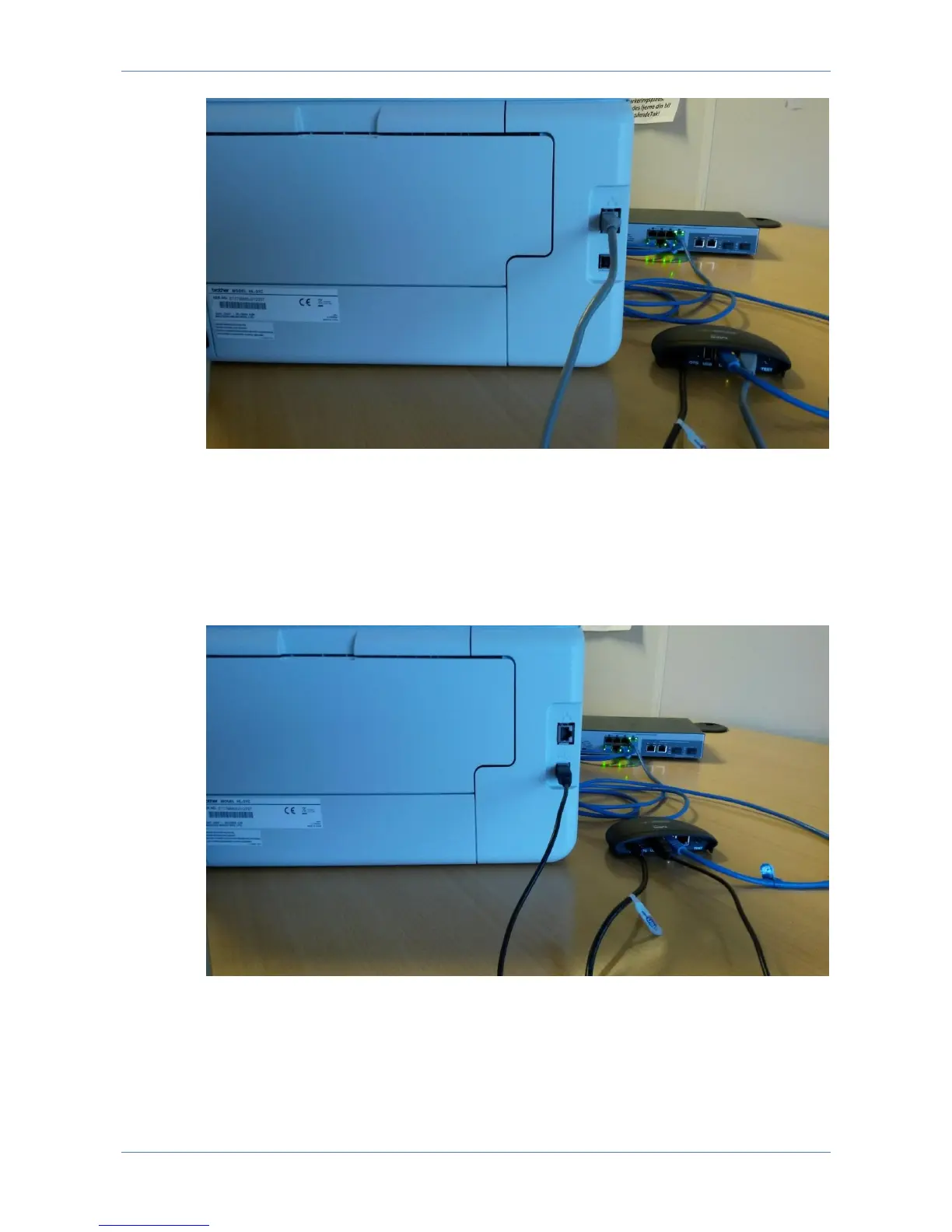
A USB printer can be LAN connected via the LinkCom 5 PrintServer.
Connect the LinkCom 5 PrintServer to the network via the LAN port, and connect a
USB cable (USB-A USB-B cable) between the PrintServer and the printer. Plug
the normal USB-A connector into the PrintServer’s USB port, and the USB-B
connector into the USB port on the printer.
5.2.3 Host2Net connection
Host2Net connection is the recommended setup when:
The network printer and the LinkCom PrintServer are located too far from each
other to be directly connected, or



 To Next Page