LinkCom 5 User Manual
Page 46
There are some situations where using the LinkCom 5 PrintServer for this type of
print is recommended.
Example 1
When printing to a USB connected printer that is not connected to the LAN and
cannot be reached through other channels.
Example 2
The host system needs to send special pre/post/replacement strings along with the
print jobs.
Example 3
In mixed environments where host output and office application output is sent to
the same printer.
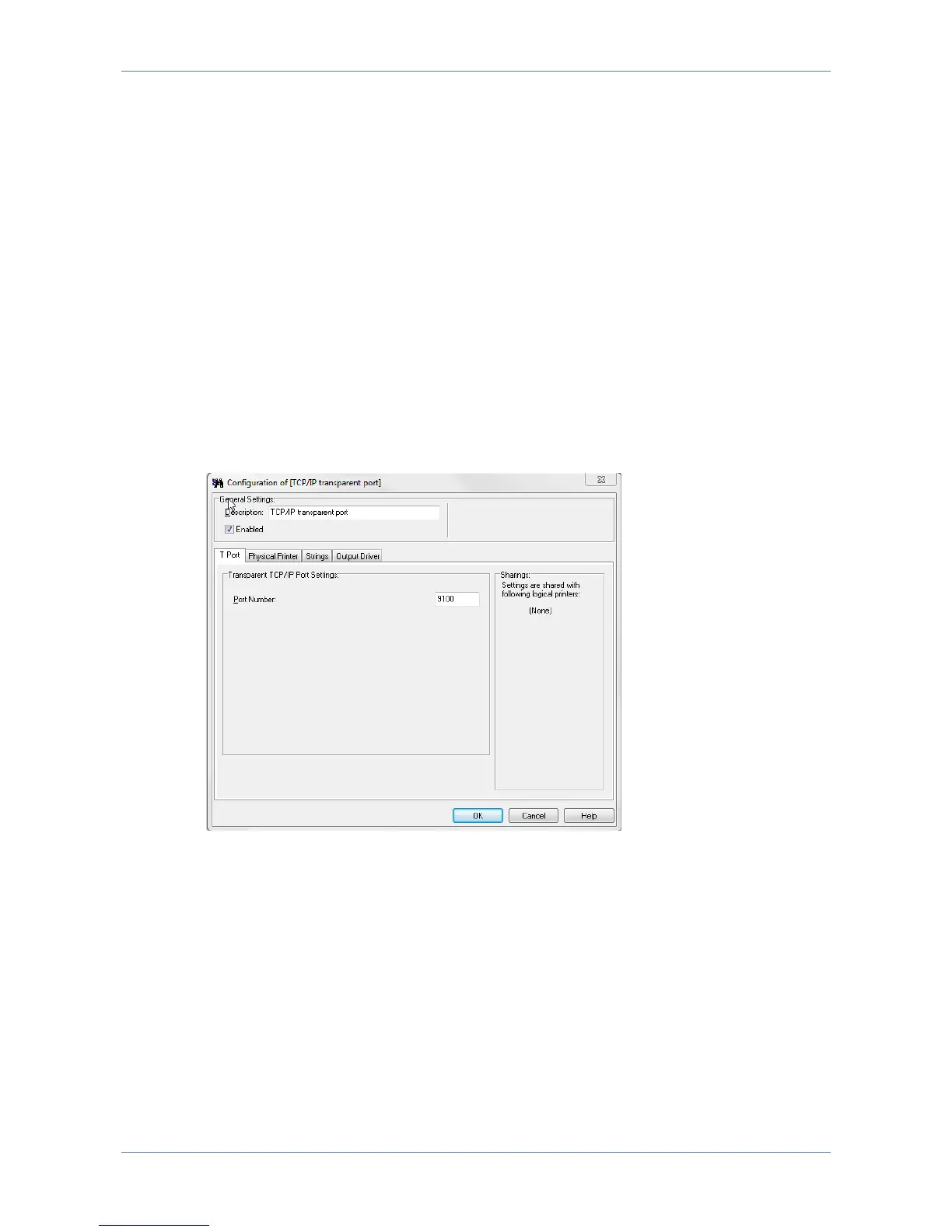
7.8.1 T Port
Port Number
This is the port number that the host system/PC/Server has to print to in order to
target TCP/IP print to the PrintServer. Default settings is TCP port 9100
(recommended), but can be any port as long as incoming print is in RAW format.
If selecting any other port than 9100 please ensure that the selected port number
does not conflict with other port assignments for transforms, devices or network.



 To Next Page