LinkCom 5 User Manual
Page 75
13.3 Test button reset feature
The test button is enabled in the default settings. Pressing the test button holding it
between 8 and 60 seconds will force the PrintServer to reset settings to factory
defaults.
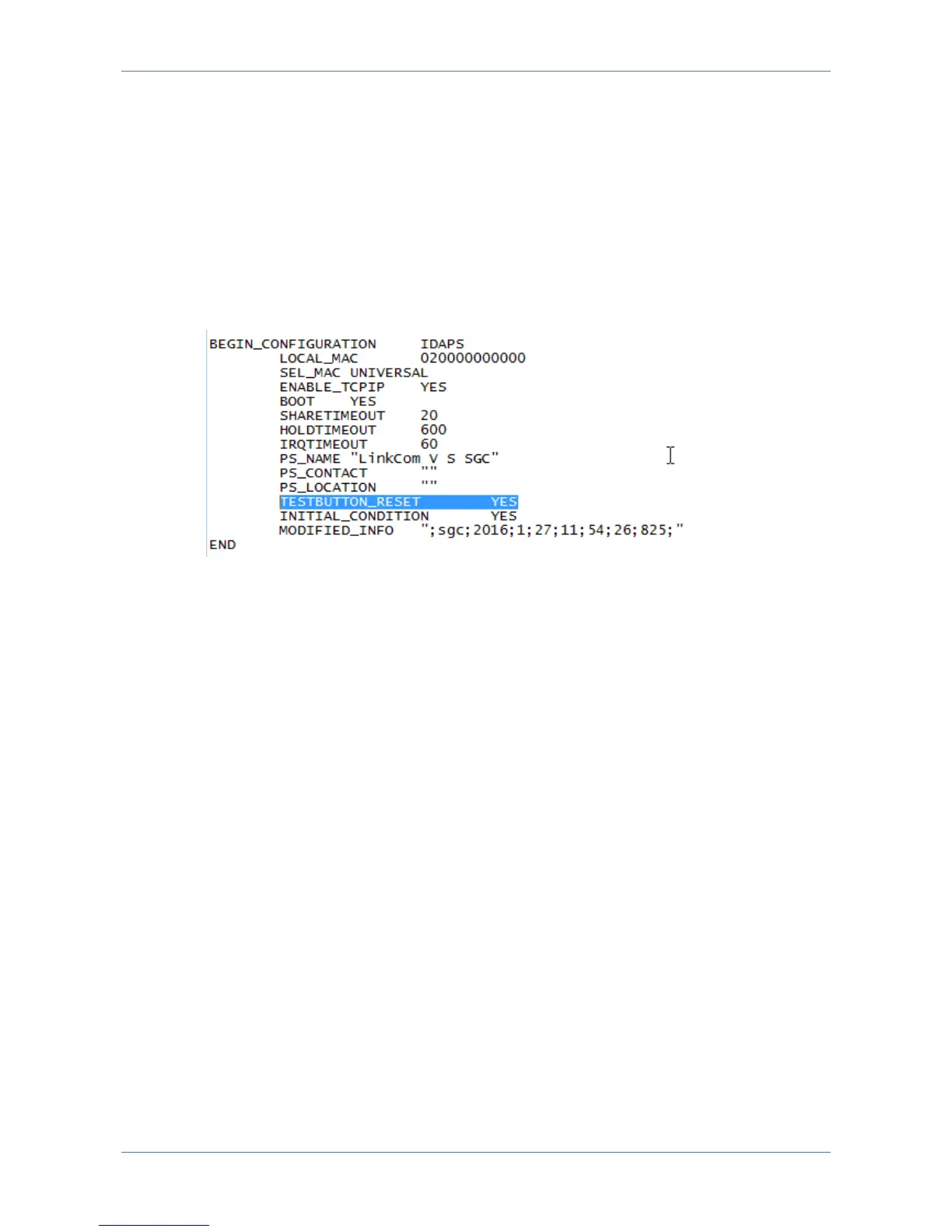
Disable reset to factory defaults via test button
Locate the section “BEGIN_CONFIGURATION IDAPS”
Change TESTBUTTON_RESET value from YES to NO
Save changes.
This change will not disable the ability to print a test page by pressing the test
button.



 To Next Page