LinkCom 5 User Manual
Page 35
Language (Output data stream)
Select: PCL5, PostScript or Matrix
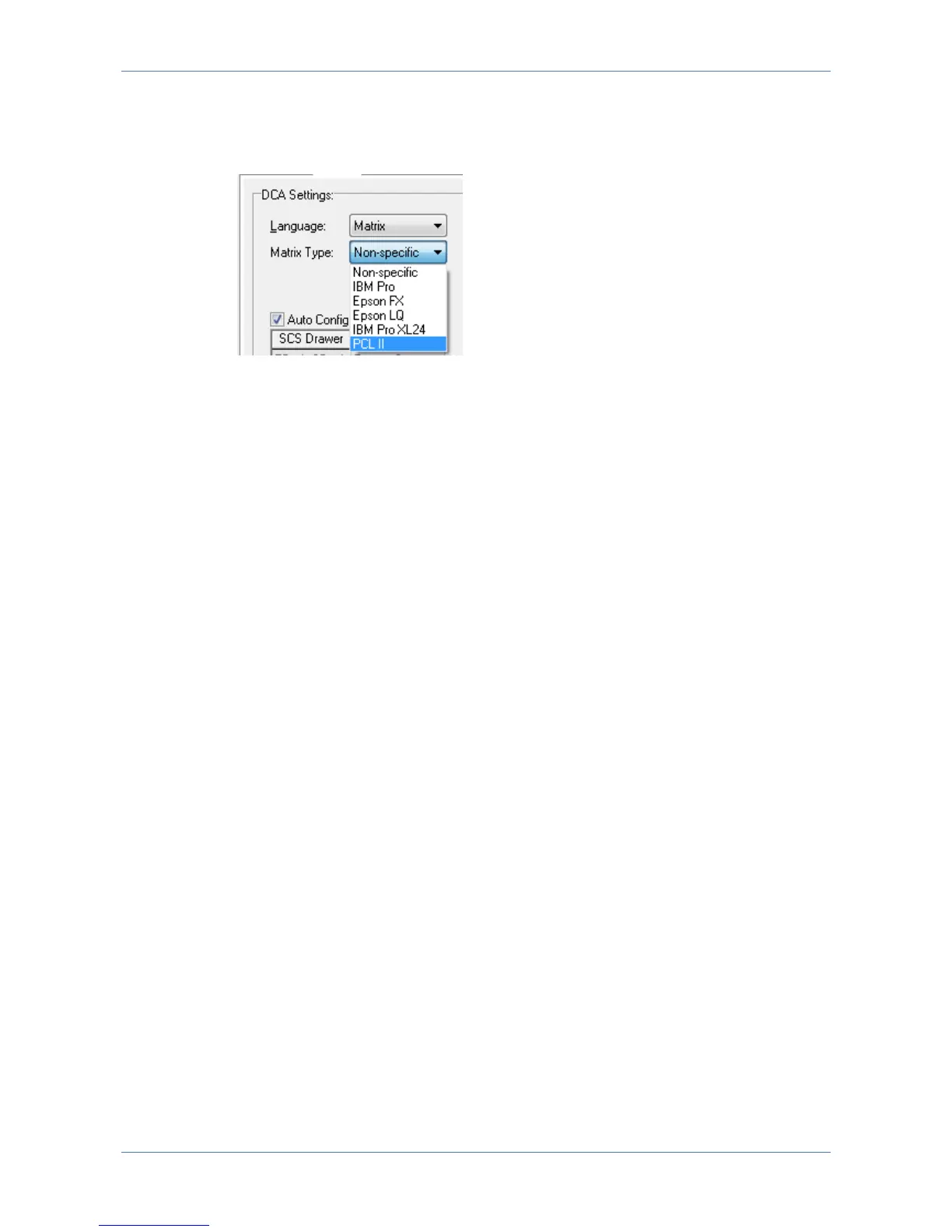
If Matrix is selected a list of sub matrix options becomes selectable:
Select between Matrix printer type: IBM Pro, IBM Pro XL 24, Epson FX, Epson
LQ, PCL II or Non-specific.
Remember to alter your Matrix printer accordingly in case it supports multiple
matrix printer languages.
Code Page
Select the required value: Default is 500 (Multinational). Value has to match
corresponding value on the host system.
AFP Tray Mapping
Is default set to ‘Auto Configuration’. The available trays are automatically imported
from the trays defined in the Physical Printer definitions. Trays can be re-mapped
by disabling the ‘Auto Configuration’ and click on the tray name and select the
required tray from the list. Only the tray type can be remapped.
Edge to Edge Support
When checked it will inform the host that the output printer supports print from
edge to edge (even if the printer is not capable of this).
When used with PostScript print the PrintServer will (if needed) scale down the
print to ensure print data is within allowed printable area.
When used with PCL the print data outside the allowed printable area might be
printed outside the actual paper. So use this option with consideration.
7.6.3 Physical Printer
These parameters are predefined when selecting the Printer Template (see 7.9
Printer templates). The Printer Template defines the target printer in the basic
version. Before any additional options installed in the printer can be accessed,
these must be enabled or defined via the below panels.
‘Auto Configure’ if checked, will attempt to retrieve information about Trays/Bins
paper format etc. directly from the printer. After selecting this option, changes
must be saved and the PrintServer restarted, as the information is collected during
the PrintServer start up. Enabling ‘Auto Configure’ disables manual configuration.



 To Next Page