LinkCom 5 User Manual
Page 33
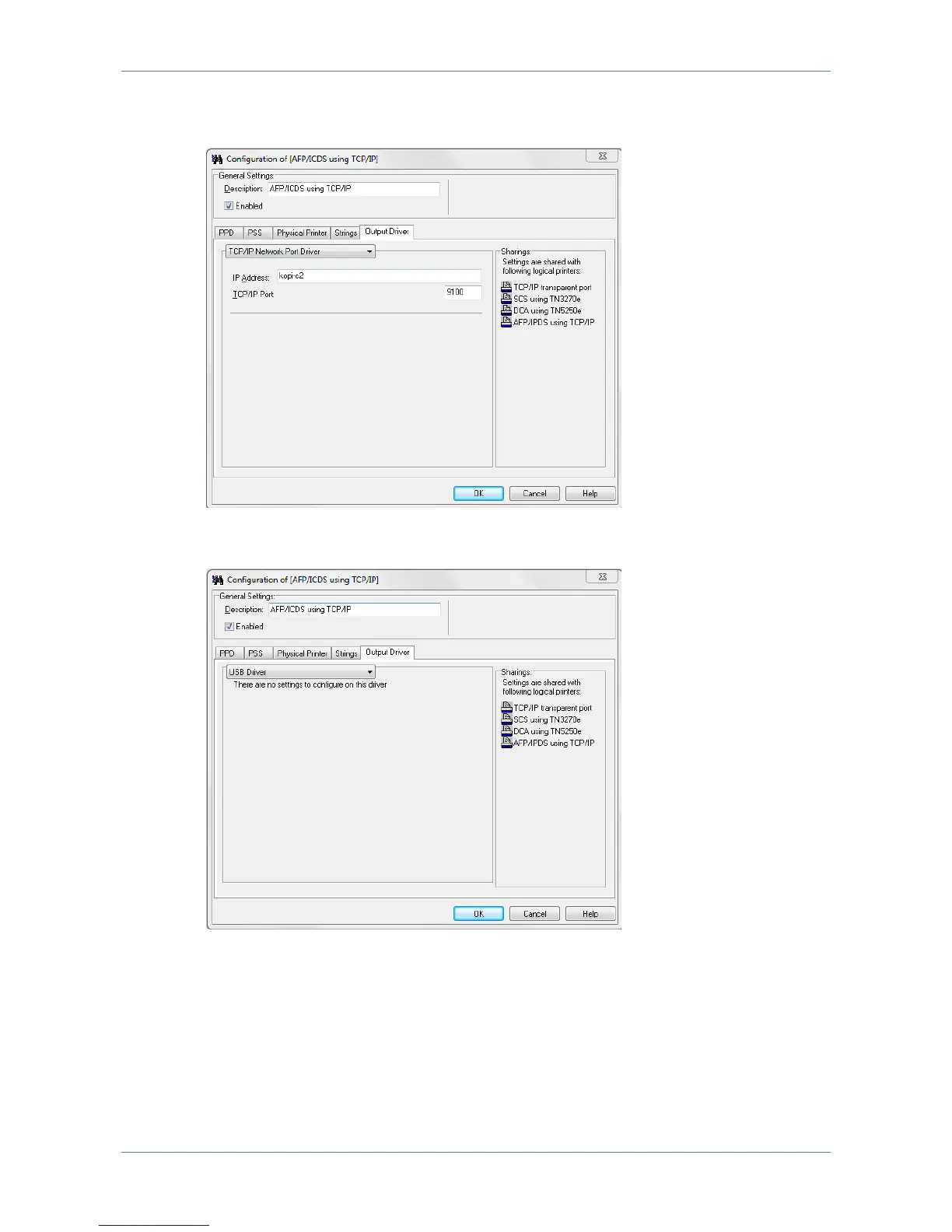
The selected TCP/IP port (default is 9100) must be a RAW port type, and supported
by the printer.
The output printer can also be a USB printer, in which case the PrintServer has to
be directly connected with the USB printer using a USB cable.
7.6 Configuring DCA Transform
DCA transform is relevant for AS400 non-graphic text only print. The benefit of
setting up DCA print with PrintGuide, is that once the AS400 host system IP
address and intended DCA printer queue name have been entered, the LinkCom 5
PrintServer will automatically create and configure the DCA printer at the AS400
host. This gives less host system setup compared to e.g. an IPDS printer setup.



 To Next Page