LinkCom 5 User Manual
Page 45
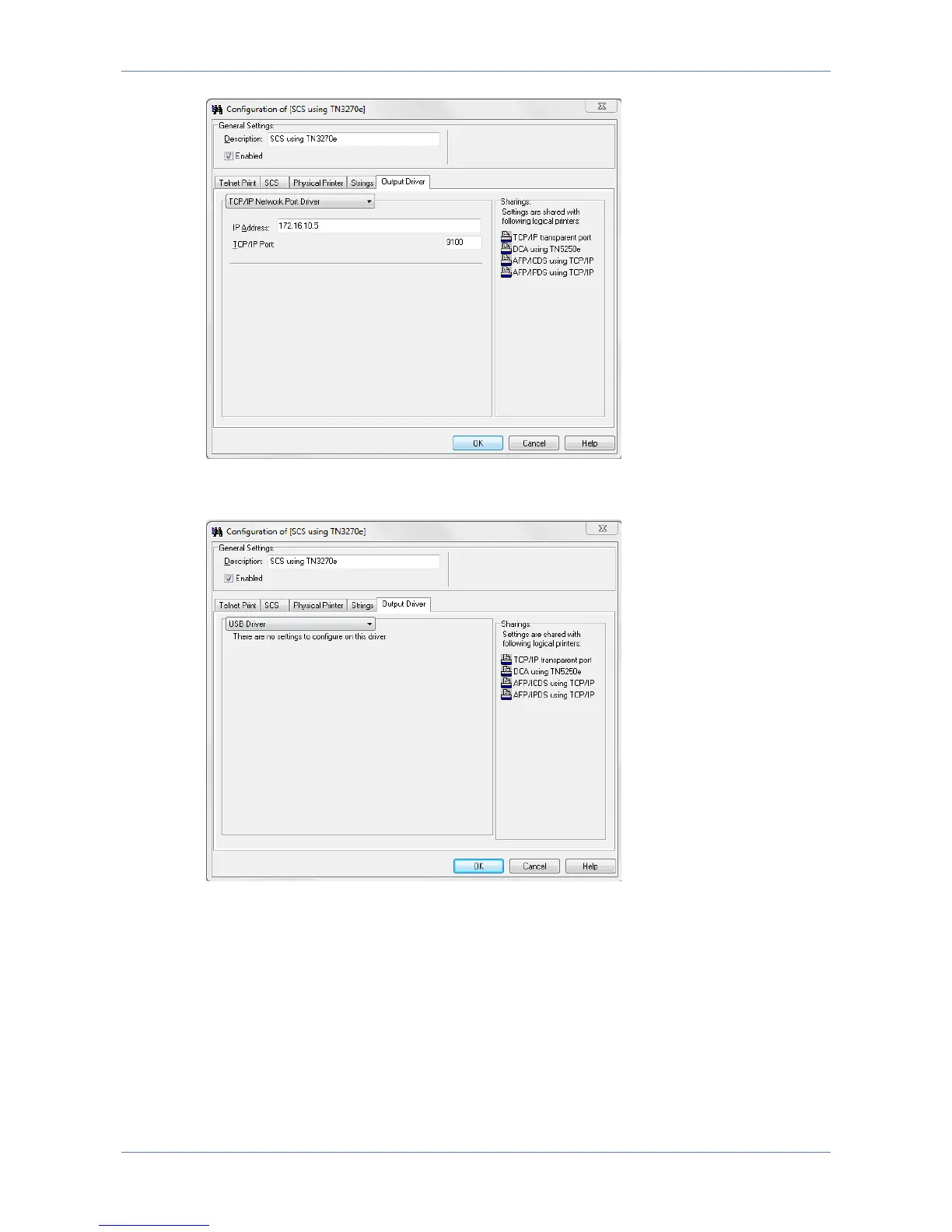
The output printer can also be a USB printer, in which case the PrintServer has to
be directly connected with the USB printer using a USB cable.
7.8 Configuring Transparent TCP/IP Printing
Transparent printing is intended for Windows PC’s, Servers or other TCP/IP host
systems needing to be able to print ordinary TCP/IP print. A LinkCom 5 PrintServer
is not required, as TCP/IP printing is normally handled directly between
host/PC/Server and printer.
The Transparent TCP/IP option makes no alterations to the print job. Any print data
sent to this port is transmitted straight to the output printer. Any response from the
printer e.g. paper low, paper jam etc. is likewise relayed back to the host.



 To Next Page