LinkCom 5 User Manual
Page 57
PSS Start-up Procedure
PSS Printer Profile
Once these parameters have been configured and the basic TCP/IP installation of
the LinkCom 5 PrintServer has been completed, direct AFP / ICDS from PSS / MVS
is possible.
Requirements:
PSS, version 6.01 or higher
TCP/IP for MVS, version 2, release 1 or higher
Interlink TCP/Access Ver.3.1 or higher
8.3.1 PSS printer profile using TCP/IP attachment
*TCPIP DEFINITIONS
TCPIP USER=TCPIP
NAMESRV IP=192.0.15.0
NAMESRV IP=192.0.14.1
*-------------------------------------------------------------------
* PSS PRINTER DEFINITION FOR USE WITH DIRECT TCP/IP CONNECTION
*-------------------------------------------------------------------
PRINTER PRTID=PRT411,IP=192.0.110.21,
PORT=5005
*-------------------------------------------------------------------
Example of PSS printer profile using TCP/IP
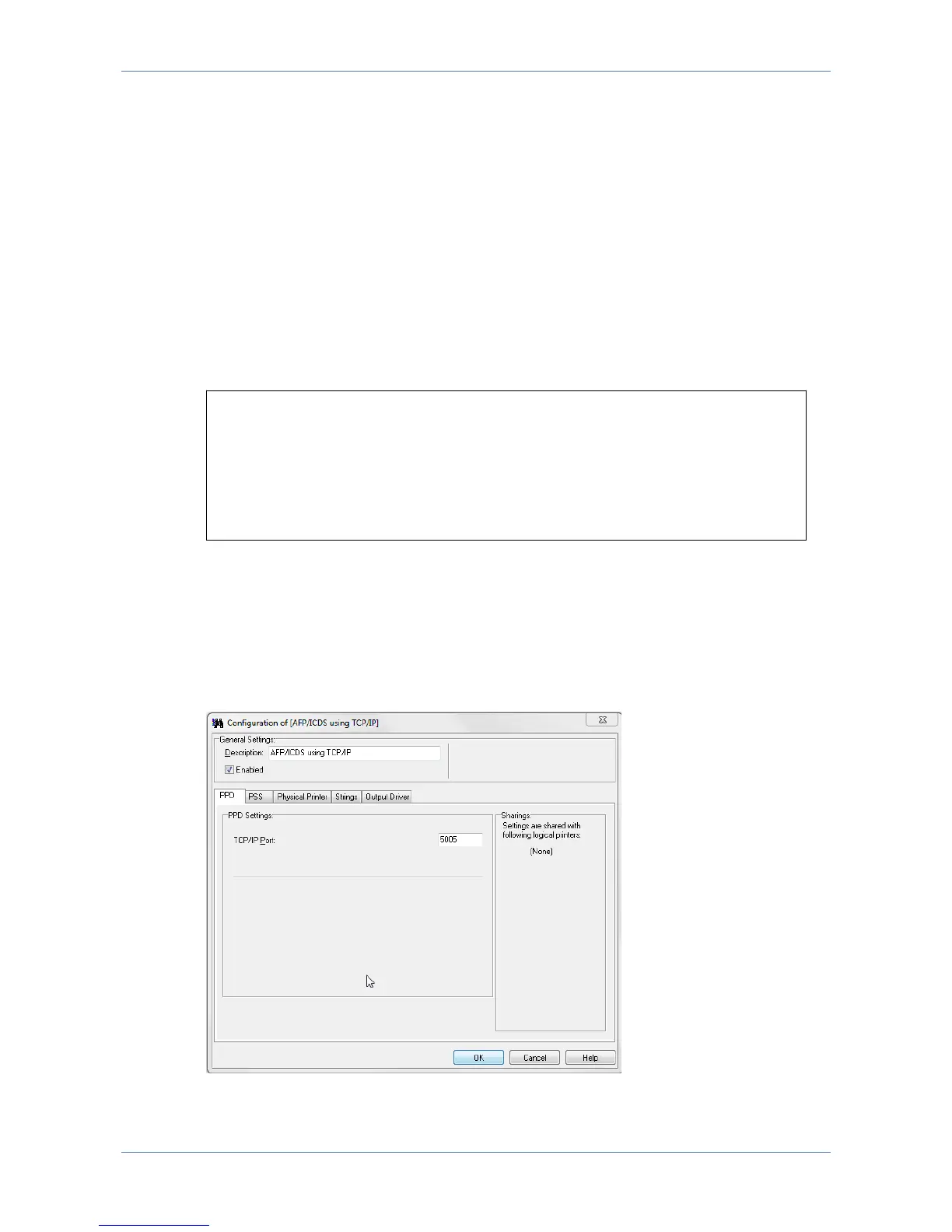
The IP address of the LinkCom 5 print server should be programmed in the IP-
address (IPADDR=‘192.0.110.21’). The port number (PORTNO=5005) is the default
port number of the first ICDS port in the print server. The PrintGuide dialogue
below allows you to enter the TCP/IP Port. See Getting Started with PrintGuide,
doc. no. 60364.



 To Next Page