LinkCom 5 User Manual
Page 16
local network policies do not allow two network devices to share the same
network connection.
The solution is to connect the LinkCom 5 PrintServer to the network using the LAN
port, and connect the network printer directly to the network. The LinkCom 5 can
be configured to transmit print jobs from the PrintServer to the network printer
over the network.
5.2.4 General connection setup
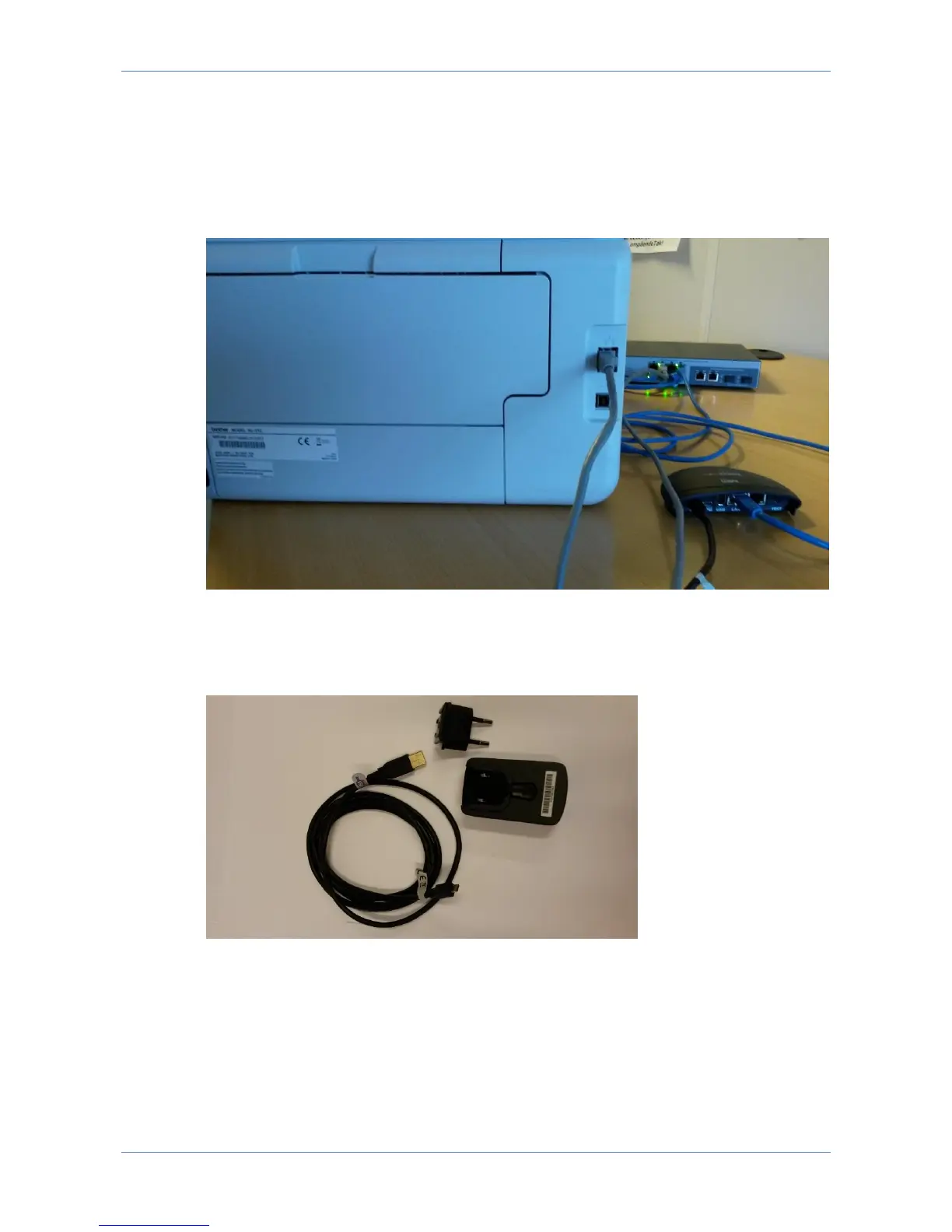
Use the delivered 5V 1A power adapter, regional power plug, and USB-A Micro
USB cable in order to power up the LinkCom 5 PrintServer.
Slide in the regional power plug into the 5V 1A power adapter
Insert the USB-A part of the power USB cable into the 5V 1A power adapter.
Insert the micro USB part of the power USB cable into the PWR socket on the
LinkCom 5 PrintServer. Make sure it is oriented correctly.
Power on the printer
Power up the LinkCom 5.



 To Next Page