LinkCom 5 User Manual
Page 50
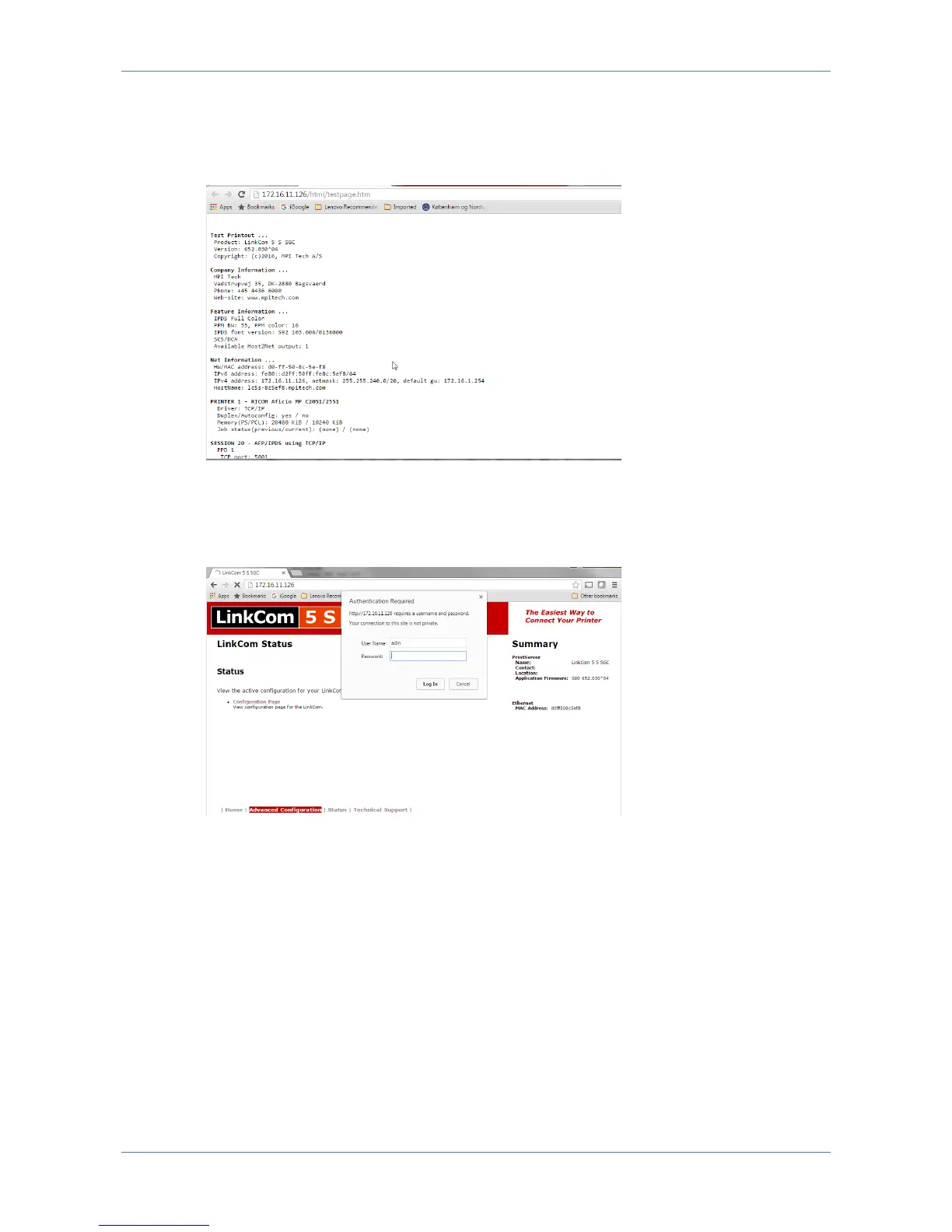
7.10.2 Status page with Configuration Page.
By selecting “Status”, “Configuration Page”, the Configuration Page can be viewed
without having to print it.
7.10.3 Advanced Configuration
If the LinkCom PrintServer has been configured with a password you will be
prompted before being granted access to this settings section.
Login as user “adm” with the assigned “adm” password.



 To Next Page