LinkCom 5 User Manual
Page 67
10 LED signalling explained in details
The three LED lights on the front of the LinkCom 5 PrintServer (PRT, SES and LAN)
each have four states:
LED OFF
LED ON constantly lit
LED flashing slowly (approx. 50 times per minute)
LED flashing fast (approx. 100 times per minute)
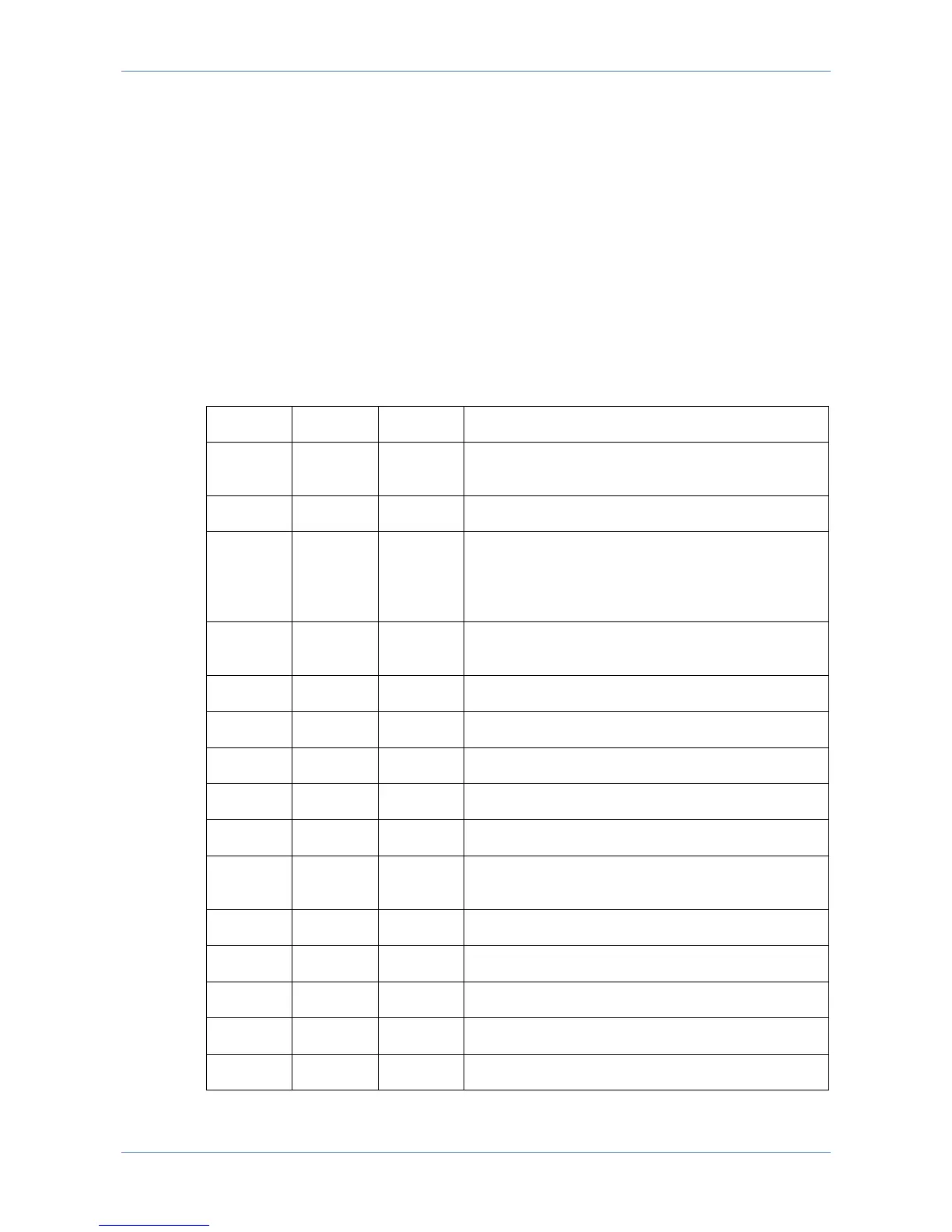
LED combinations and explanations
The table shows all possible LED combinations and lists the messages linked to
them (Fast = flashing fast, Slow = flashing slowly).
The PrintServer is powered off, or has not yet
initiated the start-up procedure
The PrintServer was not able to successfully
complete network start-up. Possible cause: A
DHCP server was not found. Or missing
network link.



 To Next Page