LinkCom 5 User Manual
Page 42
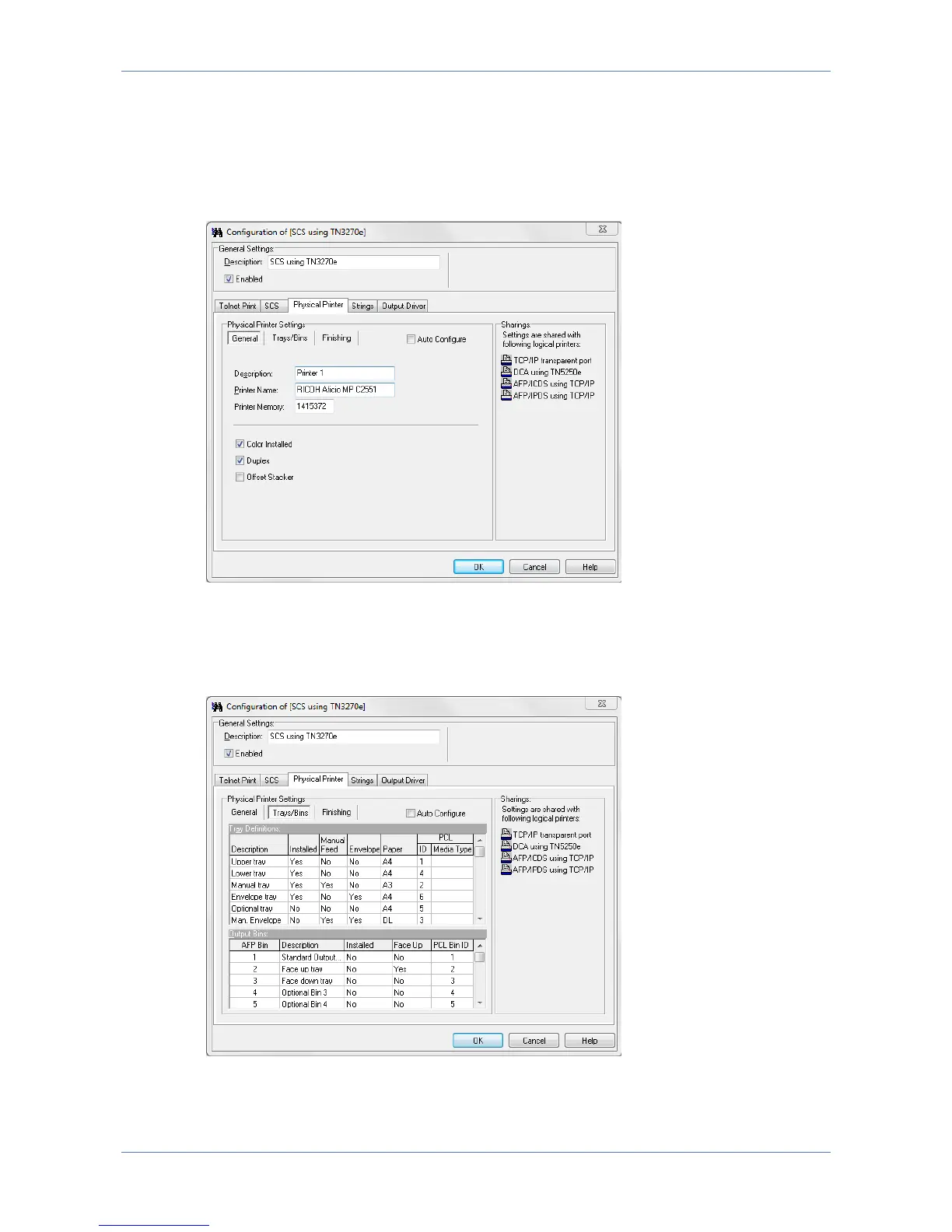
When checked ‘Auto Configure’ will attempt to retrieve information about
Trays/Bins paper format etc. directly from the printer. After selecting this option,
save the changes and restart the PrintServer to collect the information during
PrintServer start up. Enabling ‘Auto Configure’ disables manual configuration.
General Printer Parameters
General Printer parameters describe the basic options of the printer: Description
and Printer name and printer memory. Colour, Duplex and Offset capabilities can be
enabled if supported by the printer.
Trays/Bins



 To Next Page