LinkCom 5 User Manual
Page 48
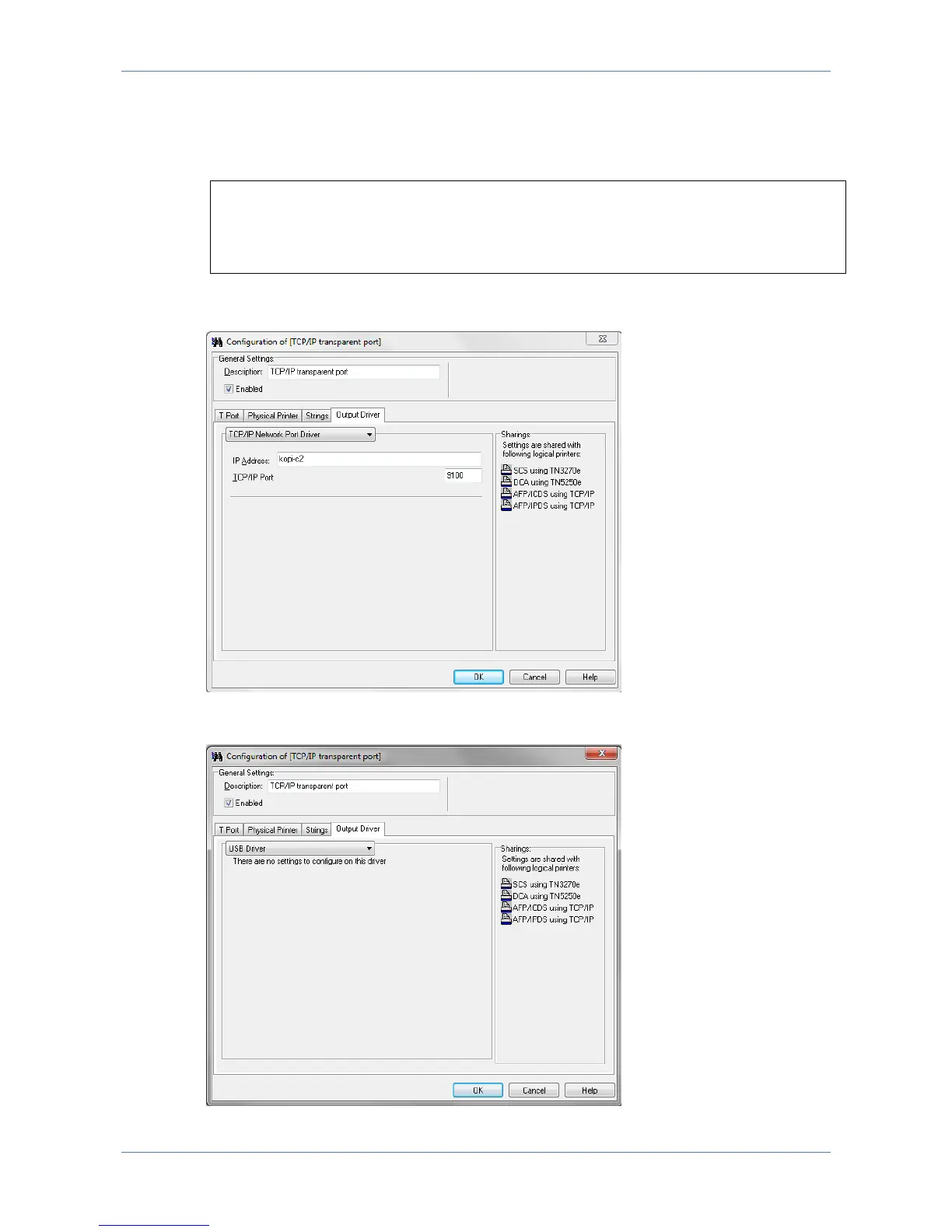
Address input field is a text field, so the printer can be addressed using an IPv4
address, an IPv6 address or a DNS host name.
Example:
172.16.6.148
fe80::d2ff:50ff:fe8c:5ef8/64
printer2.company.org
The selected TCP/IP port (default is 9100) must be a RAW port type, and supported
by the printer.
The output printer can also be a USB printer, in which case the PrintServer has to
be directly connected with the USB printer using a USB cable.



 To Next Page