ALTAIR 5X/ALTAIR 5X IR
GB
43
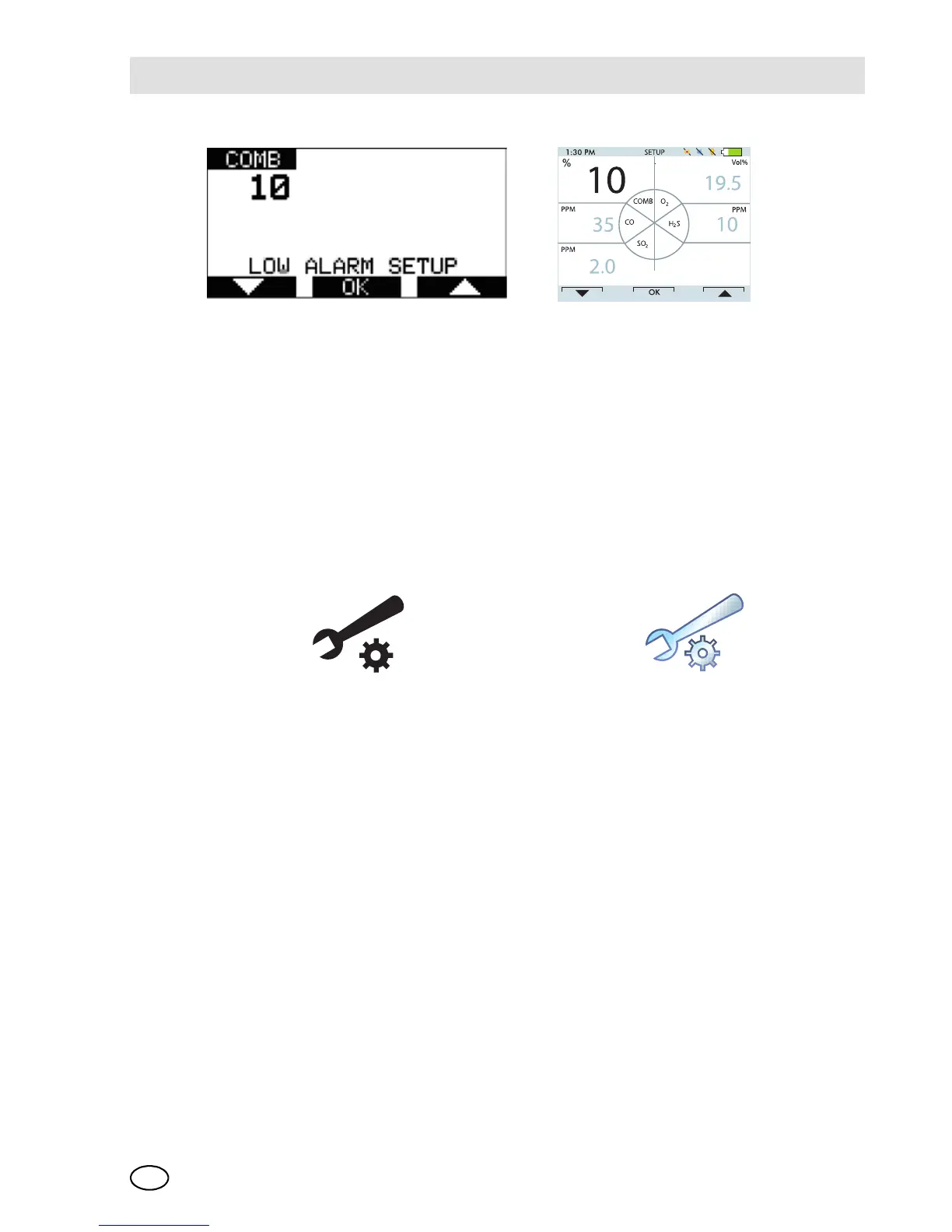
Fig. 9 Sensor Alarm Setup
(3) Set values for Sensor Alarm by pressing the or button.
(4) Press the ON/OFF button to confirm set values.
(5) Repeat setting for all other sensors.
(6) Press the button to return to the Alarm Options menu.
(7) Repeat setting for all other alarm types.
Instrument Options
The Instrument Options menu allows modifying different device options:
- Sensor Setup [enable/disable the channel]
- Language Setup
- Time Date Setup
- Datalog Intervals
- Stealth Mode
- Operating Beep
- Display Contrast [monochrome only]
- Backlight Options.
Press
- the button go to next page
the button to go previous page
the ON/OFF button to enter setup.
Monochrome display Colour display
ALARM OPTIONS ALARM OPTIONS



 To Next Page