User Manual
XY Format
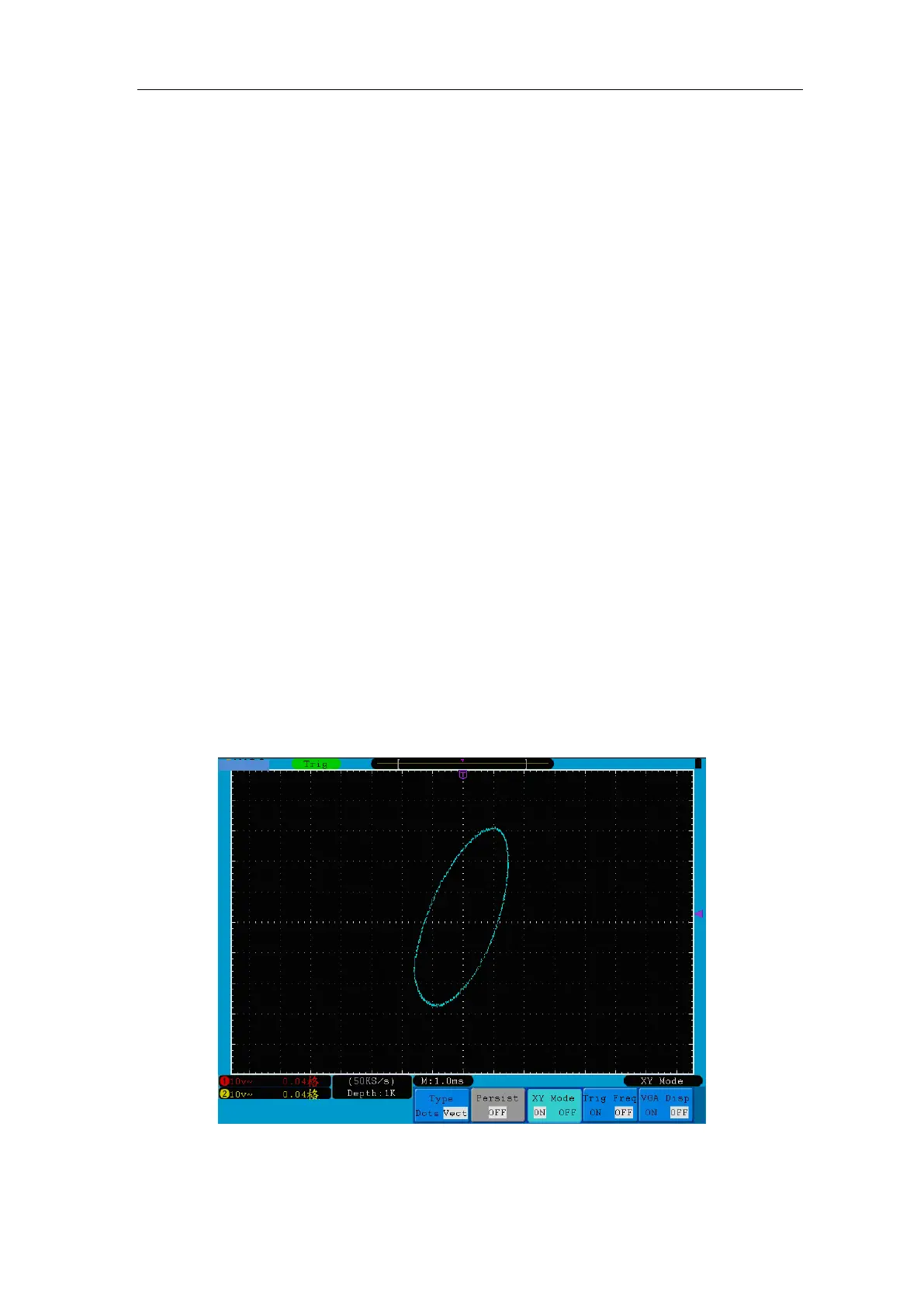
This format is only applicable to Channel 1 and Channel 2. After the XY display format is
selected, Channel 1 is displayed in the horizontal axis and Channel 2 in the vertical axis;
the oscilloscope is set in the un-triggered sample mode: the data are displayed as bright
spots.
The operations of all control rotary controls are as follows:
The Vertical VOLTS/DIV and the VERTICAL POSITION rotary controls of
Channel 1 are used to set the horizontal scale and position.
The Vertical VOLTS/DIV and the VERTICAL POSITION rotary controls of
Channel 2 are used to set the vertical scale and position continuously.
The following functions can not work in the XY Format:
Reference or digital wave form
Cursor
Time base control
Trigger control
FFT
Operation steps:
1. Press the Display button and call out the Display Set Menu.
2. Press the H3 menu selection button to set XY Mode ON. The display format is
changed to be XY mode (see Figure 5-34).
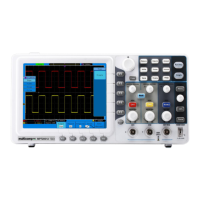
Figure 5-34 XY Display Mode
Trig Freq



 To Next Page