Operation
Betriebsanleitung 07.06.2005 19/43
ba_c500_50s2GB06.fm ega
Finding the Pressure Value of Liquid Products
– Set "Auto" mode:
Press REDUCE VALUE button until "Auto" appears.
– Start Evacuation.
– Observe the time at which bubbles form.
– Press VACUUM QUICKSTOP button.
– Note displayed pressure value, raise this by 10 mbar and input as set-
ting.
– Start evacuation again. Bubble formation should not occur any more. If
this is not the case, raise the pressure value slightly.
– By inputting a pressure value, the "Auto" setting is switched off. Dur-
ing following evacuation processes the evacuation will be stopped
before bubble formation occurs in the pouch.
Choice of Pouch, Filling It with the Product
– Choose an appropriate pouch size, avoid using an over-sized pouch.
The correct pouch ensures:
– low material costs,
– low waste,
– good appearance,
– long shelf life.
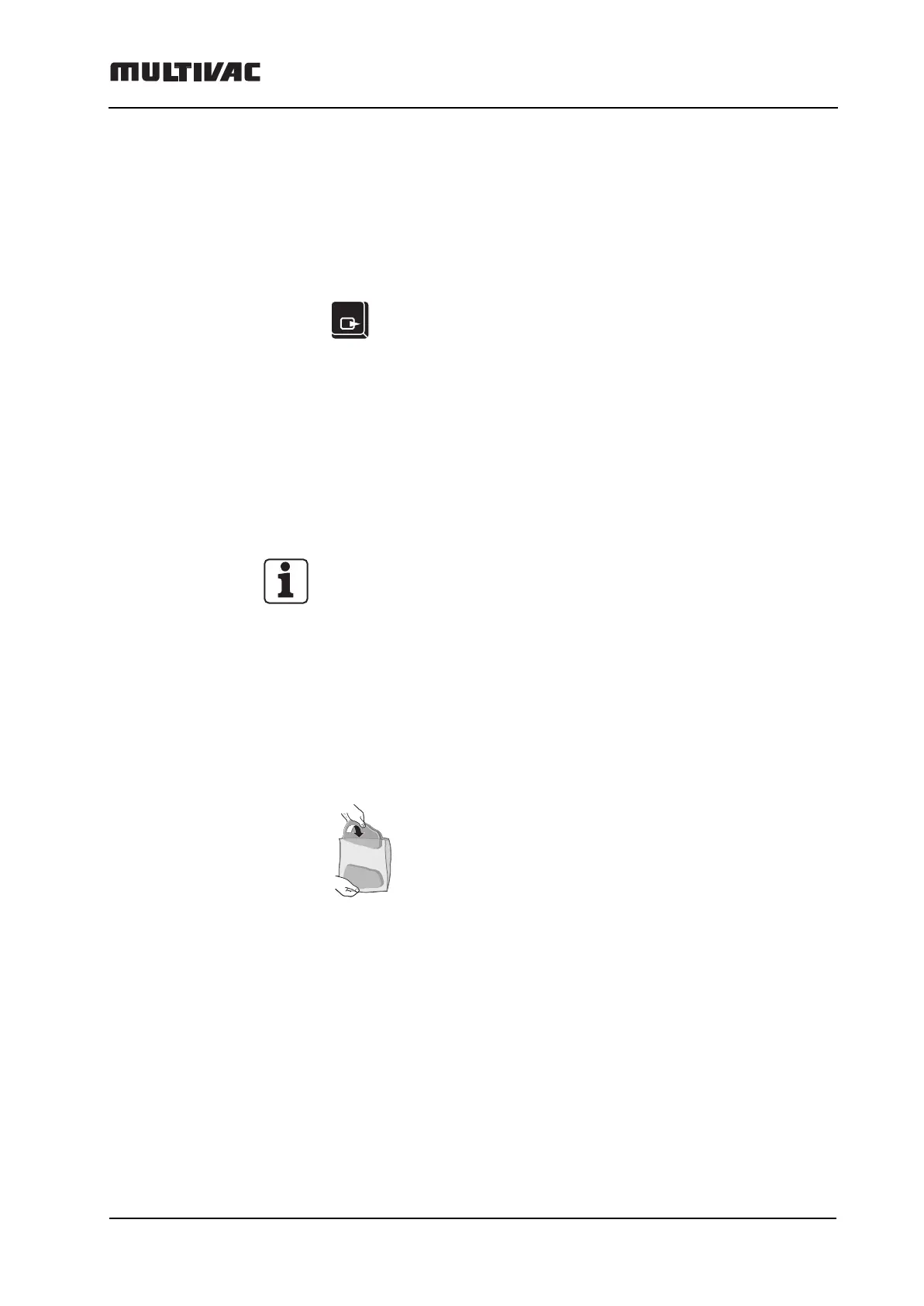
– Fill the pouch with the product.
– Clean the sealing seam of excess product.
Otherwise the sealing quality will be affected.
STOP



 To Next Page