IOM-EZVAVINST
Date: 10-2016 Supersedes: 7-2016
Nailor reserves the right to change any information concerning product or specification without notice or obligation.
Page 43 of 48
Installation and Operation Manual
●
EZvav Digital Controls
Proceduretosetupnetworkcommunicaons(connue)
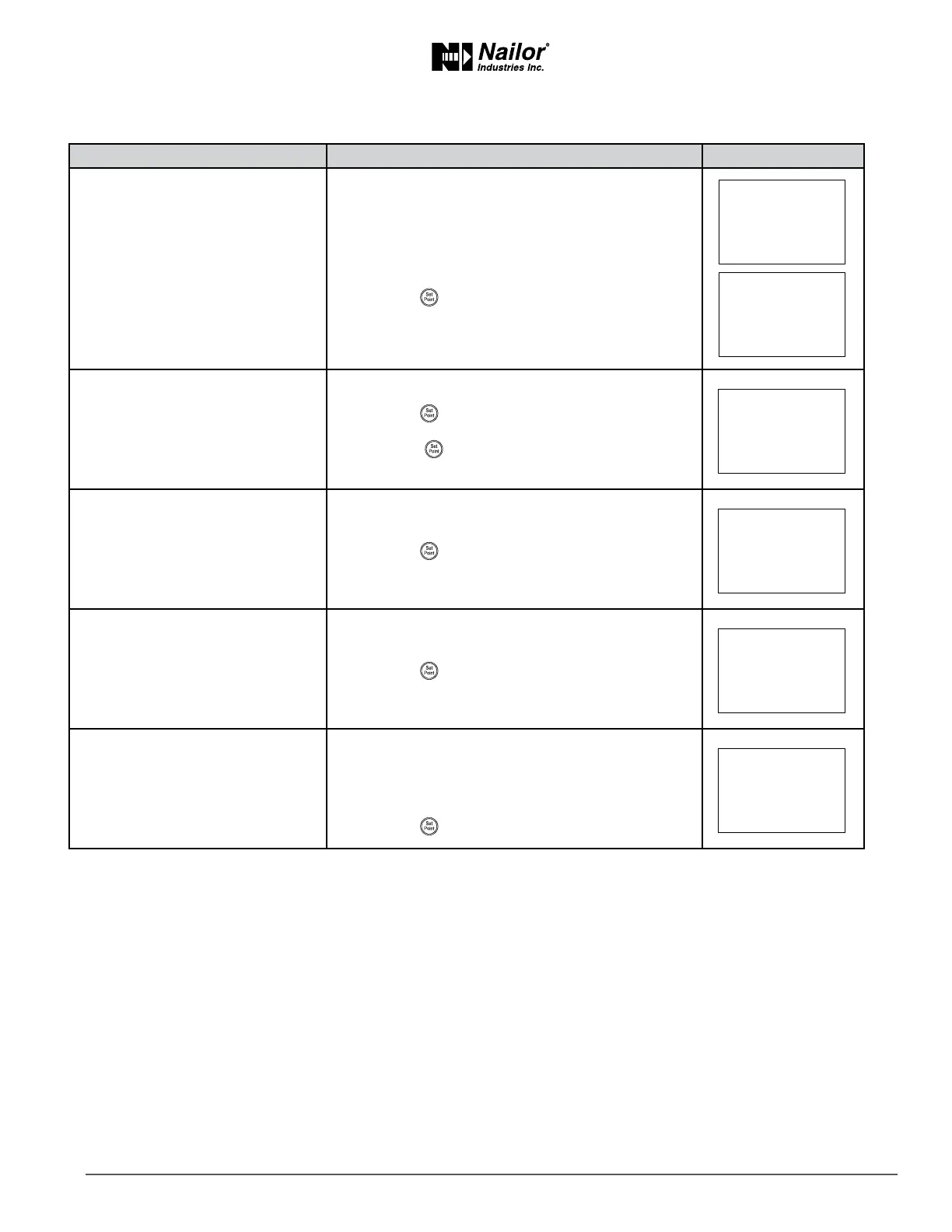
PROCEDURE STEPS STEDISPLAY
2 Select the CNFG display.
1. From the CNFG display, press the
∆
or buons
to advance to COMM display.
2. Press the
buon. The display advances to DID.
3 Enter the device instance.
1. Press the
∆
or buons to change the rst digit.
2. Press the
buon to select the next digit. Repeat
for all seven digits.
3. When the
buon is pressed for the last digit, the
display changes to MAC.
4 Enter the MAC address.
1. Press the
∆
or buons to change the MAC
address.
2. Press the
buon to save the selected MAC
address.
The display changes to BAUD.
5 Enter the baud.
1. Press the
∆
or buons to select a new baud.
2. Press the
buon is save the selected baud.
The display returns to COMM.
6 Advance or exit.
1. Press the
∆
or buons to select one of the
following:
• BLNC or CNFG opons
• EXIT to return to the temperature display.
2. Press the
buon to select the next funcon
∆
∆
∆
∆
∆



 To Next Page