IOM-EZVAVINST
Date: 10-2016 Supersedes: 7-2016
Nailor reserves the right to change any information concerning product or specification without notice or obligation.
Page 18 of 48
Installation and Operation Manual
●
EZvav Digital Controls
ProceduretosettheTerminalUnitfuncons(connue)
PROCEDURE STEPS STEDISPLAY
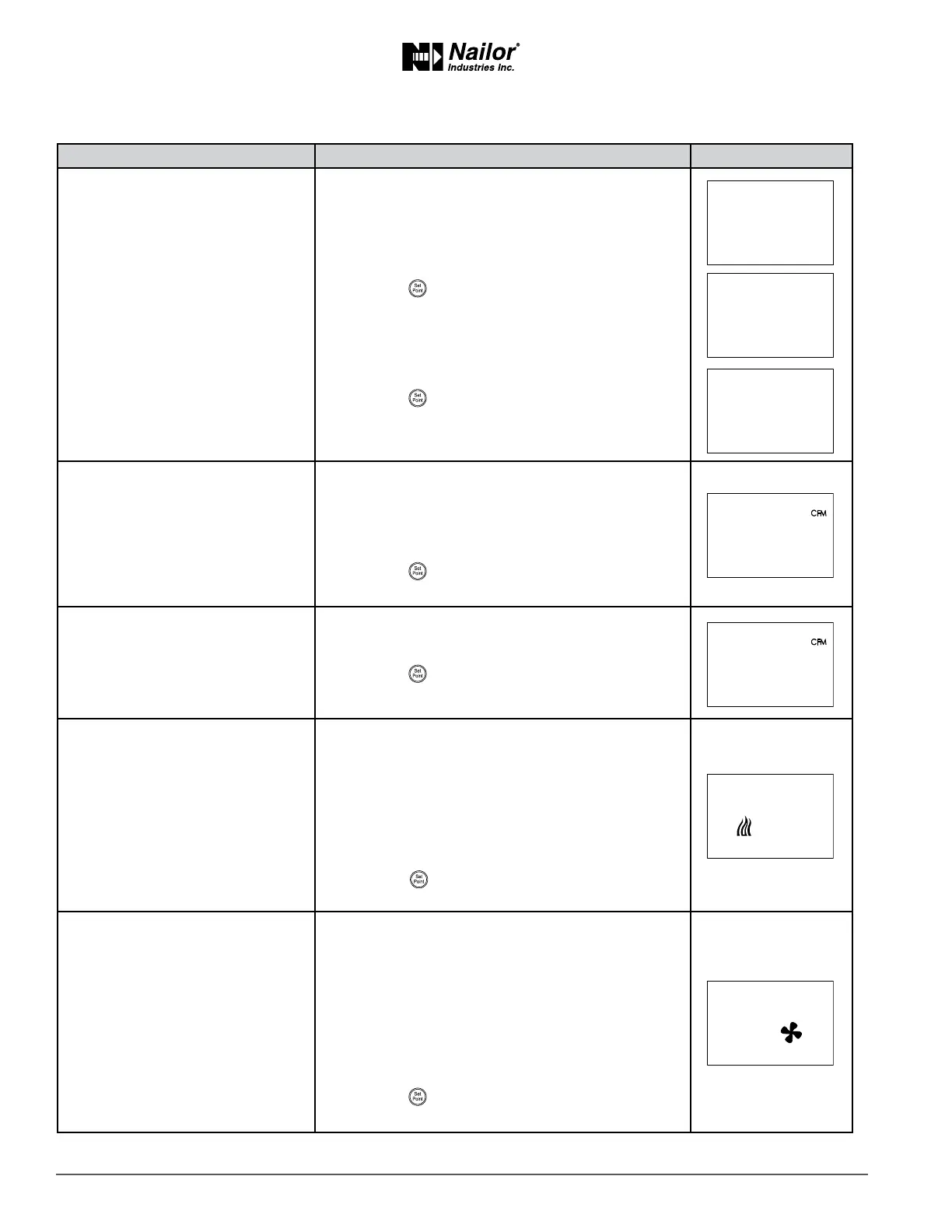
2 Select the box sengs display.
1. From the CNFG display, press the
∆
or buons
to show the BOX display.
2. Press the buon to select the CNFG opons.
The display changes to STPT.
3. Press the
∆
or buons to change the display to
BOX.
4. Press the buon to select BOX.
3 Set the primary VAV terminal unit
K factor.
Refer to the K-factor label on the controls enclosure
door of the terminal unit for appropriate value. You can
also refer to page 43, visit www.nailor.com or contact
your local Nailor Representave for more details.
1. Press the
∆
or buons to set the primary K-factor.
2. Press the
buon to save the entry and advance to
the next funcon.
4 Set the secondary VAV terminal
unit K factor.
Not used in all models.
1. Press the
∆
or buons to set the secondary
K-factor.
2. Press the buon to save the entry and advance to
the next funcon.
5 Set the mode of reheat for the
terminal unit.
Not used in all models.
1. Press the
∆
or buons to choose one of the
following reheat opons.
None—Reheat is not enabled.
Staged—Enables staged reheat.
Modulang—The analog reheat output varies from
0—10 volts DC.
Floang—The reheat outputs control a tristate
actuator.
2. Press the buon to save the reheat opon and
advance to the next funcon.
6 Set the fan opon.
Not used in all models.
1. Press the
∆
or buons to choose one of the
following fan opons.
None—No fan is connected to the controller.
• Models: 3001, 30RE and 30RW, 3600
Series—The VAV unit includes a series fan.
• Model Series: 35S(ST), 35SE(ST), 35SW(ST),
37S(ST), 37SE(ST) and 37SW(ST), 38S/SE/SW
Parallel—The VAV unit includes a parallel fan.
• Models: 35N, 37N, 35NE, 35NW, 37NE and 37NW
2. Press the buon to save the fan opon and
advance to the next funcon.
∆
∆
∆
∆
∆
∆



 To Next Page