IOM-EZVAVINST
Date: 10-2016 Supersedes: 7-2016
Nailor reserves the right to change any information concerning product or specification without notice or obligation.
Page 22 of 48
Installation and Operation Manual
●
EZvav Digital Controls
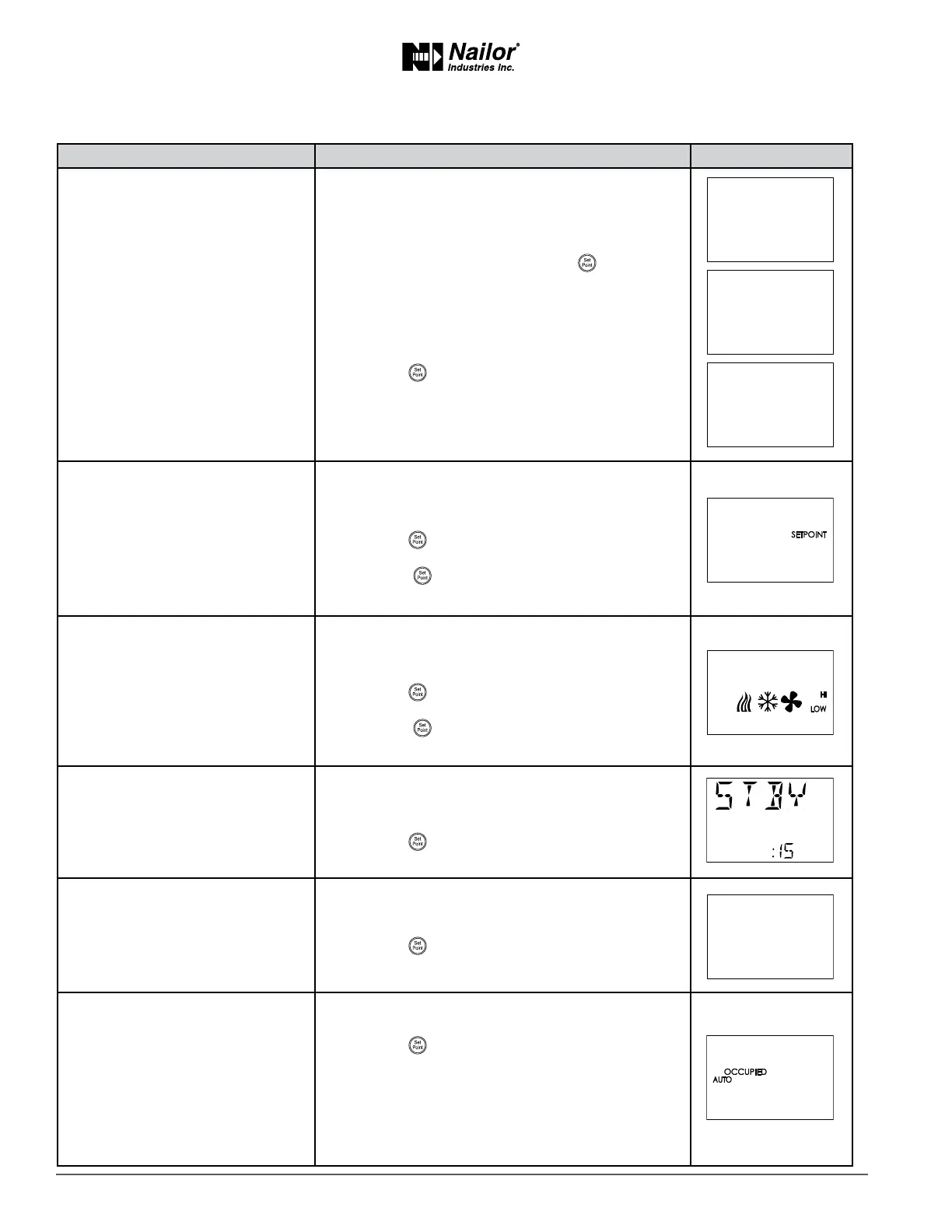
Proceduretosettheadvancedopons(connue)
PROCEDURE STEPS STEDISPLAY
2 Select the advanced display.
1. From the CNFG display, press the
buons to
show the STPT display.
2. Press the
∆
or buons to change the display to
ADVC.
3. Press the
buon to select ADVC.
3 Change Password 1.
Note: Entering four zeros (0000) removes the
password.
1. Press the
∆
or buons to change the rst digit.
2. Press the
buon to select the next digit. Repeat
for all four digits.
3. When the
buon is pressed for the last digit, the
new password is saved and the display advances.
4 Change Password 2.
Note: Entering four zeros (0000) removes the
password.
1. Press the
∆
or buons to change the rst digit.
2. Press the
buon to select the next digit. Repeat
for all four digits.
3. When the
buon is pressed for the last digit, the
new password is saved and the display advances.
5 Set the standby me
Applies only to STE-8201 sensors.
1. Press the
∆
or buons to set the me for the
standby me. The value will change in 1 minute
increments.
2. Press the
buon to save the set point and
advance to the next funcon.
6 Set the DAT Liming mode.
Do not enable for staged
heang as short cycling
may occur.
1. Press the
∆
or buons to enable or disable
discharge air temperature liming.
2. Press the
buon to save the set point and
advance to the next funcon.
7 Set the automac occupancy
mode.
Not used for all models. Required
for reheat.
1. Press the
∆
or buons to enable or disable
discharge air temperature liming.
2. Press the
buon to save the set point and
advance to the next funcon.
Enable The controller will automacally changed to the
unoccupied state when it detects the loss of primary
air supply.
Disable The controller will remain in the occupied
mode regardless of the primary air supply.
∆
∆
∆
∆
∆
∆



 To Next Page