VS1 Operations and Maintenance Manual Operating the transmitter
Page 2-72 Issue 3.1 2013-10-01
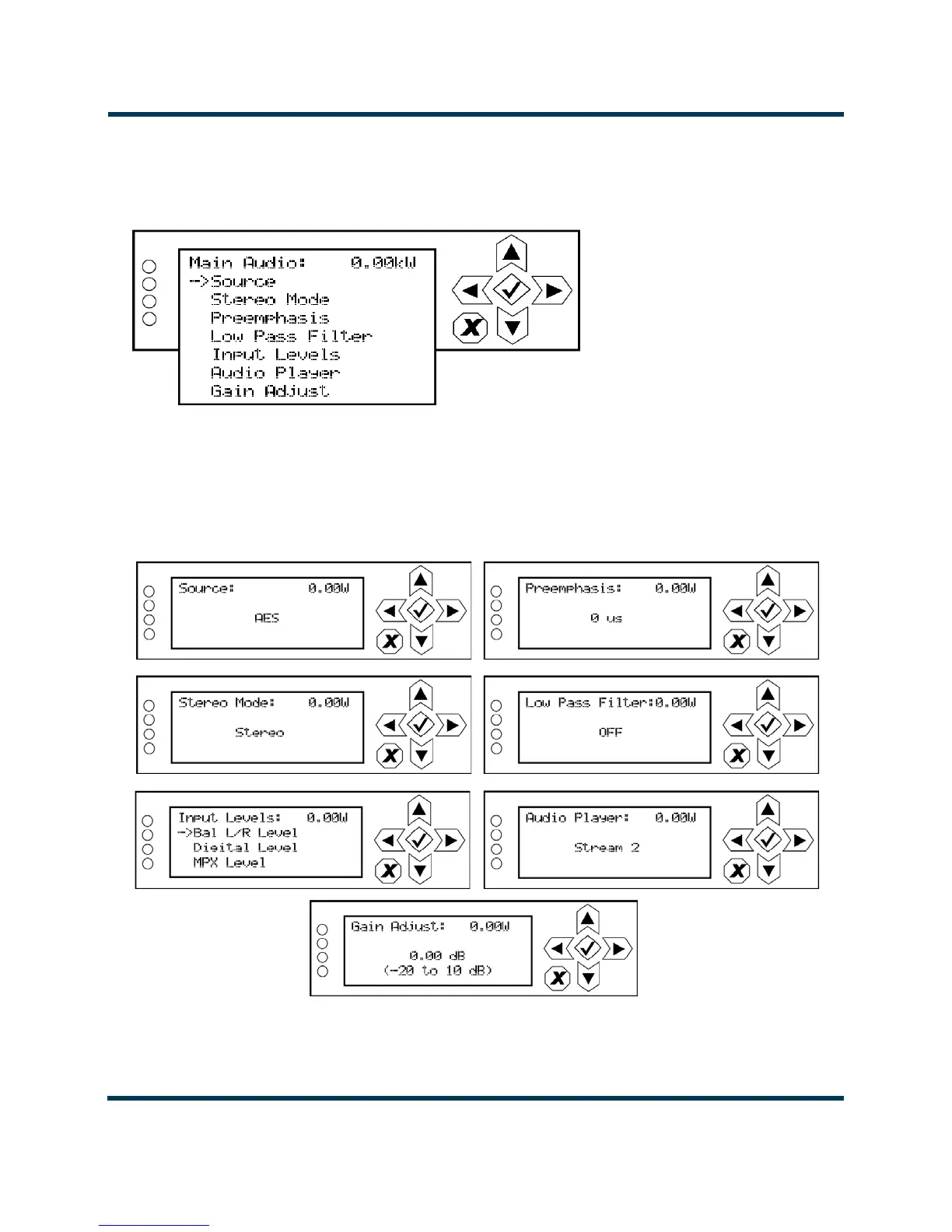
Main Audio. When you select Main Audio from the Preset editing options screen, you can edit
various main audio parameters (see Figure 2.55).
Figure 2.55: Main Audio menu
Use the up and down buttons to scroll through the main audio menu options, then press the accept
(checkmark) or right arrow button to enter the selected editing screen. Figure 2.56 shows the editing
screens for the Main Audio menu. Press the cancel (X) button to discard changes and return to the
previous menu.
Figure 2.56: Main Audio editing screens



 To Next Page