VS1 Operations and Maintenance Manual Operating the transmitter
Issue 3.1 2013-10-01 Page 2-71
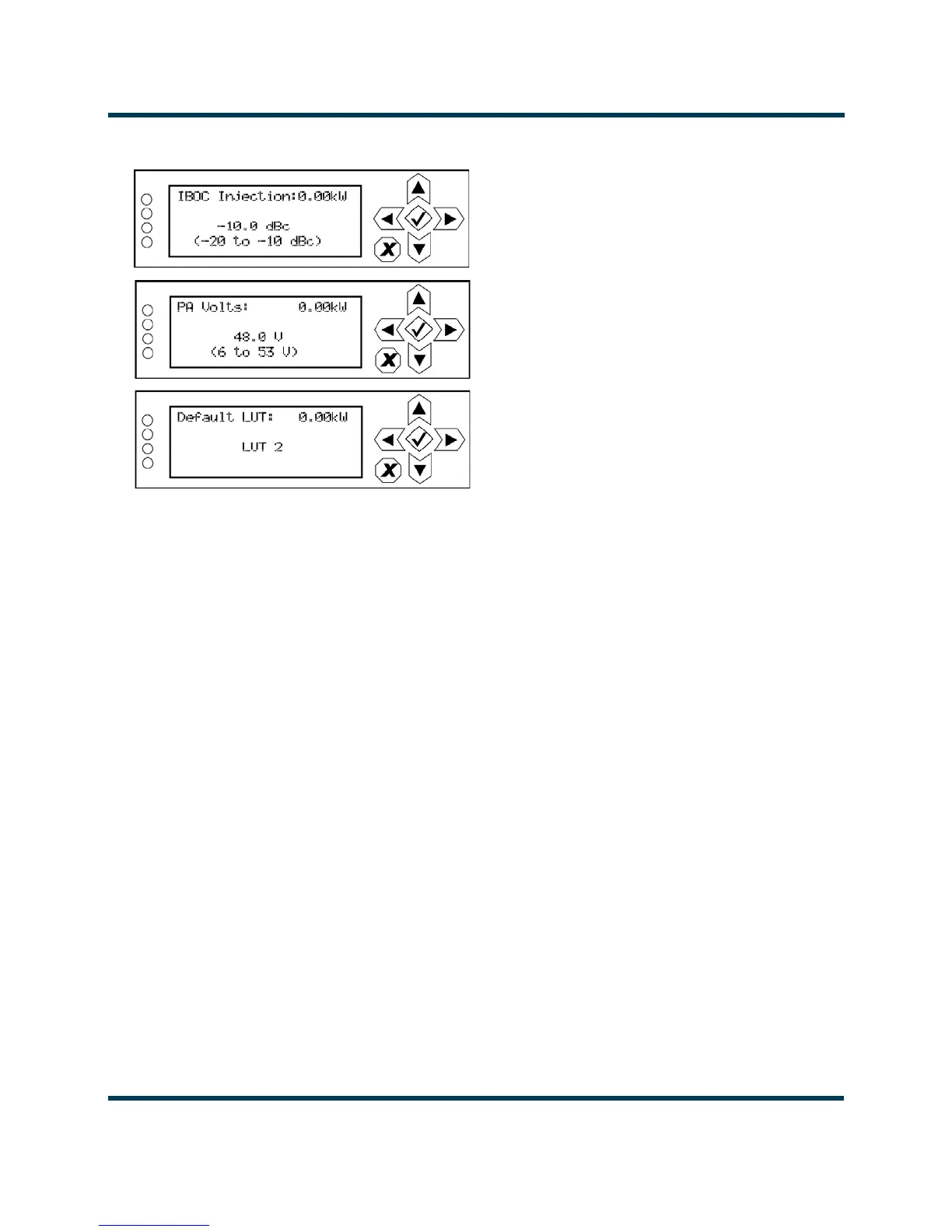
Figure 2.54: IBOC Settings editing screens
• IBOC Injection: Use the up and down buttons to select an IBOC injection level between -20
and -10 dBc (in 0.1 dB increments), then press the accept (checkmark) button to save the
change. Press the cancel (X) button to discard changes and return to the previous menu.
• PA Volts: Use the up and down buttons to select a PA voltage between 6 and 53 V (in 1 V
increments), then press the accept (checkmark) button to save the change. Press the cancel
(X) button to discard changes and return to the previous menu.
• Default LUT: Use the up and down buttons to select Flat LUT or LUT 1 through LUT 12, then
press the accept (checkmark) button to save the change. Press the cancel (X) button to dis-
card changes and return to the previous menu.



 To Next Page