VS1 Operations and Maintenance Manual Operating the transmitter
Page 2-122 Issue 3.1 2013-10-01
Critical parameters
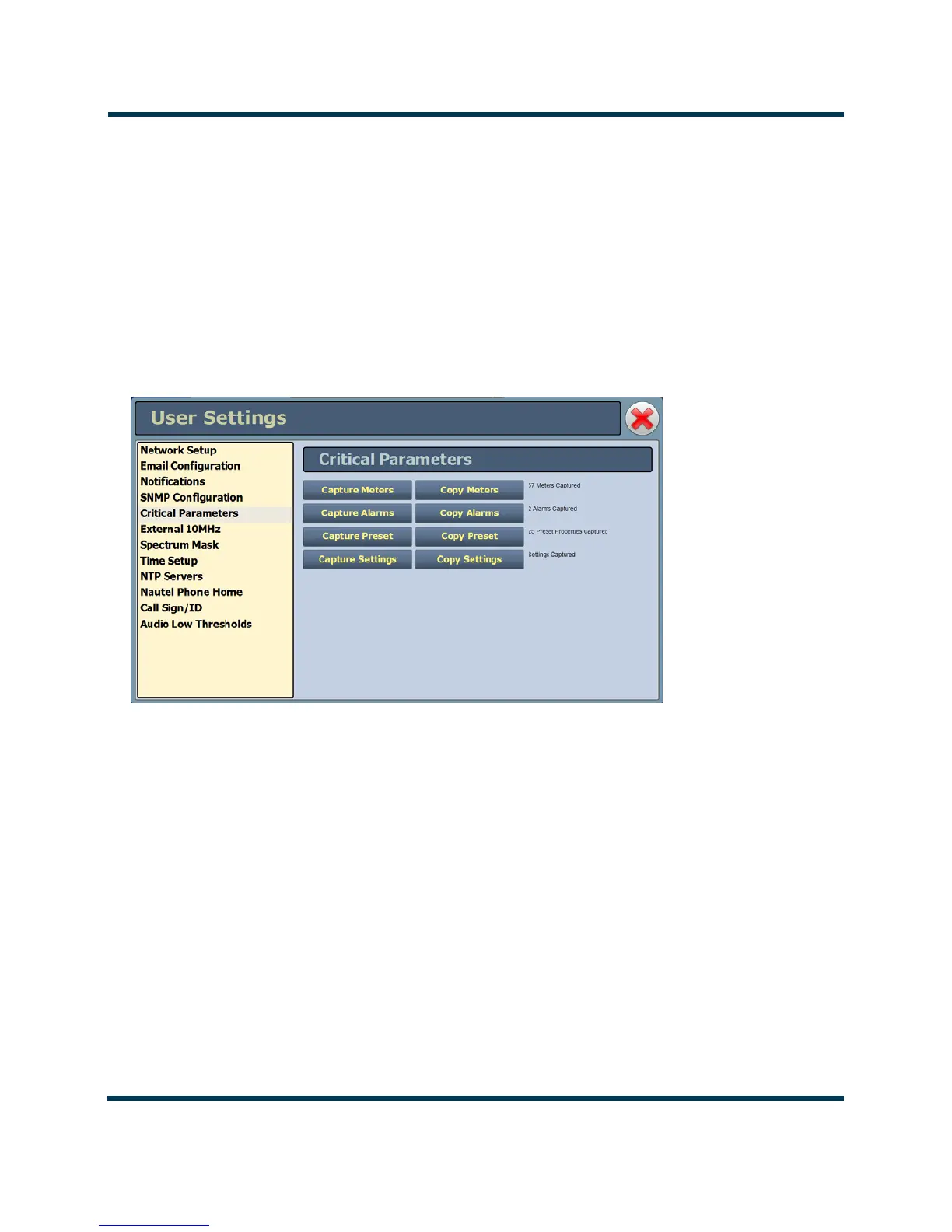
You can capture critical parameter data for the transmitter’s current state using the AUI’s Critical
Parameters
page (see Figure 2.105). To view this page, select Critical Parameters from the User
Settings
page. From this page, you can press Capture Meters (reads all meter values), Capture
Alarms
(reads all active alarms), Capture Presets (reads the current active preset) and Capture
Settings
(reads current settings, e.g., active exciter, threshold settings, scale factors, etc.). Once you
press the Capture button, you can press the associated Copy button to copy the data to your
computer’s clipboard facility. The data copies in a tab-delimited format and is ideally suited for
pasting into a spreadsheet program.
Figure 2.105: User Settings - Critical Parameters



 To Next Page