VS1 Operations and Maintenance Manual Operating the transmitter
Issue 3.1 2013-10-01 Page 2-25
Filter Logs
You can filter transmitter events based on their origin or date by clicking the Filter Logs button in the
log manager (see Figure 2.10 on page 2-24).
Click the Device Type drop-down arrow, and select the desired device type to filter events based on
the type selected. Click the
OK
button or the
Cancel
button when done.
– All - displays all transmitter events
– Controller - displays controller events only
– Exciter - displays exciter events only
Click the Filter by Date checkbox to filter events based on a selected date and time range, and the
device type selected. Click the
OK button or the Cancel button when done.
Click the
Cancel button to close this window and discard changes.
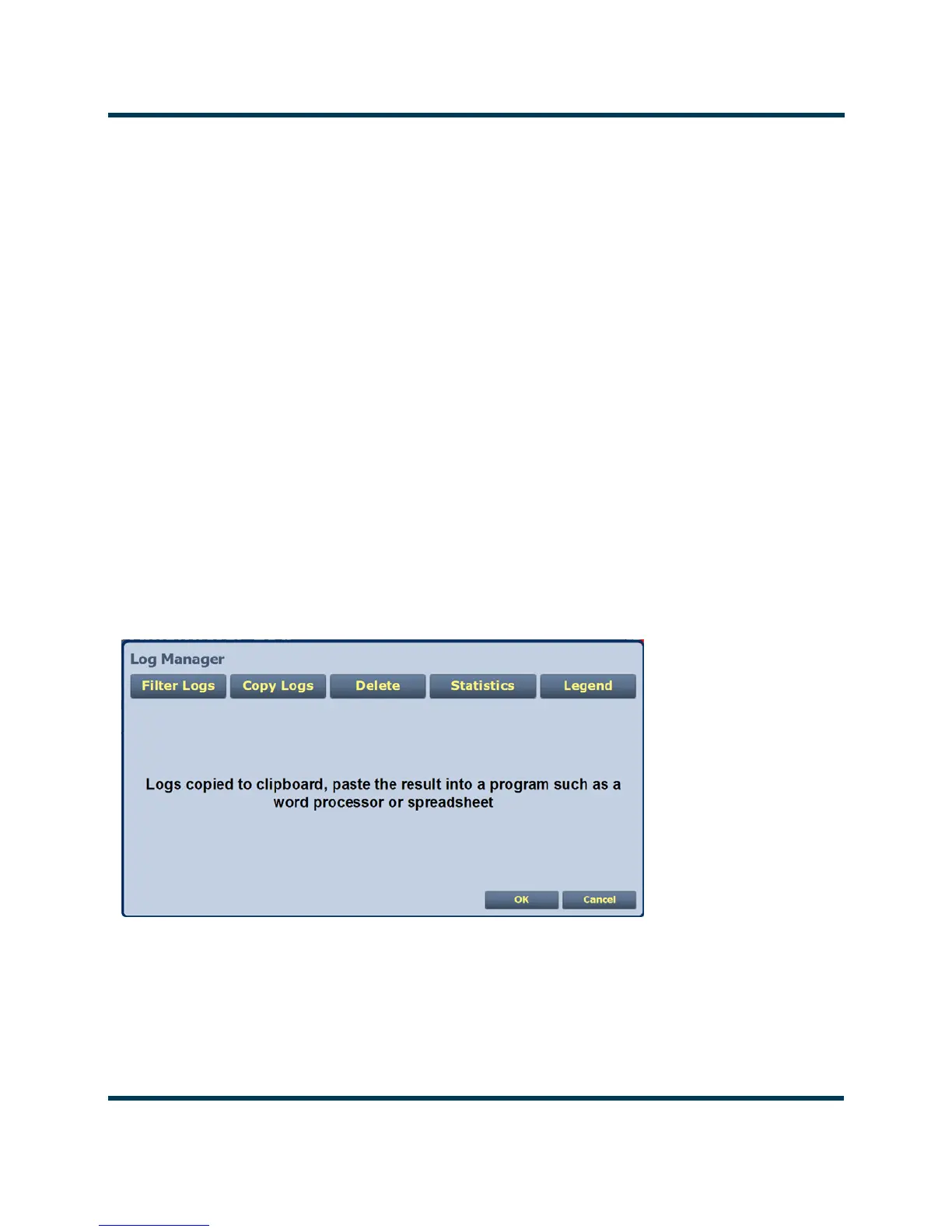
Copy Logs
You can create a copy of all the logs in the selected list (copied to the remote user’s computer
clipboard) by clicking on the Copy Logs button in the log manager (see Figure 2.11). You can paste
the tab-delimited text copy of the logs into a text editing program such as Word, Excel, Notepad, etc.
Click Cancel to close this window.
Figure 2.11: Copy Logs
Delete
You can delete all events or a selection of events by clicking on the Delete button in the log manager
(see Figure 2.12 on page 2-26).
Click the
Delete All checkbox and click OK to delete all events.



 To Next Page