VS1 Operations and Maintenance Manual Operating the transmitter
Page 2-68 Issue 3.1 2013-10-01
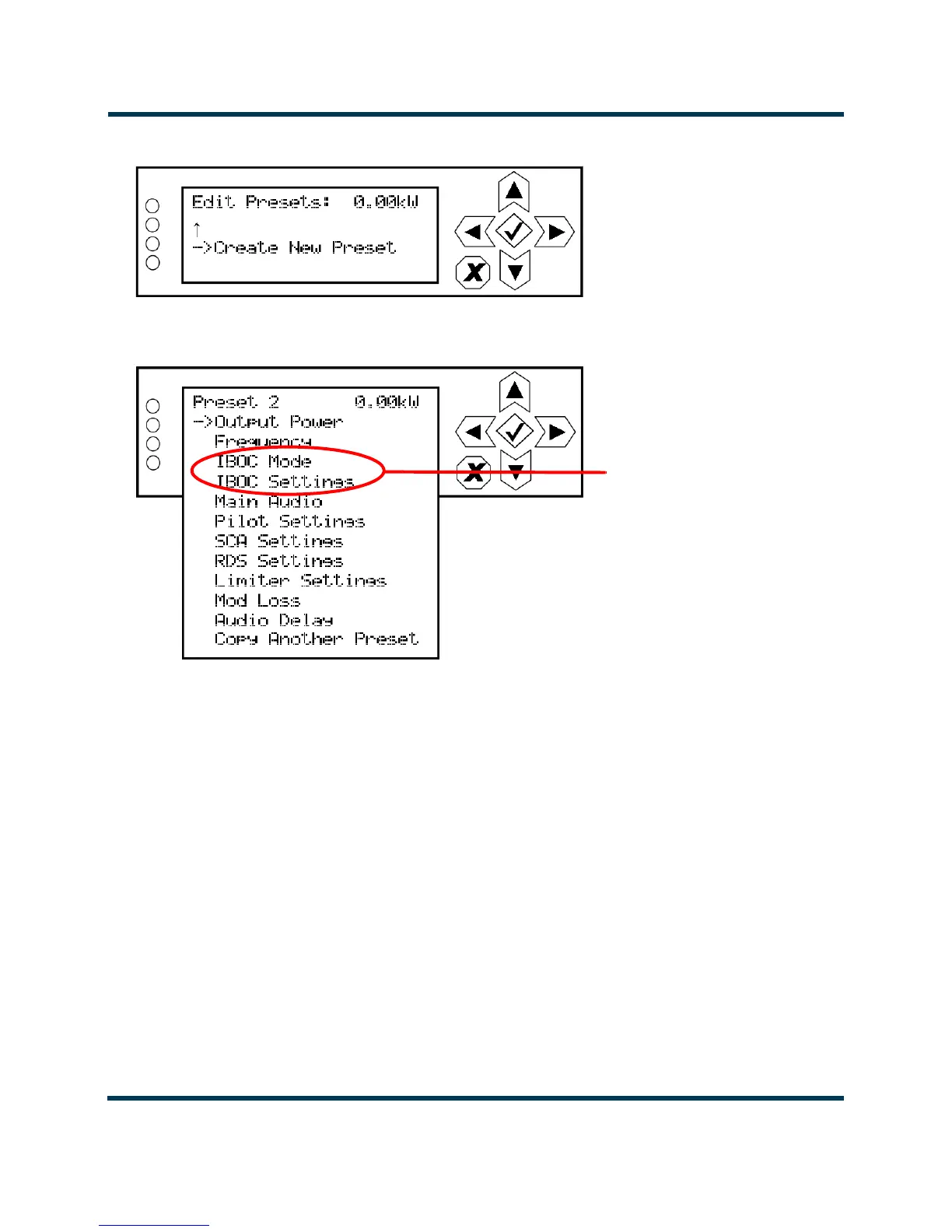
Figure 2.48: Create New Preset screen
Figure 2.49: Preset Editing menu
Within the preset editing menu, use the up and down buttons to scroll through the options and press
the accept (checkmark) button to enter the selected editing menu/screen. Press the cancel (X) button
to return to the previous menu. Parameters that can be edited are:
Output Power. See Figure 2.50 on page 2-69. Use the up and down buttons to edit the output
power (in 1 W increments, then press the accept (checkmark) button to save the change.
For analog only transmitters [FM (analog) mode only], the maximum power setting is 1400 W.
For transmitters connected to VSHD exciters, the maximum power setting is dependent on the mode
of operation, injection level (as applicable) and carrier frequency (as applicable). See Table 2.4 on
page 2-69.
Press the cancel (X) button to discard changes and return to the previous menu.
Displayed only when
VSHD exciter is used



 To Next Page