7167 Owner’s Manual Chapter 3: Solving Problems
November 2003
14
oadin
the Paper Roll
Note: Tear off the end of the new roll so that the edge is loose.
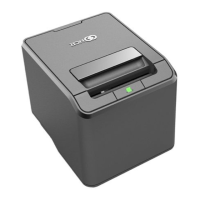
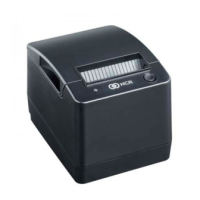
1. Place the new roll in the bin with a little extra paper extending over the front.
Be sure the paper unrolls from the bottom of the roll. Otherwise the paper will not be printed on
because the thermal coating will be on the wrong side.
2. Close the receipt cover.
3. Remove the excess paper by tearing it against the tear-off blade.
1
2



 To Next Page