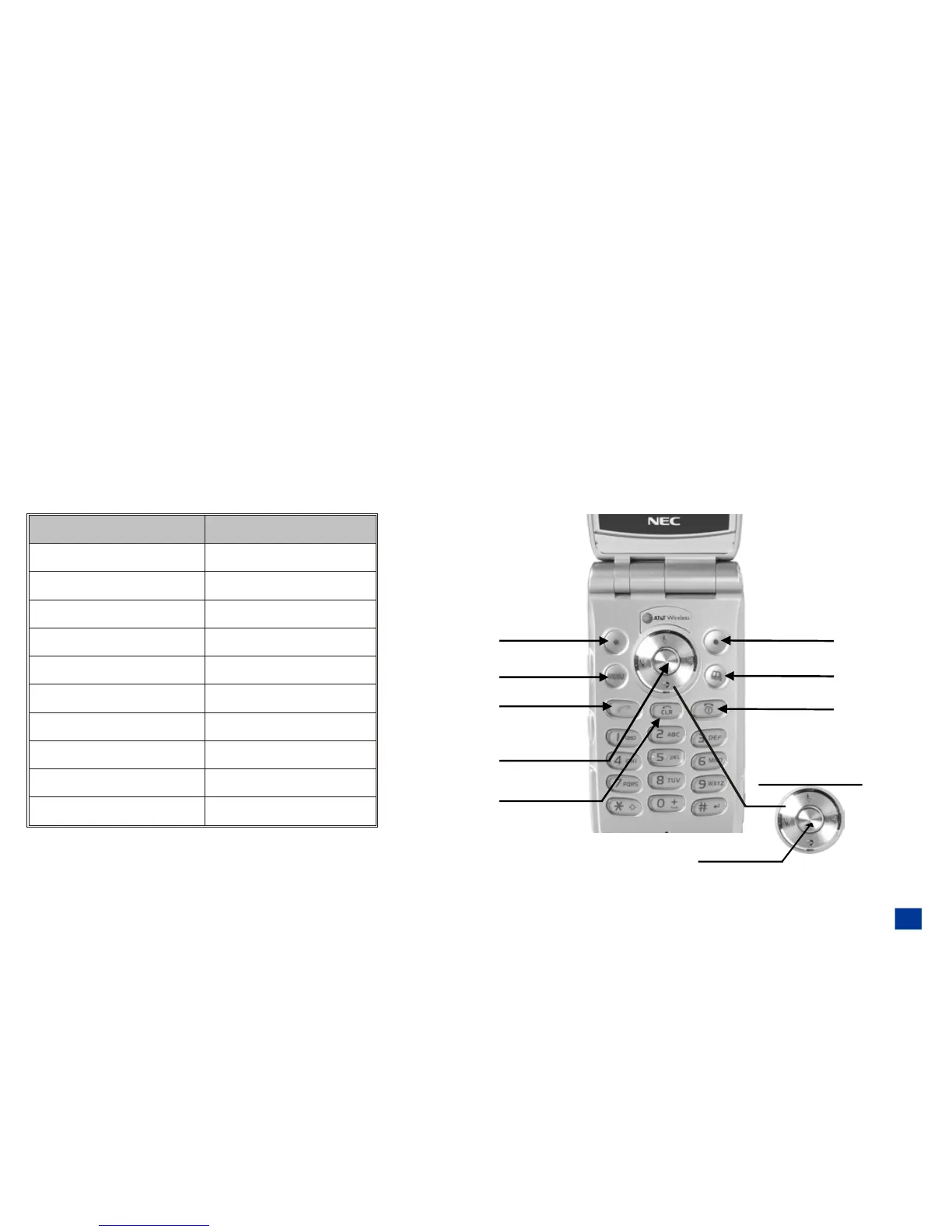
The Clear key is used to remove a character or letter in the text entry screen and clear the present screen to return (go back) to
the previous screen. The Clear key is located above the digit 2 ABC key.
The End/On-Off key is used to turn the wireless phone On, turn it Off, terminate a phone call, and end current screen activity or
application to return to the Idle screen. End/On-Off key is located on the right side of the keypad, above the digit 3 DEF key.
The Side Up key is used to increase volume and as the shutter button for the camera when taking a picture with the 2nd-LCD. The
Side Down key is used to decrease volume.
Keypad Phone Controls
The following table provides the wording used for the key names of the phone controls on the keypad.
Key Name User Guide Wording
Softkey 1
Softkey 1
Softkey 2
Softkey 2
Menu
MENU
Send
SEND
Phonebook
BOOK
End/On-Off
END
Select/Save
Select
Left, Right Navigation
Left, Right
Up, Down Navigation
Up, Down
Clear/Back
CLR
3



 To Next Page