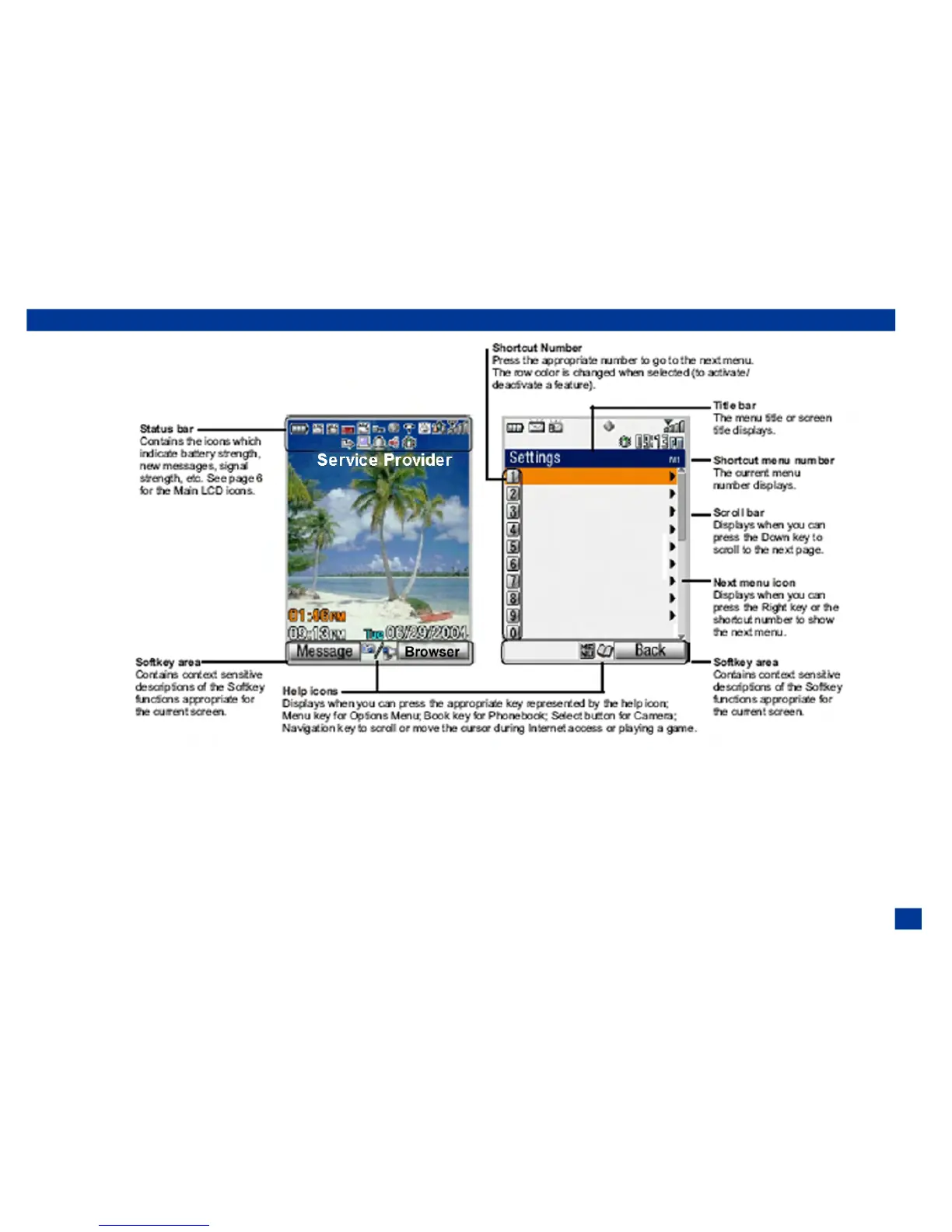
Display Information
I The LCD on your phone uses high-precision technology. Even so, the LCD may contain pixels (dots) that fail to light
or remain permanently lit. Note that this is normal and does not indicate a problem with your display.
Check box and Radio Buttons
A check box enables/disables a feature or option. Multiple check boxes can be selected at the same time. Selecting a radio button
option automatically cancels the previous selection, so only one radio button can be selected at one time. To select or cancel a
check box or radio button, highlight and select the option.
5



 To Next Page