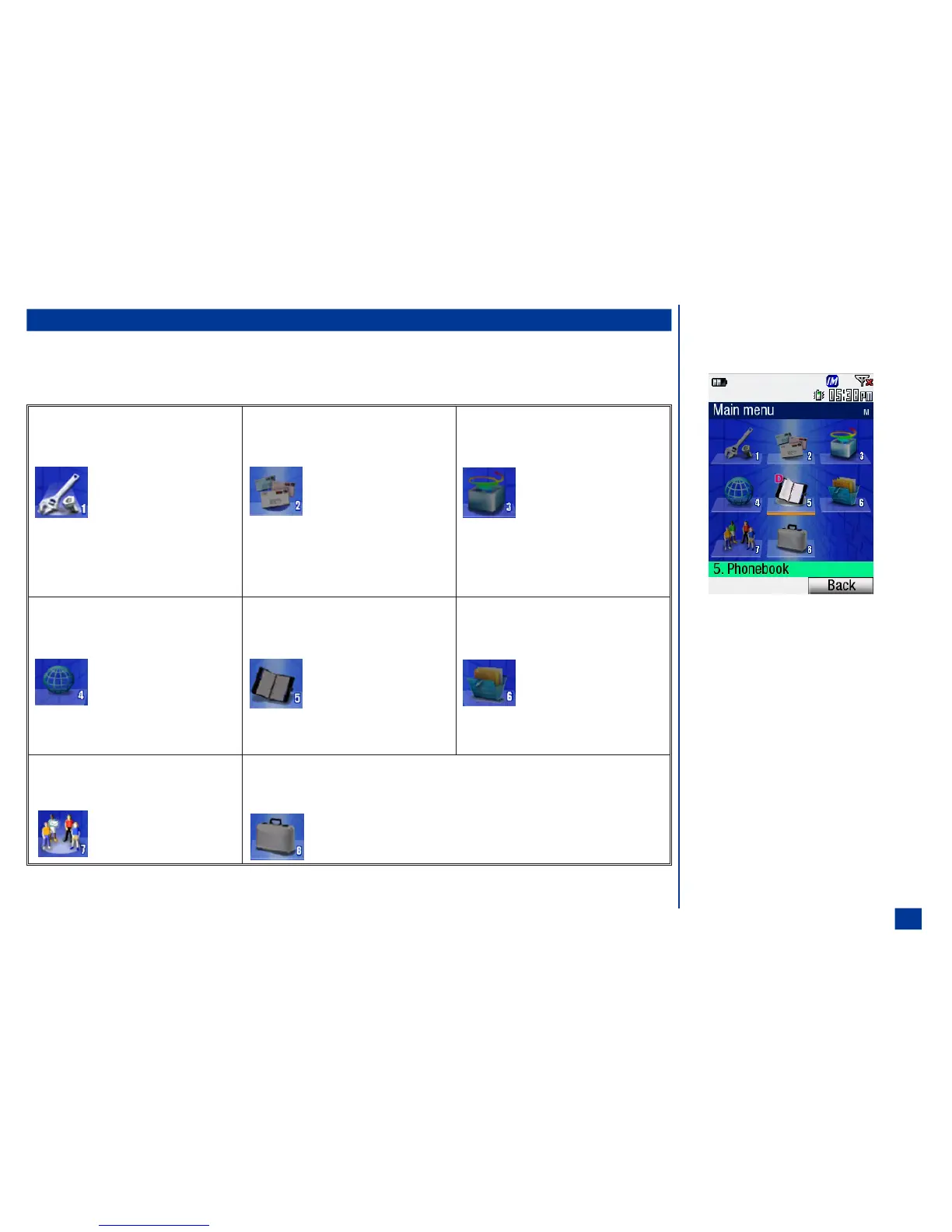
Main Menu
The menu structure begins with the Main Menu icons for top level options. To access a menu
option:
* Press MENU to access the Main Menu and press the option 1 through 8.
1. Settings
1. Phone
2. Phone modes
3. Main-LCD
4. 2nd-LCD
5. Power saving
6. Calls
7. Security
8. Network
9. Other
0. Reset Settings
2. Message center
1. Inbox
2. Drafts
3. Outbox
4. Sent
5. Recycled
6. Folder 1
7. Folder 2
8. CB
3. Games & Apps
1. Applications list
2. Backlight setting
3. Storage info
4. Browser
1. Home
2. Bookmark
3. Go to URL
4. Snapshot
5. Go to last page
6. Alert message
7. Web font
8. Clear cache
5. Phonebook
1. Lists
2. Information #
3. Call records
6. Audio & Visual
1. Pictures
2. Videos
3. Sounds
7. IM (This function is
currently
unavailable.)
8. Tools
1. Calculator 6. Voice memo
2. Clock alarm 7. Currency
3. Scheduler 8. IR receive
4. ToDo List 9. Camera
5. Notepad 0. Synchronization
O A Main Menu icon
becomes animated when
highlighted.
O The selected option
setting number is orange
with a darker gray box.
O Press CLR or Softkey 2
(Back) to return to the
previous screen.
O At any screen, press END
to return to the Idle
screen.
9



 To Next Page