2nd-LCD
The 2nd-LCD menu allows you to set the 2nd-LCD display, wallpaper, clock, event display,
received call number, display direction, and contrast.
Display
* Press MENU (Main), 1, 4, and 1 to display the Display screen.
Press 1 to activate or 2 to deactivate the 2nd-LCD display.
Wallpaper
To select one of the stored pictures to display as a background on the 2nd-LCD,
* Press MENU (Main), 1, 4, and 2 to display the picture list screen.
Highlight and select the desired picture in the displayed list.
Press Softkey 1 (Preview) to display a highlighted picture and Softkey 2 (Back) to return to
the picture list. While the picture is displayed, you may press Softkey 1 (Select).
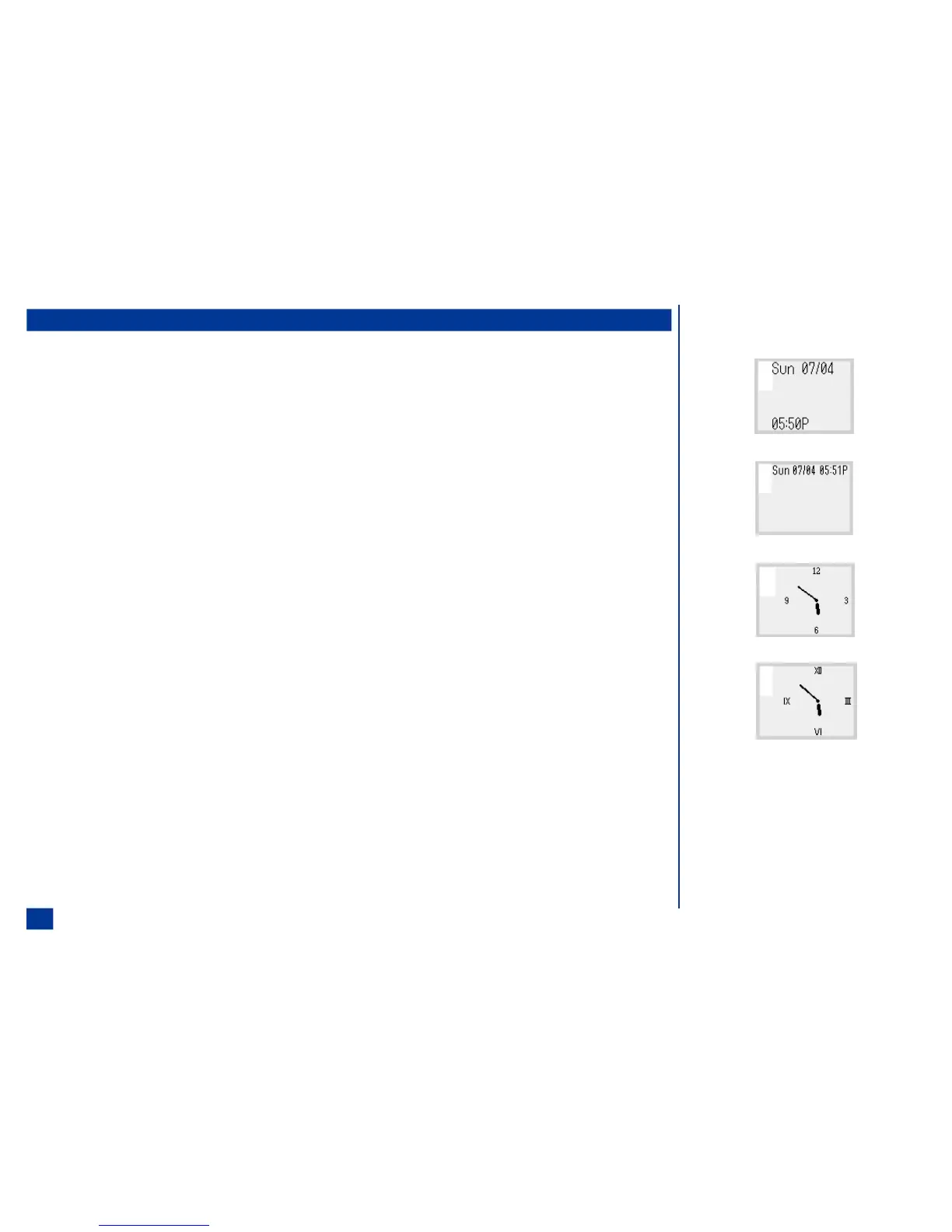
Clock Selection
* Press MENU (Main), 1, 4, and 3 to display the Clock selection screen.
Press the corresponding number to the type of clock desired to display. Press 5 to display
no clock.
Event Display
To display icons and symbols indicating the status of the phone on the 2nd-LCD,
* Press MENU (Main), 1, 4, and 4 to display the Event display screen.
O Clock Selection Options:
1
2
3
4
54



 To Next Page