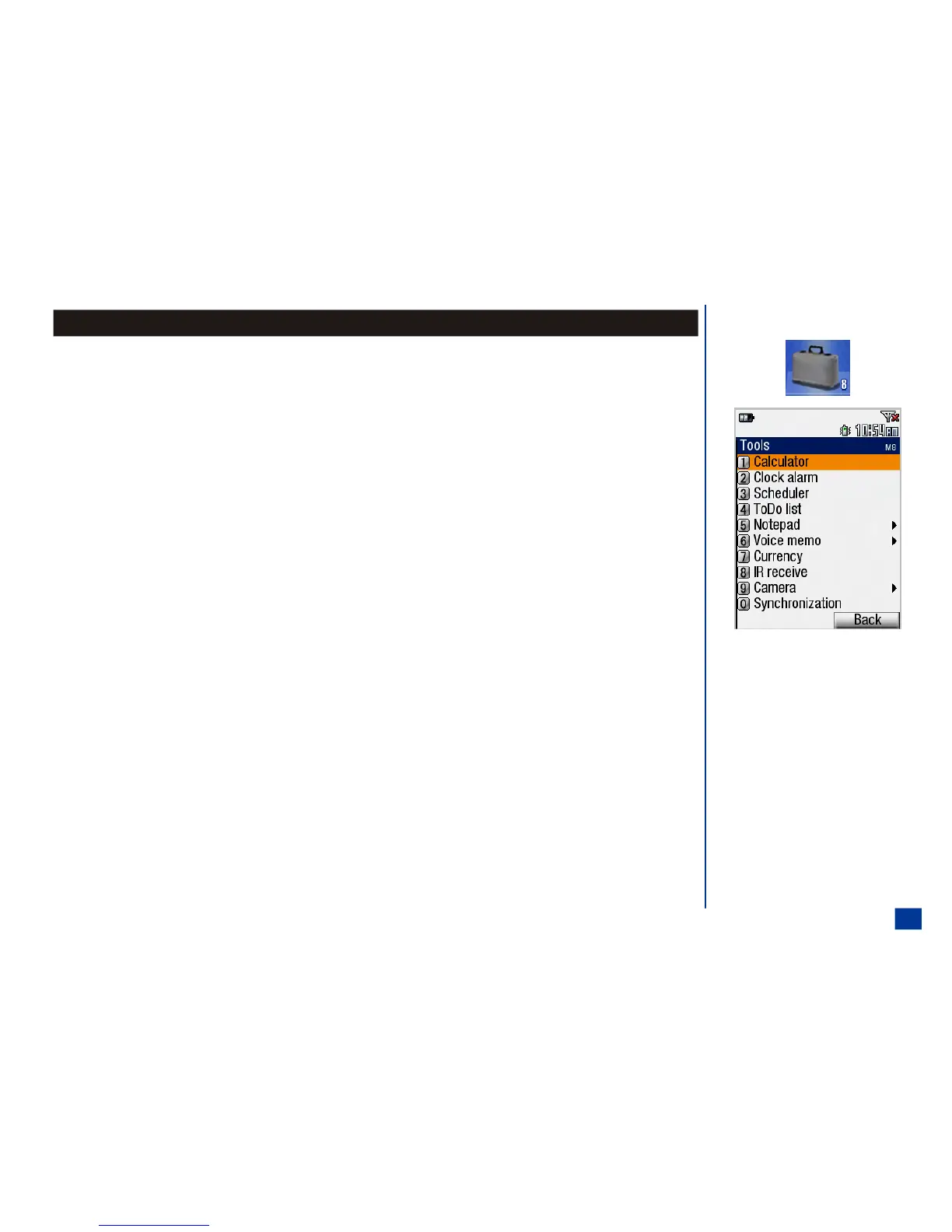
Tools
To access Tools menu:
* Press MENU (Main) and 8 to display the Tools menu or press MENU (Main), highlight, and
select Tools option 8.
To select a Applications option:
* Press the Tools option number (0 through 9) or highlight and select the desired Tools
option.
Press CLR (Clear/Back) key to return to the previous screen or press END to exit the screen
and return to the Idle screen.
O Tools menu icon:
157



 To Next Page