Calculator
You can perform addition, subtraction, multiplication and division with the calculator function. It
also has a memory function.
To activate the calculator function,
* Press MENU (Main), 8, and 1 to display the Calculator screen.
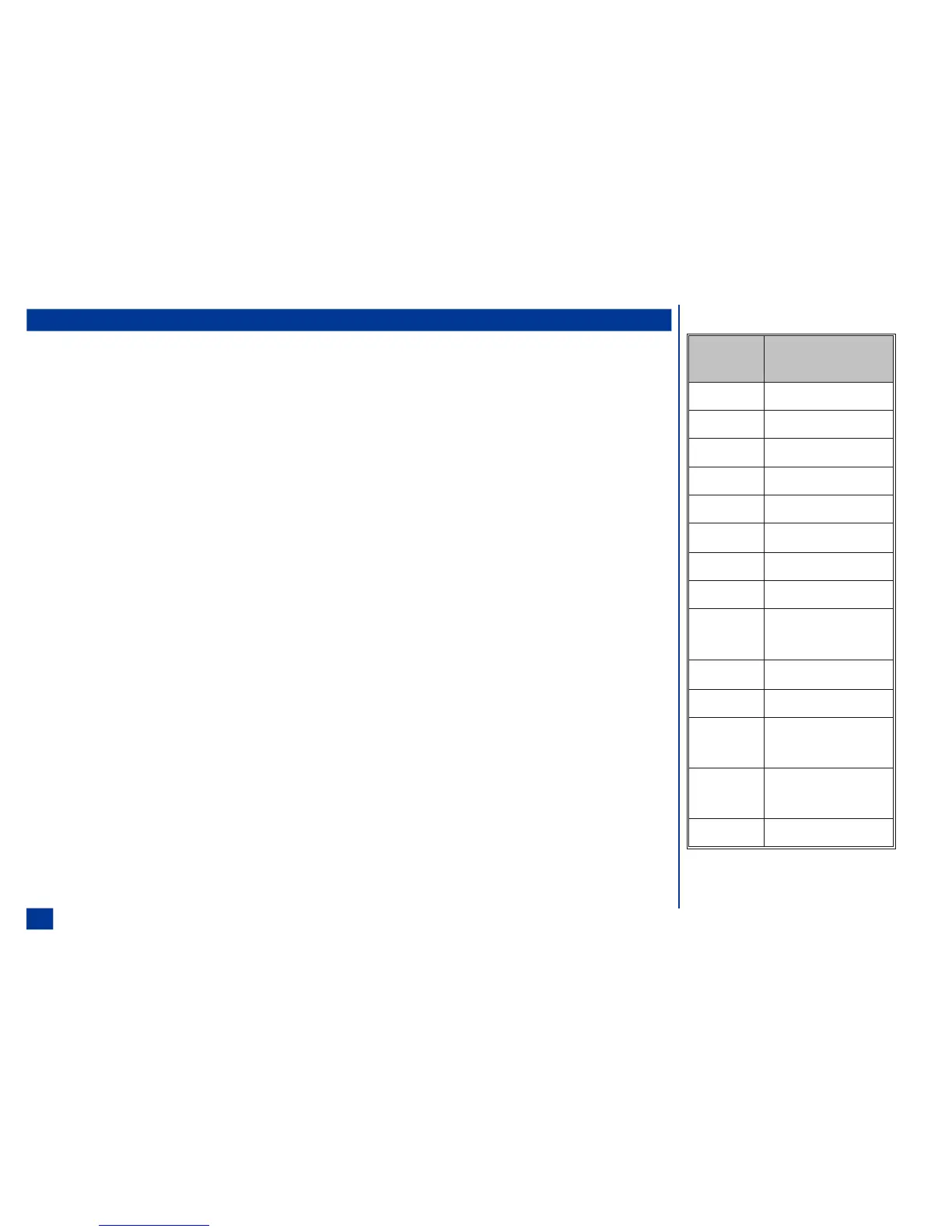
For the calculator, the keys are assigned different functions. The table in the right column
identifies the keys and the calculator function each one performs.
To add, for example (123 + 567),
* Press 1 2 3 and Right navigation key.
Press 5 6 7 and SEND. The answer (690) displays.
To use the temporary memory, for example 5 x (25 - 5),
* Press 2 5 and Left navigation key.
Press 5 and SEND. The answer (20) displays.
Press Softkey 2 to add the displayed number into memory.
Press 5 and Up navigation key.
Press Softkey 1. 20 displays.
Press SEND. The answer (100) displays.
O The calculator can display a result of up to 9 digits. If a calculation results in a number
exceeding the maximum, the screen displays ‘Error’ in the calculation field.
Key Calculator
Function
Right Addition ( + )
Left Subtraction ( – )
Up Multiplication ( X )
Down Division
Select Inversion
MENU
Square Root (Ö)
BOOK Percent (%)
SEND Equal ( = )
CLR Delete digit/
Clear All
*
Sign Inversion (±)
# Decimal Point ( . )
Softkey 2 Memory Addition/
Memory Store
Softkey 1 Memory Recall/
Memory Cancel
END Exit Calculator
158



 To Next Page