NMC-Junior Pro Installation Manual
Page 17
2. Select the required directory.
3. Press Enter.
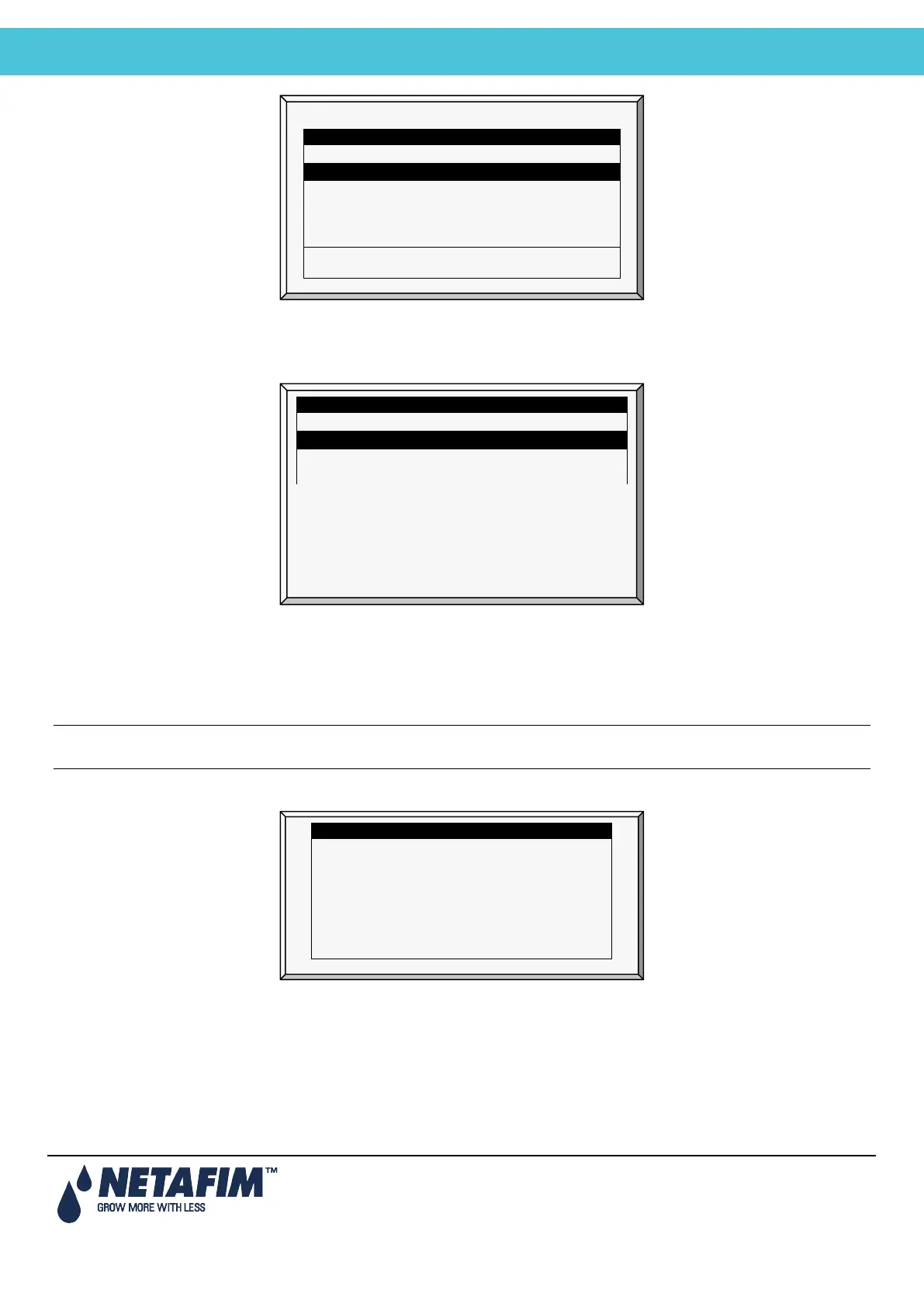
The following screen appears:
4. Select the required software version.
5. Press Enter.
6. A confirmation message appears. Select Yes.
7. Press Enter.
Note: Do not turn the unit off during the update! If there is an interruption (for example a power outage), restart the
process.
At the end of the process, the following screen appears (the version numbers are examples only):
8. Press Enter and perform a Cold Start.
NMC_PRO <DIR> 13/Oct/2009
NETAFIM <DIR> 12/Sept/2014
Press ENTER to confirm selection or MENU to return.
NMC_PRO <DIR> 13/Oct/2009
NETAFIMHEX1.06
<DIR> 12/Sept/2014
Old Version: 8.02.00
Press ENTER To Continue.



 To Next Page