NMC-Junior Pro Installation Manual
Page 30
e. Under Oper. to Start, choose the required symbol.
f. Under Start Value, enter the required value to start
the analog sensor. Under Stop Value, entered the
required value to stop the analog sensor.
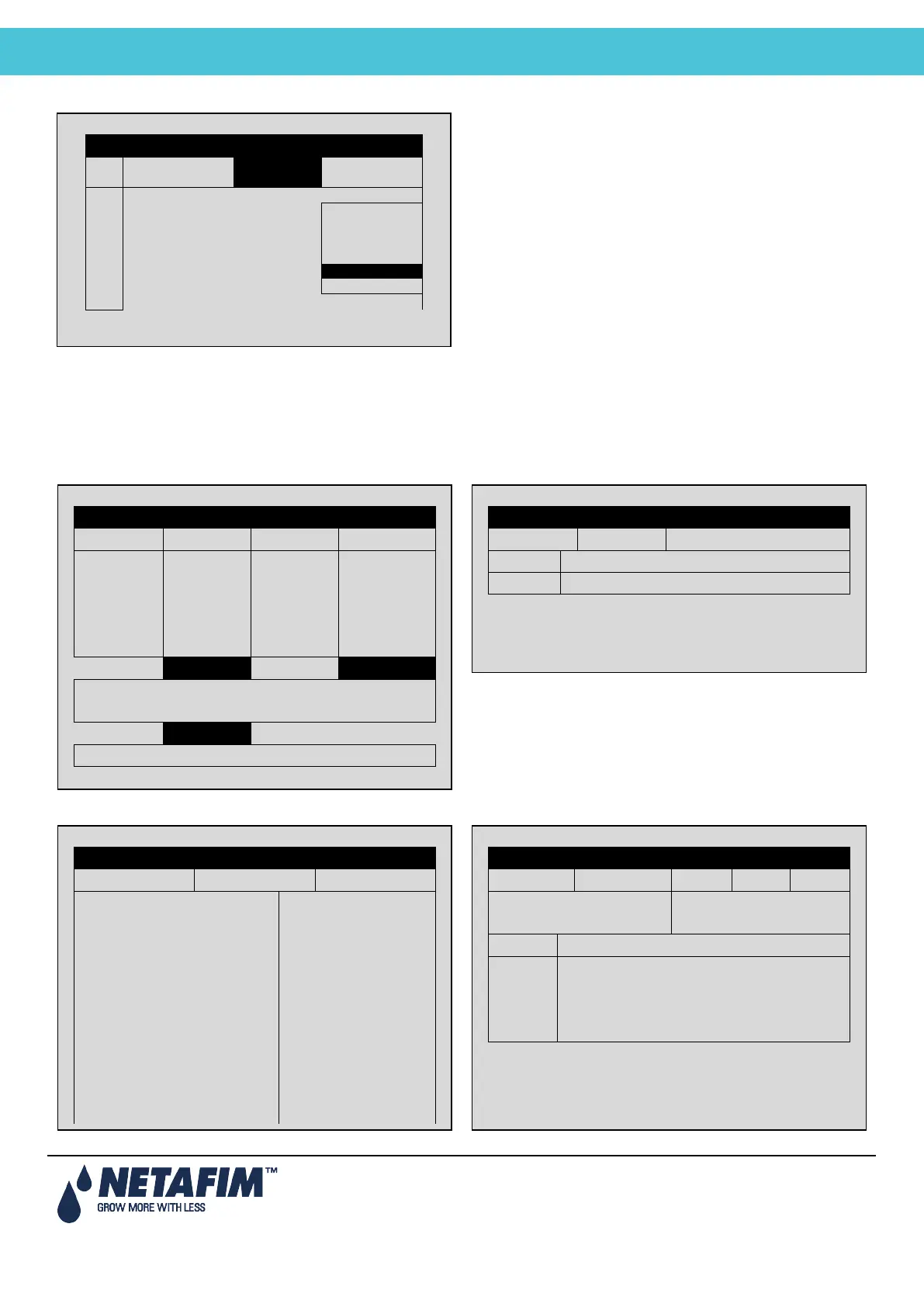
5.6 Hot Keys and Status Screens
Hot Key 1: Next Irrigation Hot Key 2: Irrigation Process
Hot Key 3: Program Status Hot Key 4: Water Flow & EC/pH Status
EXTERNAL CONDITION PROGRAM
SYSTEM SETUP
SET ACTUAL
CYCLE 1 1 START AT
WATER 00:10:00 00:10:00
FLOW 100.00 100.00
EC 1.5 LEFT
pH 5.3
STATUS ACTIVE
PROGRAM: 07:43:23 IRRIGATION
VALVE: 03-Apr-13 ALARM
MESSAGE
IRRIGATION PROCESS
Prog: Valve: Time: 08:07:23
Set Actual Flow Valve
Water
PROGRAM STATUS
Program: 1 3-Apr-13 09:12:35
Status Wait
Time - Minimum ---
Time - Maximum ---
Rad Sum – Measured/Limit —/—
Clock Starts – Given/Set —/—
Starts Due to Rad Sum ---
Starts Due to Max Time ---
Total Cycles Given 1
Last Start 12:00
Elapsed Time 3:00
Next Start 15:43
WATER EC/pH
Status Wait EC pH
Nom. Flow ------ Target --- ---
Act. Flow ------ Actual --- ---
Open(%) Min(%) Prg(%) Max(%)
Chan. 1 --- --- --- ---
Chan. 2 --- --- --- ---
Chan. 3 --- --- --- ---
Chan. 4 --- --- --- ---



 To Next Page