EasyManua.ls Logo

Netafim NMC-JUNIOR PRO - 5.5 Analog Input

Netafim NMC-JUNIOR PRO
101 pages
Print Icon
To Next Page IconTo Next Page
To Previous Page IconTo Previous Page
Loading...
NMC-Junior Pro Installation Manual
Page 29
CONTROLLER SETUP
5.5 Analog Input
1. In Installation > Analog Input, define input function(s) as Analog Sensors.
2. In Setup > Analog Conversion Table:
a. Select the sensor type
b. Under Valid, select YES.
3. In Test > Analog Sensor, view the actual sensor values.
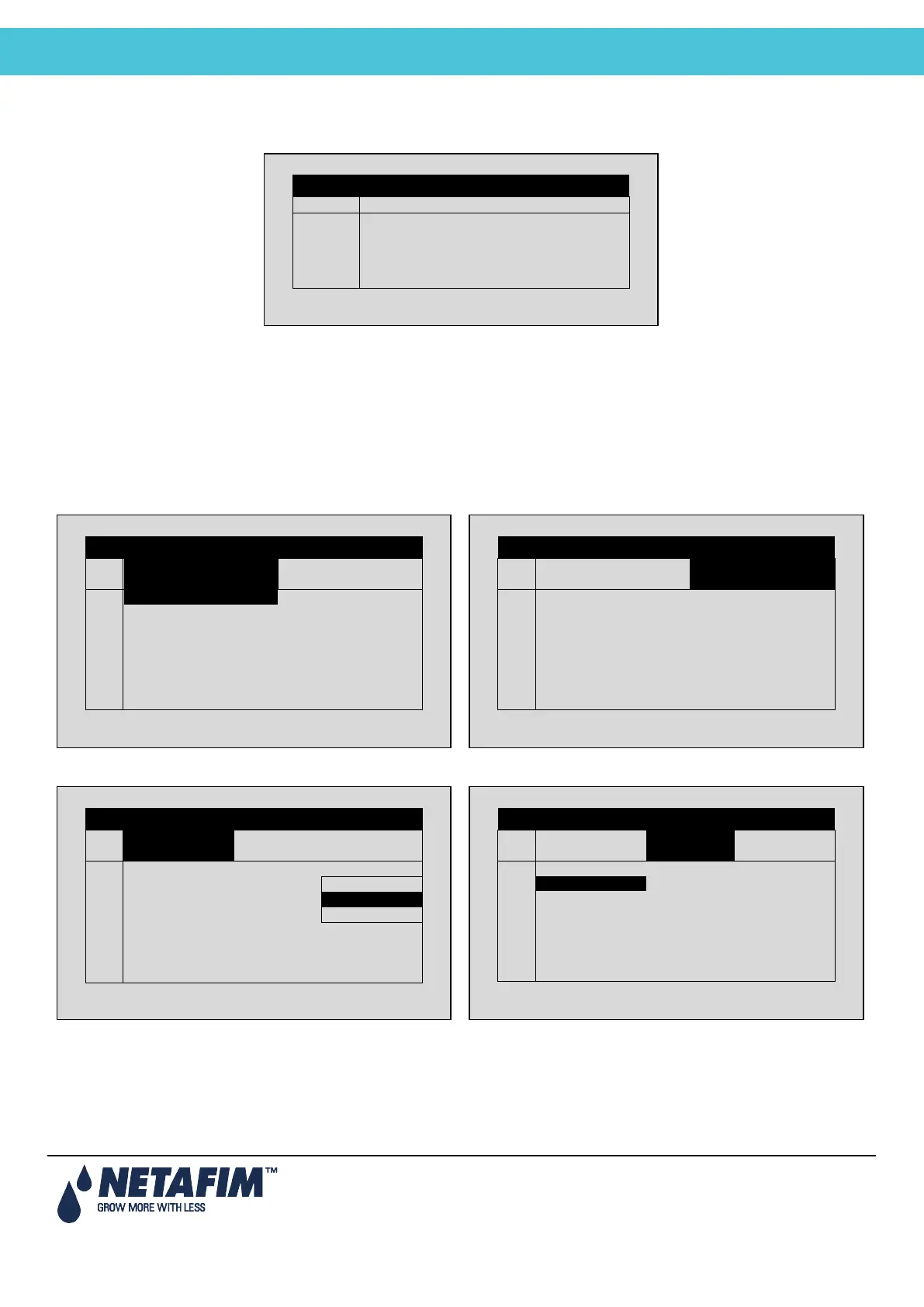
4. In Program > Ext Condition, configure the External Condition Program for the analog sensors.
a. Enter the beginning and ending time for each
program.
b. Under Start An. Dry Cont., define the input type.
c. Define The Trigger Type
d. Under Stop An. Dry Con., define the input type.
ANALOG INPUT
Channel
Input Function
Valid
1
pH Sensor
NO
2
EC Sensor
YES
3
Humidity Sensor
YES
4
Temp. Sensor 1
YES
5
Temp. Sensor 2
YES
EXTERNAL CONDITION PROGRAM
#
From
hh:mm
To hh:mm
Start An.
Dry Cont.
1
10:00
12:00
2
11:00
12:00
Dry Con 1
3
12:00
13:00
Dry Con 1
4
--:--
--:--
<NONE>
5
--:--
--:--
<NONE>
6
--:--
--:--
<NONE>
7
--:--
--:--
<NONE>
8
--:--
--:--
<NONE>
EXTERNAL CONDITION PROGRAM
#
From
hh:mm
To
hh:mm
Start An.
Dry Cont.
1
12:00
2
12:00
Dry Con 1
3
13:00
Dry Con 1
4
--:--
<NONE>
5
--:--
<NONE>
6
--:--
<NONE>
7
--:--
<NONE>
8
--:--
<NONE>
EXTERNAL CONDITION PROGRAM
#
Trigger Type
Stop An
Dry Cont.
Oper.
to Start
1
Multi Shot
---
2
Multi Shot
Dry Con 2
One Shot
3
One Shot
Dry Con 14
Multi Shot
4
One Shot
<NONE>
Only If On
5
One Shot
<NONE>
---
6
One Shot
<NONE>
---
7
One Shot
<NONE>
---
8
One Shot
<NONE>
---
EXTERNAL CONDITION PROGRAM
#
Trigger Type
Stop An
Dry Cont.
Oper.
to Start
1
---
2
Dry Con 2
---
3
Dry Con 14
---
4
<NONE>
---
5
<NONE>
---
6
<NONE>
---
7
<NONE>
---
8
<NONE>
---

Table of Contents

Related product manuals