NMC-Junior Pro Installation Manual
Page 28
Note: If 'Radio' is selected in table 6.2, the screen contains at least 64 outputs.
Note: After making changes, be sure to exit and return again to check for errors. The NMC-Junior Pro will delete
and replace conflicting assignments with ‘---‘.
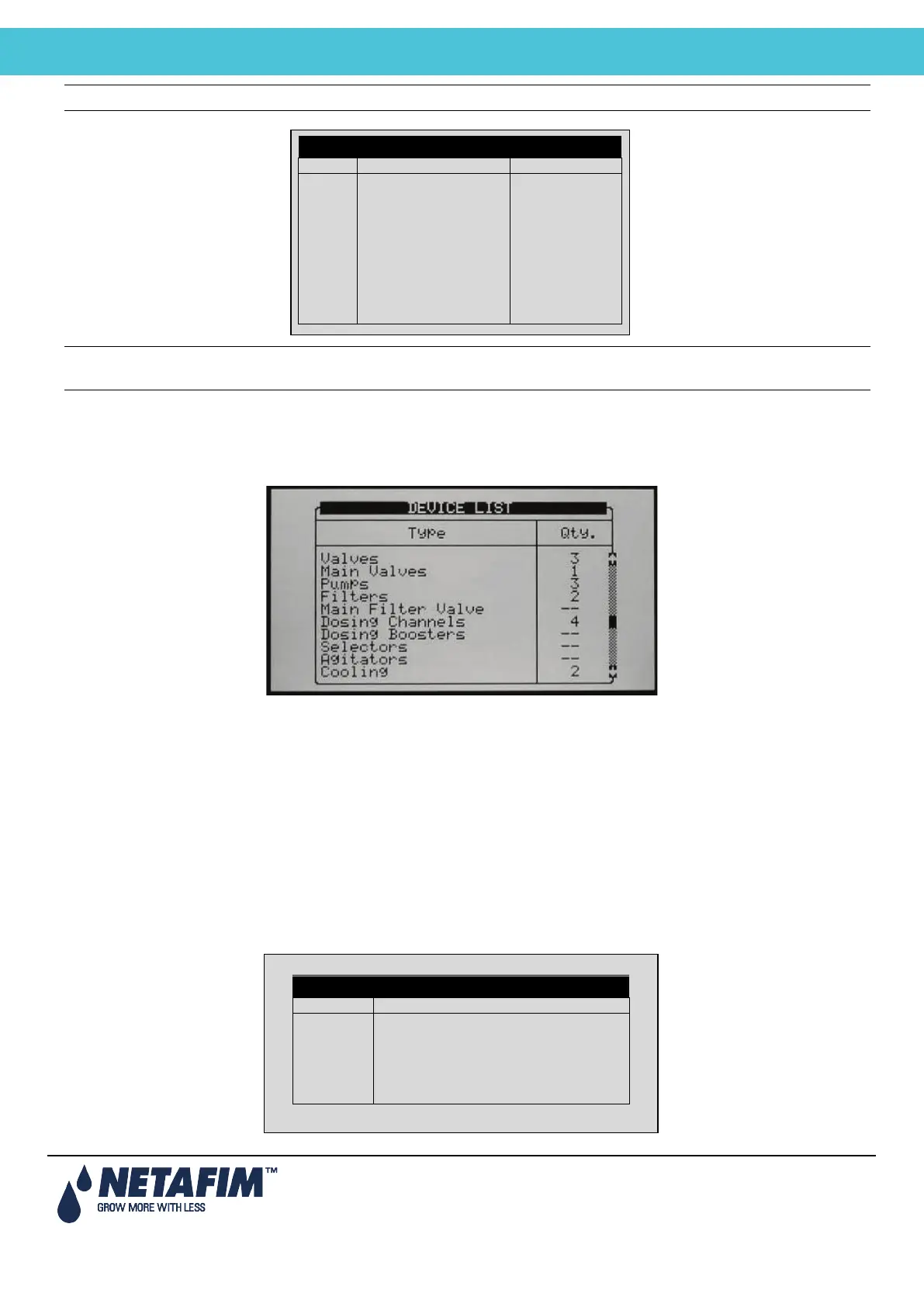
5.3 Device List
The Device List screen allows you to view what type, and how many devices are currently defined. This screen
automatically updates depending on the devices set in the 7.1 screen.
5.4 Digital Input
1. Go to Installation > Digital Input
2. Place the cursor on the relevant line and press ENTER. A selection list will open. Choose the required sensor and
press ENTER to confirm.
Inputs 1-32 are according to the following:
• Card no. 1: inputs 1 – 8
• Card no. 2: inputs 9 – 16
• Card no. 3: inputs 17 – 24
• Card no. 4: inputs 25 - 32
DEVICE LAYOUT
DIGITAL INPUT



 To Next Page