NMC-Junior Pro Installation Manual
Page 45
SYSTEM CONFIGURATION PROCEDURE
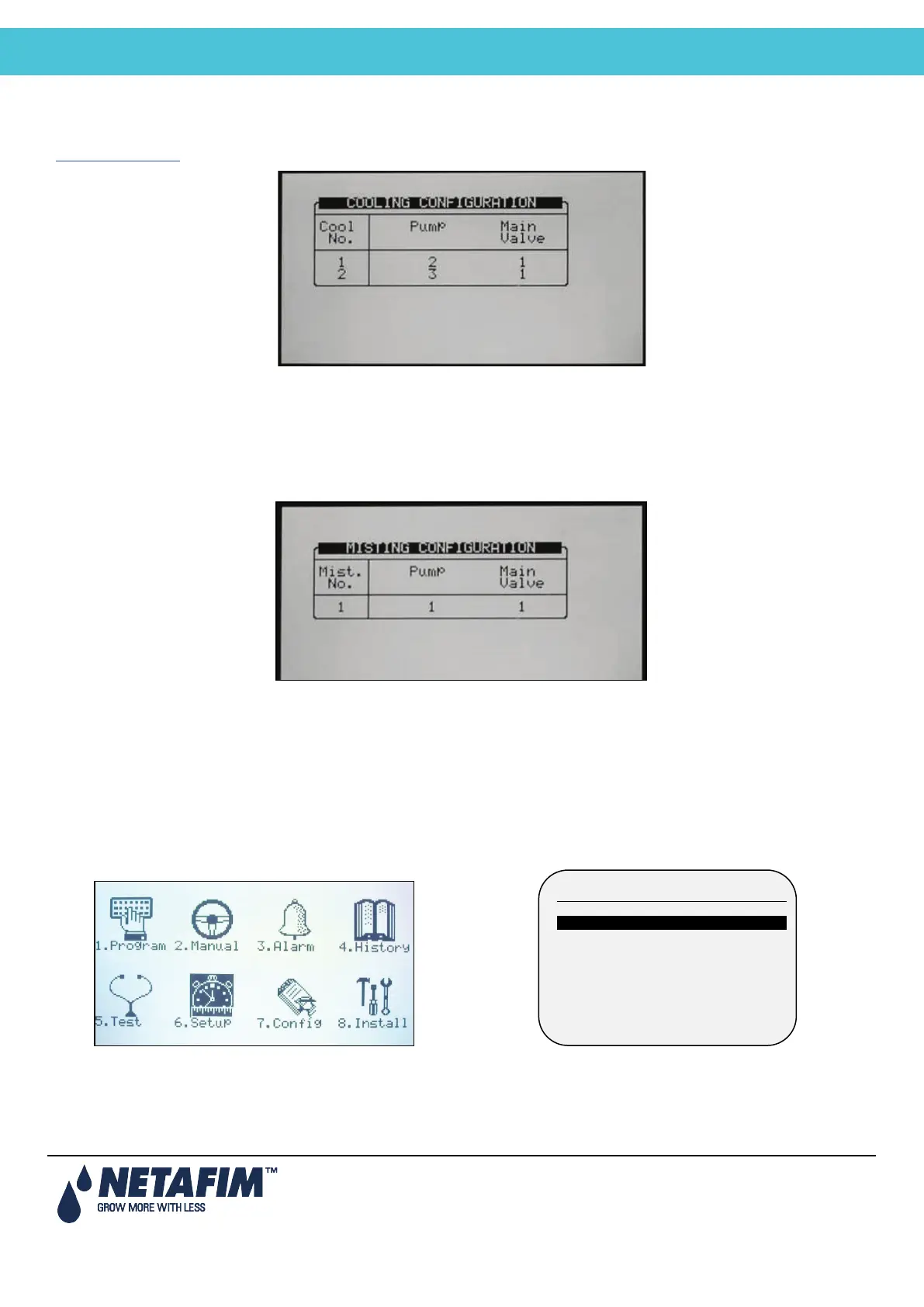
7.10 Cooling Configuration
The cooling configuration screen will only be visible after one (or more) cooling valves have been defined in the
DEVICE LAYOUT
table.
• Pump: Configure a pump to each cooling valve. This setting is not necessary if the cooling pump is not
controlled by the NMC-Junior Pro.
• Main Valve: Configure a main valve to each cooling valve. This setting is not necessary if the cooling doesn’t
have a main valve.
7.11 Misting Configuration
• Pump: Configure a pump for each misting valve. This setting is not necessary if the misting pump is not
controlled by the NMC-Junior Pro.
• Main Valve: Configure a main valve to each misting valve. This setting is not necessary if the misting doesn’t
have a main valve.
7.12 History Resolution
Program how often the computer collects sensor data (keep in mind that lower resolution fills the memory in short
period and overwrites the old data).
1. Select Controller number (in case of multiple controllers in the network, name each controller with a different
number
1. TIME & DATE
2. SYSTEM SETUP
3. TEMPERATURE CALIBRATION
4. HUMIDITY CALIBRATION
5. EC/PH CALIBRATION
6. SENSOR LOGGING
7. WRITE TO DATA PLUG
8. READ FROM DATA PLUG



 To Next Page