NMC-Junior Pro Installation Manual
Page 27
5 CONTROLLER SETUP
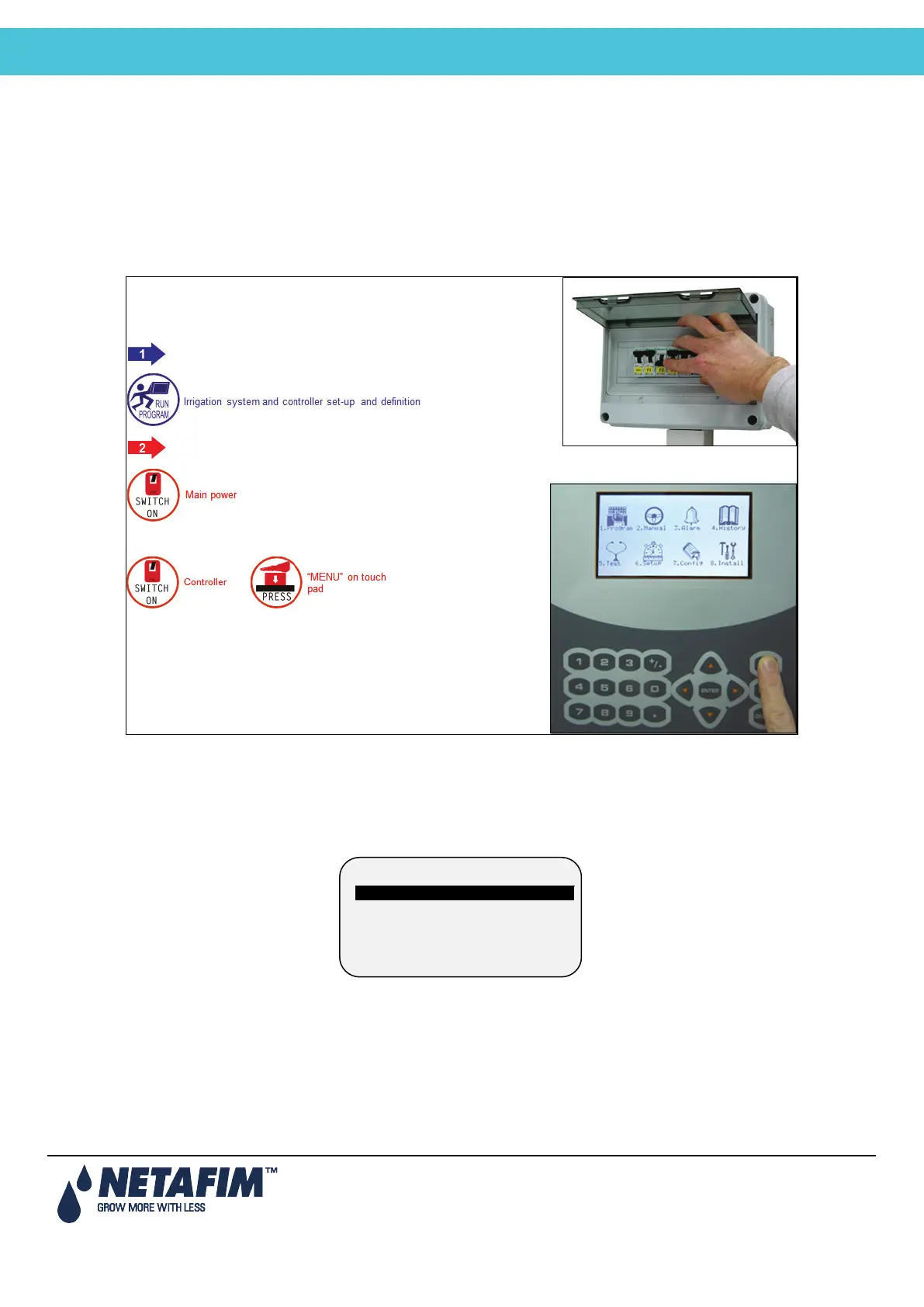
• Start-Up
• Error! Reference source not found.
• Error! Reference source not found.
• Error! Reference source not found.
5.1 Start-Up
• Device Layout, page 27
• Device List, page 28
• Digital Input, page 28
5.2 Device Layout
The device layout screen allows you to assign functions to each output (relay).
1. Place the cursor on the Function column, use the arrow keys to reach the relevant line, and press ENTER. A
selection list including all available devices will appear.
2. Choose the required device and confirm by pressing ENTER. The cursor will move to the No. column.
3. Specify the number of the device in the controller and press ENTER to confirm.
4. If you wish to define several devices of the same type, for example valves 1 to 10, configure the first one and
press ENTER a few times until you reach the required amount. The NMC-Junior Pro automatically continues
with the same device until instructed otherwise, or until reaching the system limitation for that device.
1. DEVICE LAYOUT
2. DEVICE LIST
3. DIGITAL INPUT
4. ANALOG INPUT



 To Next Page