NMC-Junior Pro Installation Manual
Page 51
9 PROGRAM MENU
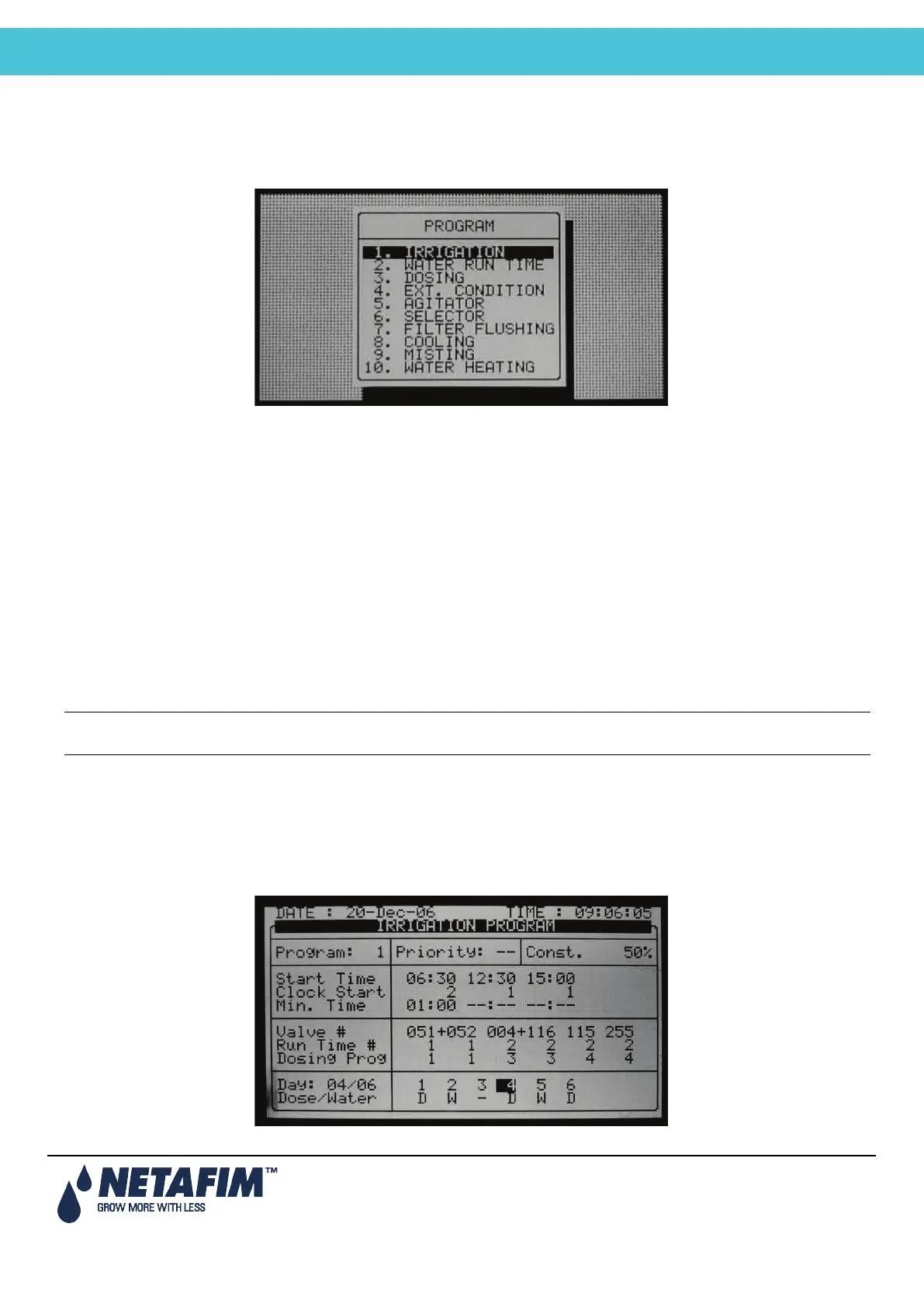
In the Main Menu screen, place the cursor on the program icon and press ENTER, or press '1' to enter the Program
Menu.
• Irrigation, page 51
• Using the Influences, page 55
• Setting the Influences, page 55
• Water Run Time, page 60
• Dosing, page 61
• Ext. Condition, page 63
• Agitator, page 64
• Selector, page 65
• Filter Flushing, page 65
• Cooling, page 66
• Misting, page 68
• Water Heating, page 69
Note: To enter any of the menus, press the corresponding numeric key or scroll to the desired item using the
up/down arrow keys and press ENTER: a new window will appear. The first menu under Program is Irrigation.
9.1 Irrigation
The Irrigation Program screen includes all the settings for configuring automatic irrigation start. It depends heavily on
the Water Run Time and dosing program screens; therefore it is recommended to configure these screens before
irrigation takes place.
The NMC-Junior Pro consists of 15 irrigation programs.



 To Next Page