NMC-Junior Pro Installation Manual
Page 57
9.2.2.2 Drainage Influence on Target Radiation Sum
Irrigation can be triggered by the Radiation Sum (Rad Sum). This Influence enables adjusting the Rad Sum based on
the amount of drainage.
To set the Drainage Influence on Rad Sum:
1. In Program > Irrigation, set Contr. to Rad Sum.
2. In Installation > Digital Input, define which digital input is the drain meter.
Note: The drainage must be defined correctly! You can check the drainage meter status using Hot key 9.
3. In Configuration > Valve Configuration define which valve number corresponds to which drainage meter.
4. In Configuration > Drainage Configuration, define the drainage meter’s Ratio Liter/Pulse.
5. In Program > Irrigation, select Drain/RadS.
a. Define the Drainage percentage set points.
b. Define the RadS percentage set points.
6. Set ACTIVE/SOURCE to Yes.
7. Press Menu and confirm changes.
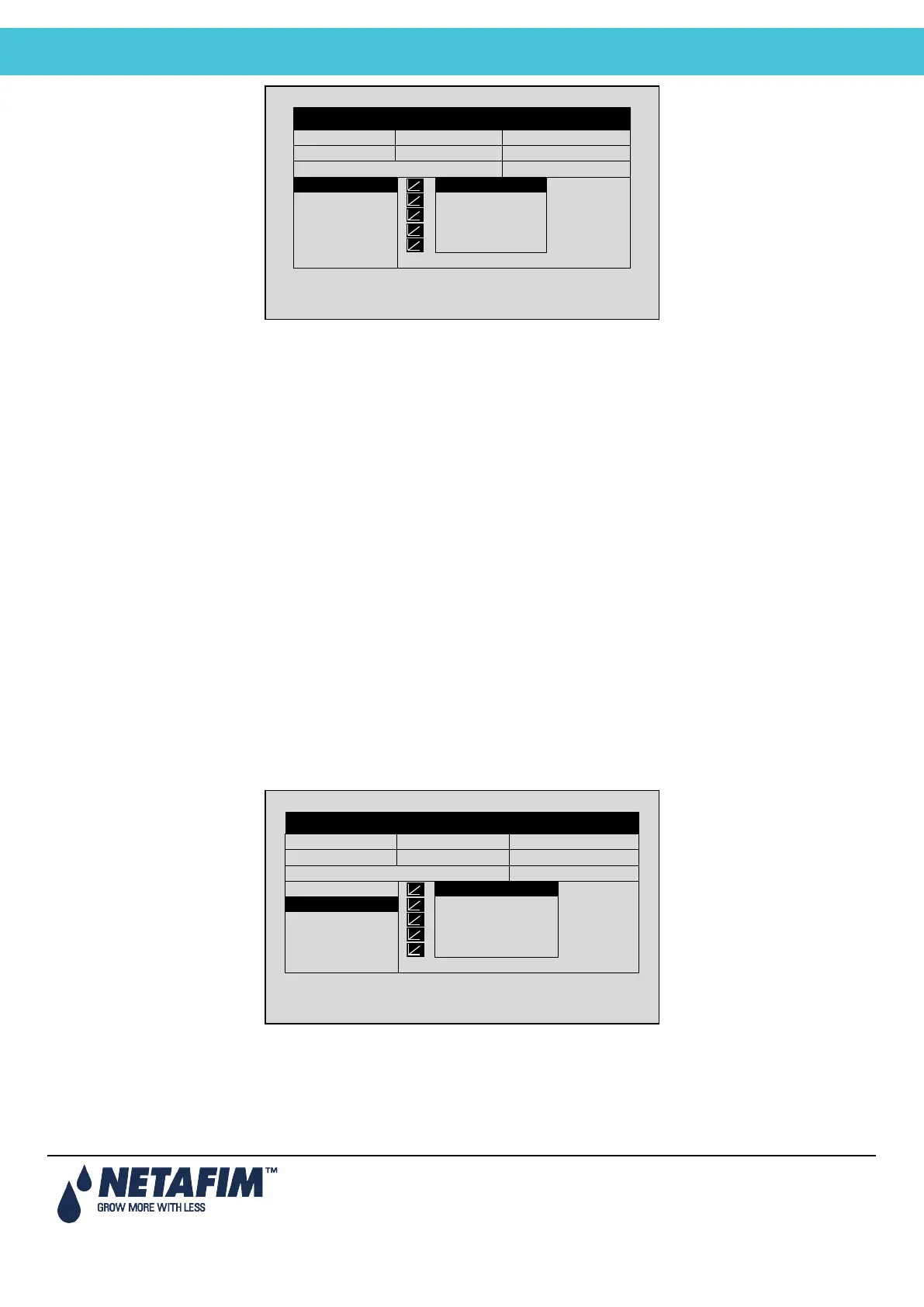
Example: A user set irrigation to be triggered by the radiation sum. However, he wants to increase the gap between
irrigations as drainage increases. The following illustration demonstrates how Rad Sum can increase. When drainage
reaches 75%, the Rad Sum increases by 30%. If the Rad Sum Limit were set to 100, than at 75% drainage, it would
increase to 130.
DATE: 2 –Feb-12 TIME 12:52-08
IRRIGATION PROGRAM
Screen 2 of 3 – In order to view the
DATE: 2 –Feb-12 TIME 12:52-08
IRRIGATION PROGRAM
Screen 2 of 2 – In order to view the



 To Next Page