NMC-Junior Pro Installation Manual
Page 59
b. Define the EC percentage set points.
6. Set ACTIVE/SOURCE to Yes.
7. In Program > Dosing Program:
a. set the Target EC
b. set EC Dosing Method to Pr. Qty.
Example: A grower wants to lower the EC level as the VPD decreases. He sets this screen to reduce the increase in
EC level to match the decreasing VPD levels.
9.2.2.5 Temperature Influence on Target EC
You can adjust the EC based on the air temperature. As the temperature rises or falls, the program can increase or
decrease the EC level according to your requirements.
1. In Installation > Analog Input:
a. define a sensor as EC
b. define an air temperature sensor
Note: You can verify the EC status using Hot Key Screen 4, the temperature sensor status using Hot Key
Screen 6.
2. In Configuration > Dosing Channel Configuration set React to EC.
3. In Configuration > Dosing Configuration > EC Control, set EC Control to Yes.
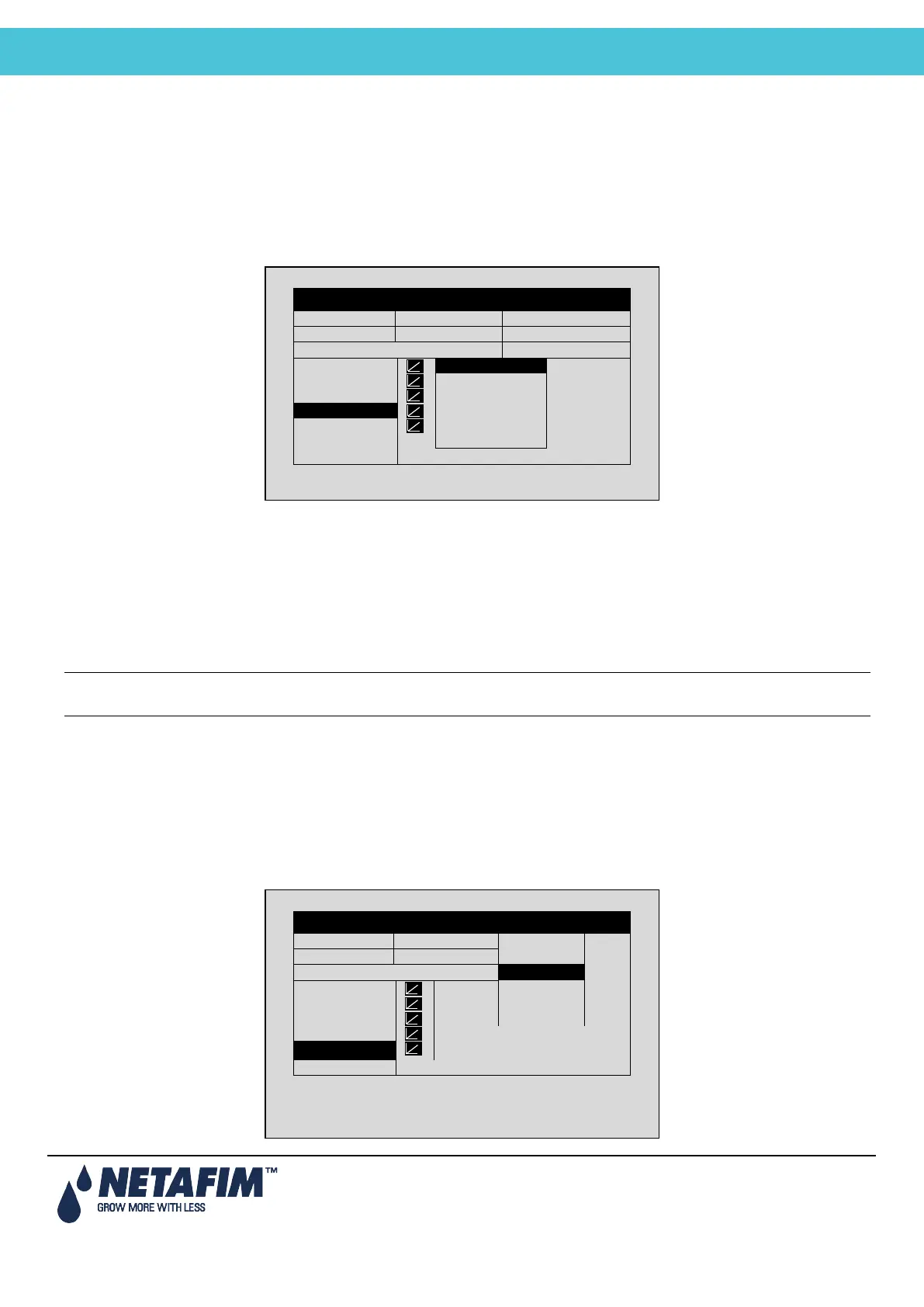
4. In Program > Irrigation, select Temp/EC.
a. define the Temperature sum points.
b. define the EC percentage set points.
5. Set ACTIVE/SOURCE, select the temperature sensor number.
DATE: 2 –Feb-12 TIME 12:52-08
IRRIGATION PROGRAM
Screen 2 of 3 – In order to view the
DATE: 2 –Feb-12 TIME 12:52-08
IRRIGATION PROGRAM
Screen 2 of 3 – In order to view the



 To Next Page