74 E2600 Controller-Drive Tray Installation Guide
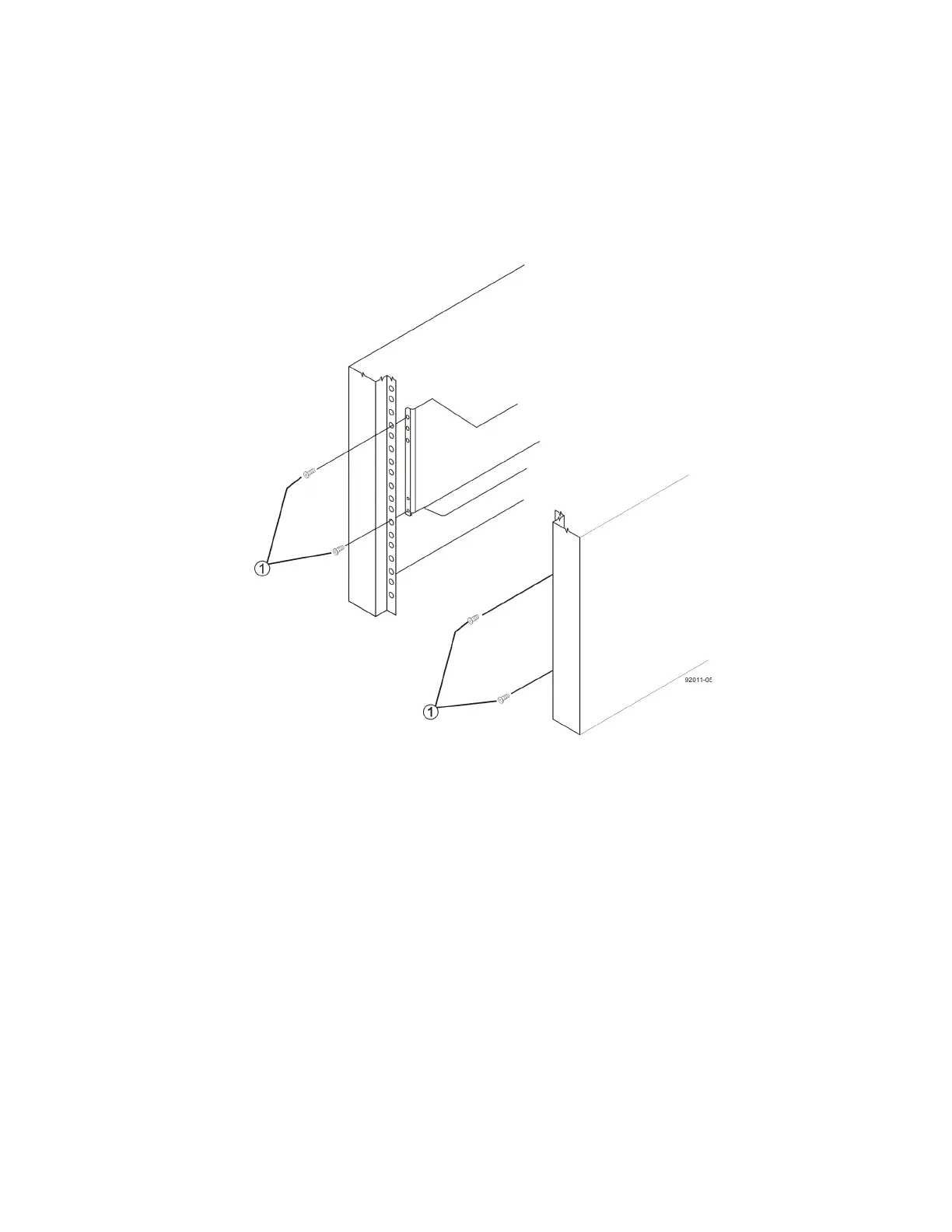
11. Secure the front of the drive tray to the cabinet. Use the four screws to attach the flange on each side of the
front of the drive tray to the mounting rails.
a. Insert two M5 screws through the bottom holes of a flange on the drive tray so that the screws go
through the EIA support rail and engage the bottom captured nuts in the mounting rail. Tighten the
screws.
b. Repeat substep a for the second flange.
Figure 67 Attaching the Front of the Drive Tray
1. Four Screws for Securing the Front of the Drive Tray



 To Next Page