E2600 Controller-Drive Tray Installation Guide 79
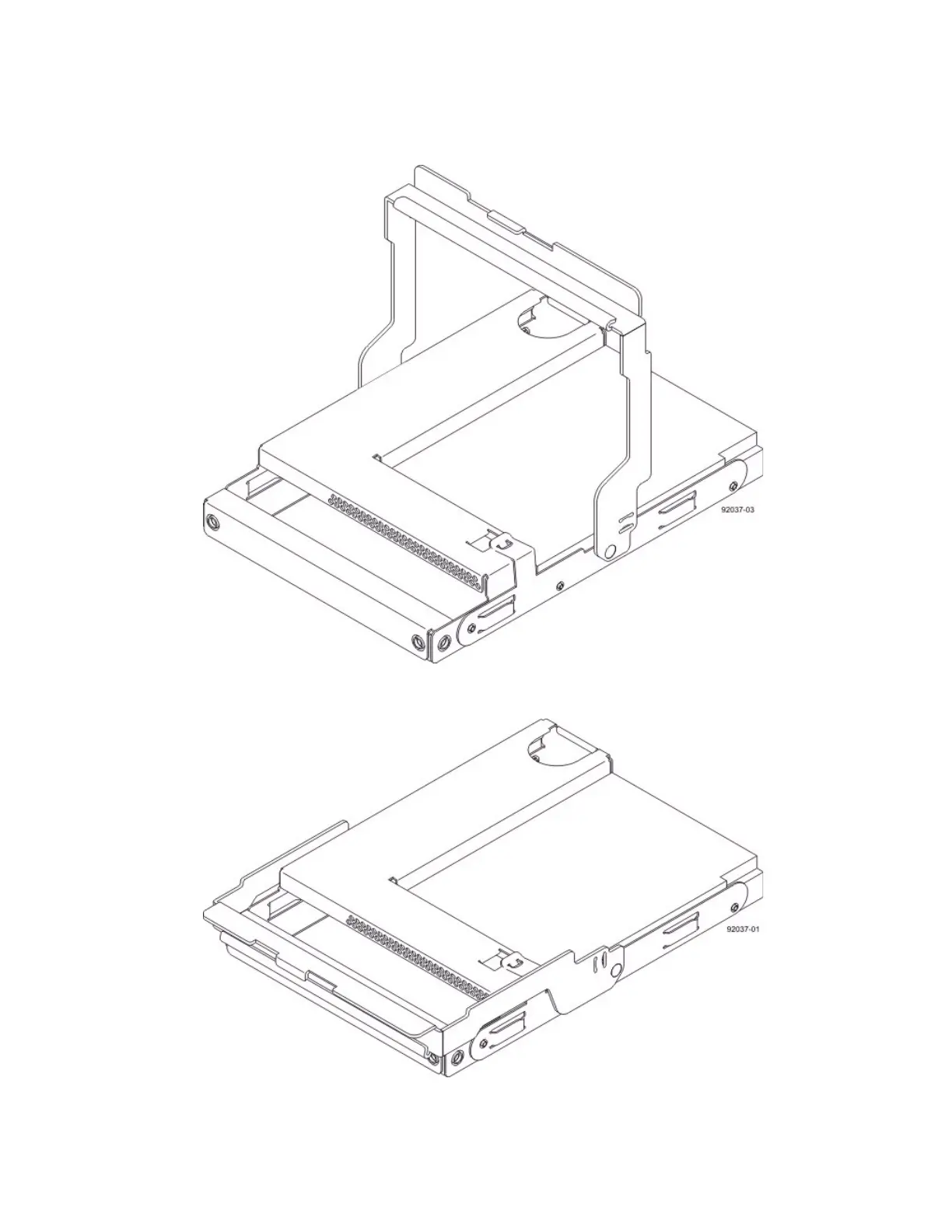
3. Starting with the first drive, raise the drive handle to the vertical position.
Figure 72 Raised Drive Handle
4. Align the two raised buttons on each side over the matching gap in the drive channel on the drawer.
Figure 73 Side View of Drive with Raised Handle
1. Raised Buttons



 To Next Page