Chapter 4: Drive Connection 135
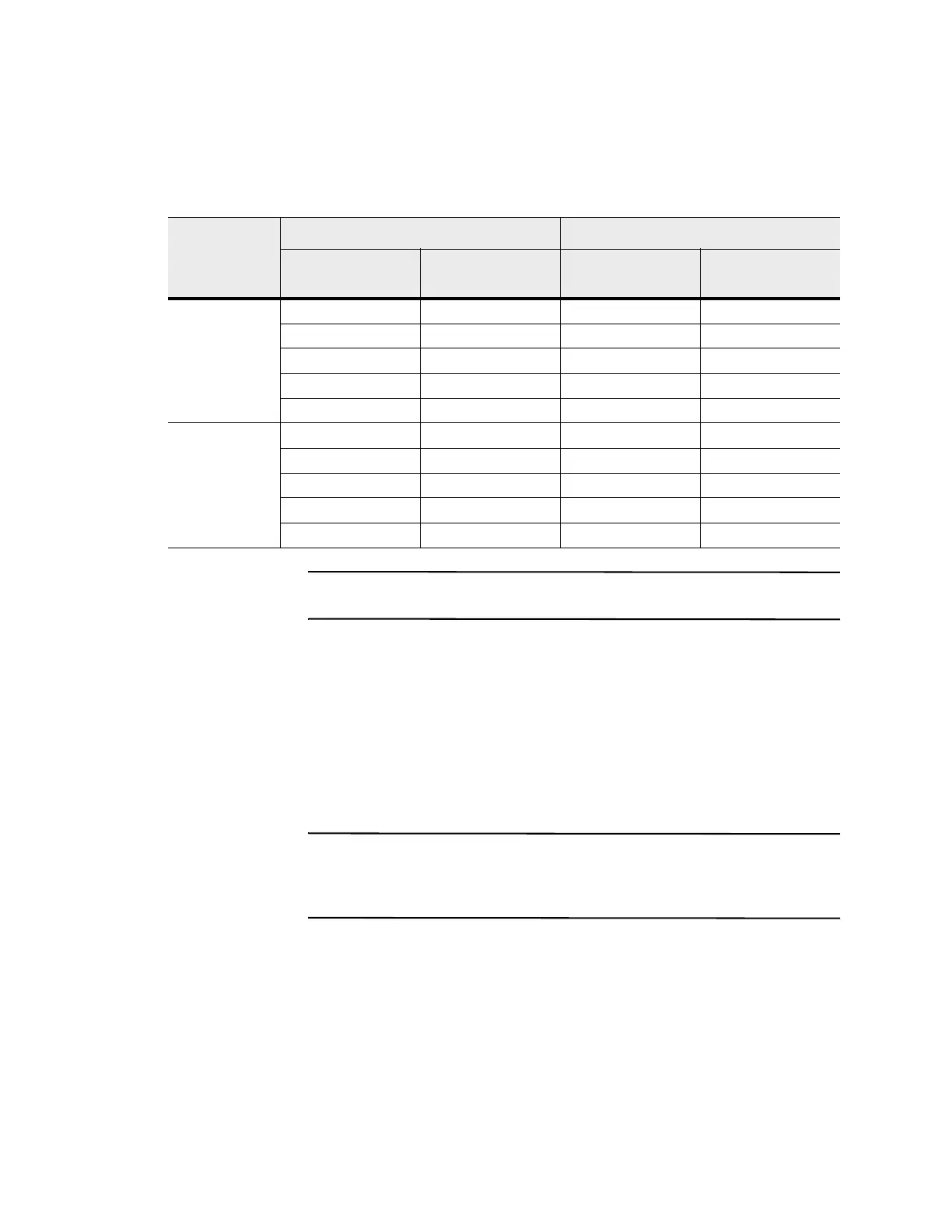
Table 28 One CDE3994 Controller-Drive Tray and Five Drive Trays with Inverted
ESMs
NOTE If you have drive trays with inverted ESM canisters, see "ESM Canister
Arrangements" on page 69.
One CDE3994
Controller-Drive
Tray or CDE3992
Controller-Drive
Tray and Six Drive
Trays
If you are connecting one CDE3994 controller-drive tray to six drive trays, and those
drive trays have inverted ESM canisters, use the cabling topology shown in the
following table and figure.
NOTE The CDE3994 controller-drive tray supports a maximum of seven drive trays.
However, if you are using the FC4600 drive tray in your configuration, plan for a limit
of six FC4600 drive trays. Seven FC4600 drive trays fully populated with drives
exceed the maximum number of drives supported on a single drive channel.
Drive Channel
Connection Point Connection Point
Tray or Component
Port Number and
Location
Tray or Component
Port Number and
Location
1 Controller A 1 Drive tray 4 ESM A, port 1B
Drive tray 4 ESM A, port 1A Drive tray 2 ESM A, port 1B
Controller A 2 Drive tray 1 ESM A, port 1B
Drive tray 1 ESM A, port 1A Drive tray 3 ESM A, port 1B
Drive tray 3 ESM A, port 1A Drive tray 5 ESM A, port 1B
2 Controller B 1 Drive tray 5 ESM B, port 1B
Drive tray 5 ESM B, port 1A Drive tray 3 ESM B, port 1B
Drive tray 3 ESM B, port 1A Drive tray 1 ESM B, port 1B
Controller B 2 Drive tray 2 ESM B, port 1B
Drive tray 2 ESM B, port 1A Drive tray 4 ESM B, port 1B









 To Next Page