Chapter 1: Cabling Concepts and Best Practices 29
Installing a SAS
Cable
ATTENTION Possible hardware damage – To prevent electrostatic discharge
damage to the tray, use proper antistatic protection when handling tray components.
1. Put on antistatic protection.
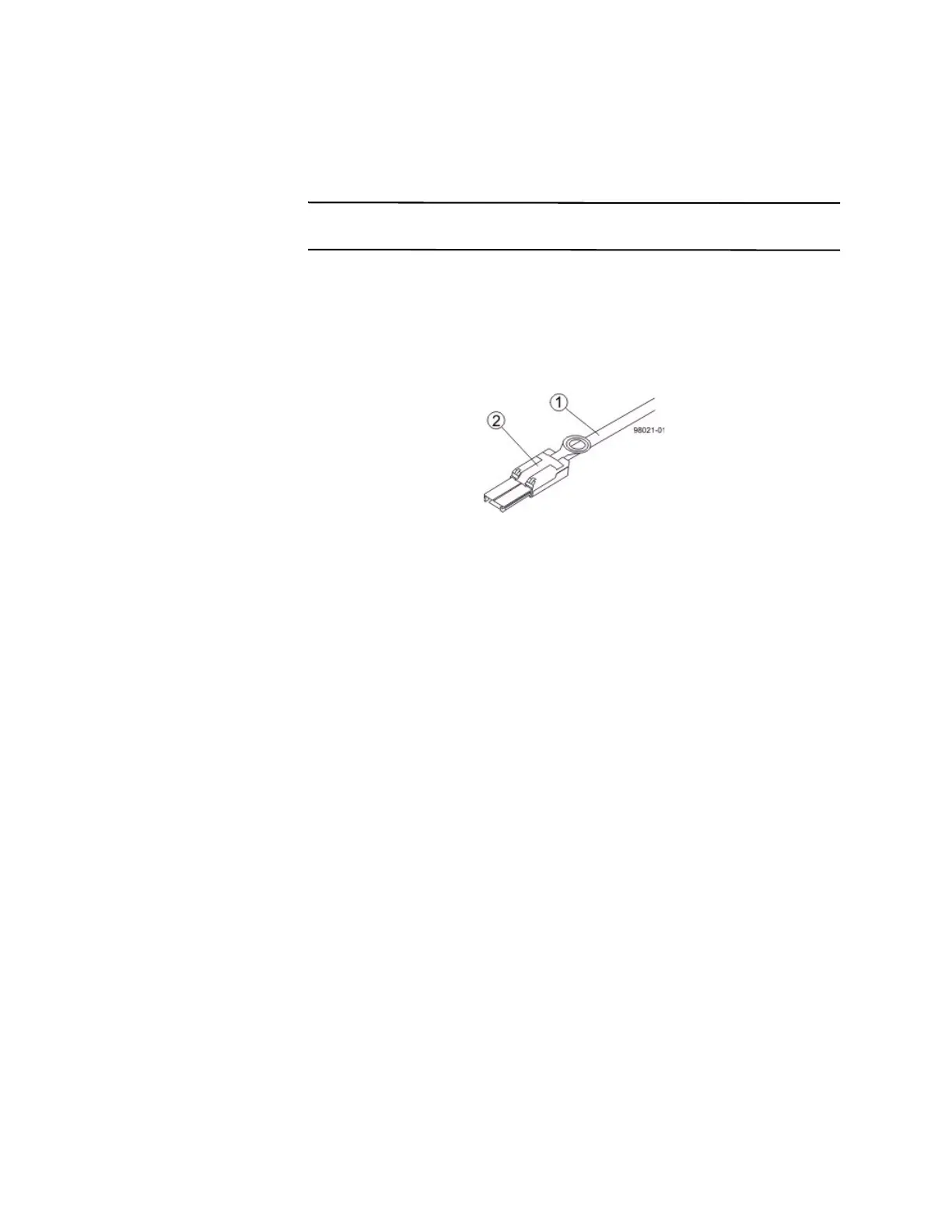
2. Verify that you have the correct cables for a SAS connections by comparing them
to the cable shown in the following figure. Cables for SAS connections do not
require SFP transceivers.
Figure 12 SAS Cable with an SFF-8088 Connector
1. SAS Cable
2. SFF-8088 Connector
3. For each cable, insert one SFF-8088 connector into a host interface card port on
the controller-drive tray or the controller tray and the other SFF-8088 connector
into an port on the host’s HBA.









 To Next Page