Chapter 1: Cabling Concepts and Best Practices 27
Installing a Copper
Cable with a Passive
SFP Transceiver
ATTENTION Possible hardware damage – To prevent electrostatic discharge
damage to the tray, use proper antistatic protection when handling tray components.
1. Put on antistatic protection.
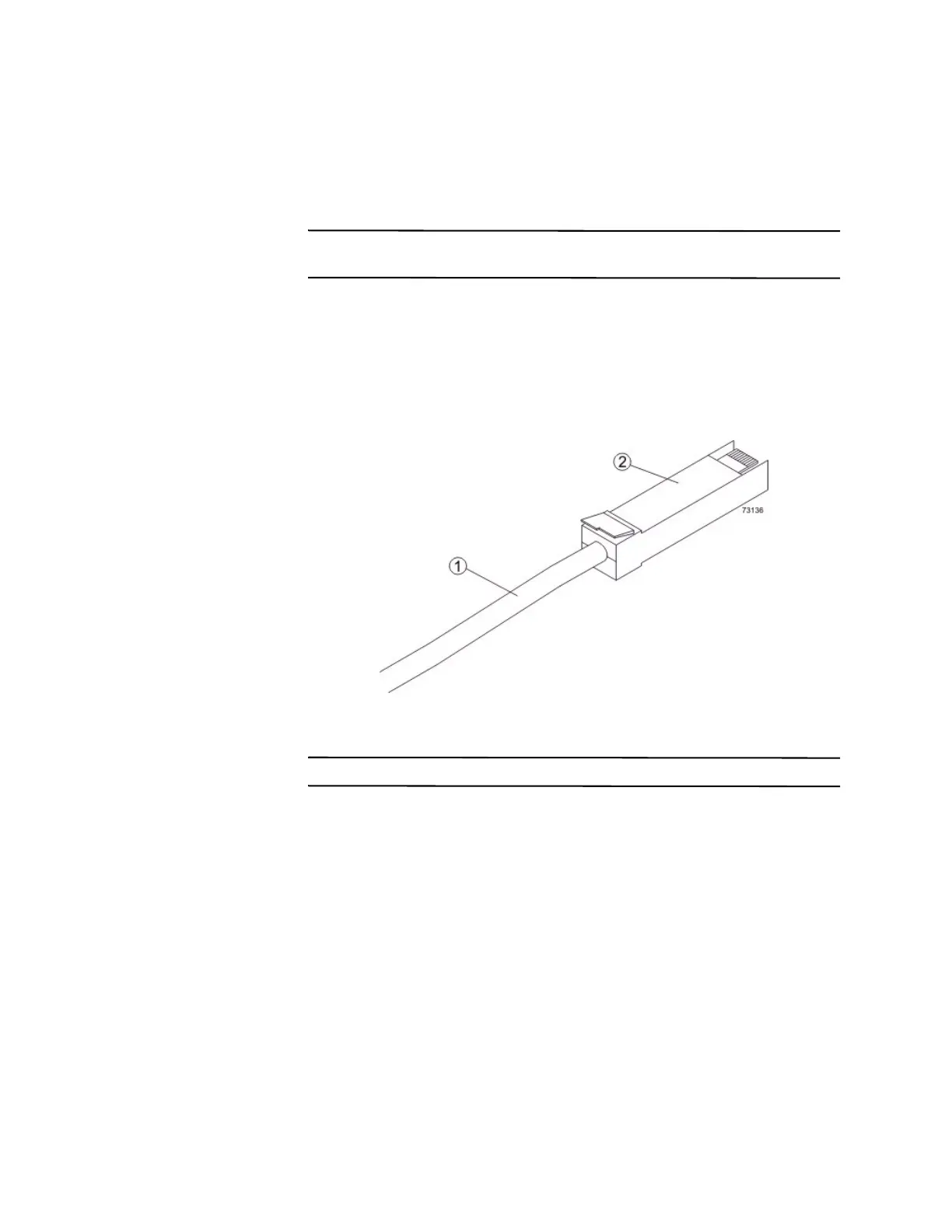
2. Verify that your cables are copper cables by comparing them to the cable shown
in the following figure. Your passive SFP transceivers might look slightly
different from the one shown. The differences do not affect the performance of
the SFP transceiver.
Figure 10 Passive SFP Transceiver and Copper Cable
1. Copper Cable
2. Passive SFP Transceiver
NOTE Make sure that the passive SFP transceiver installs with an audible click.
3. Insert the passive SFP transceiver into the port in which the copper cable will be
installed.









 To Next Page