28
Installing an iSCSI
Cable
ATTENTION Possible hardware damage – To prevent electrostatic discharge
damage to the tray, use proper antistatic protection when handling tray components.
1. Put on antistatic protection.
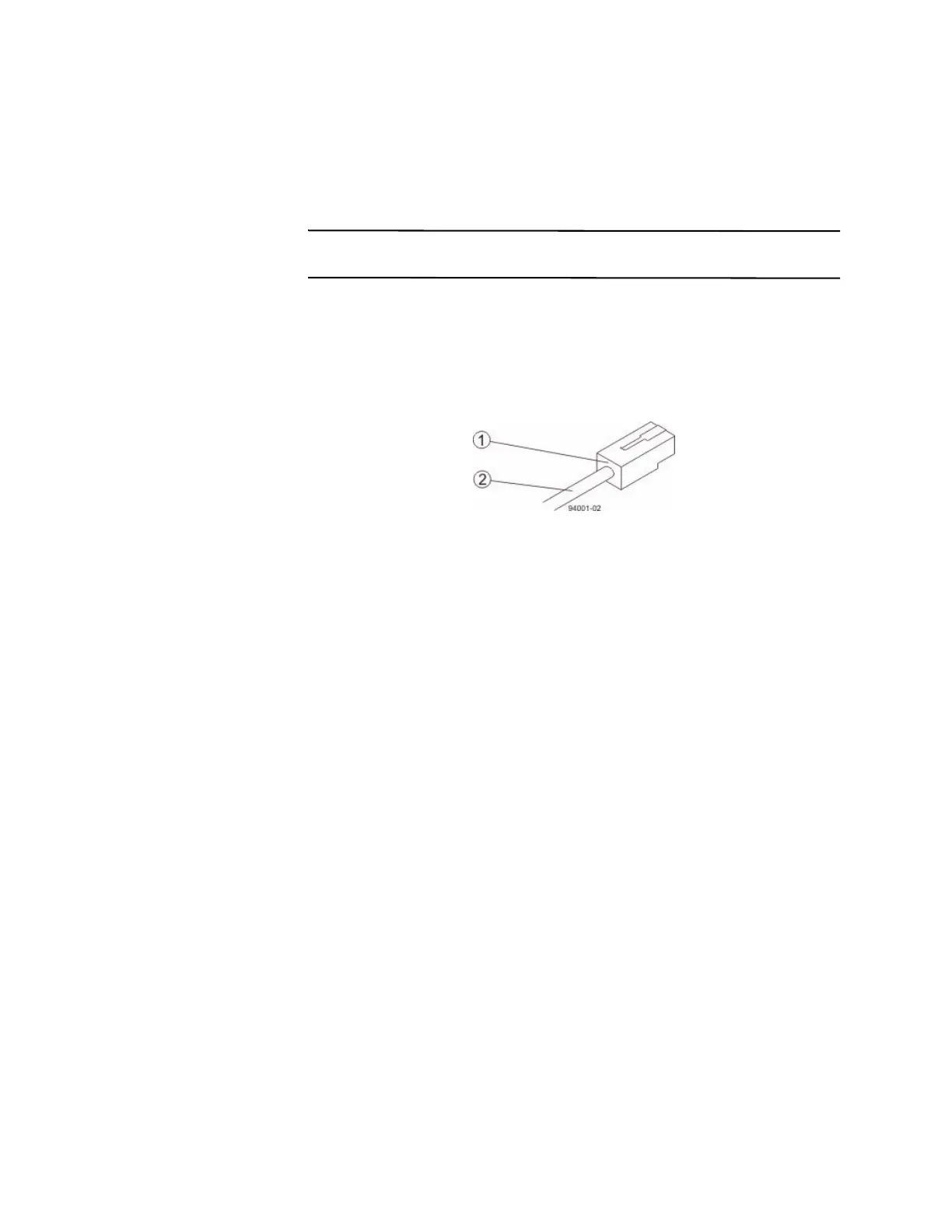
2. Verify that you have the correct cables for an iSCSI connections by comparing
them to the cable shown in the following figure. Cables for iSCSI connections do
not require SFP transceivers.
Figure 11 iSCSI Cable with an RJ-45 Connector
1. RJ-45 Connector
2. iSCSI Cable
3. For each cable, insert one RJ-45 connector into a host interface card port on the
controller-drive tray or the controller tray and the other RJ-45 connector into a
port on the host’s Ethernet adapter.









 To Next Page