Chapter 4: Drive Connection 75
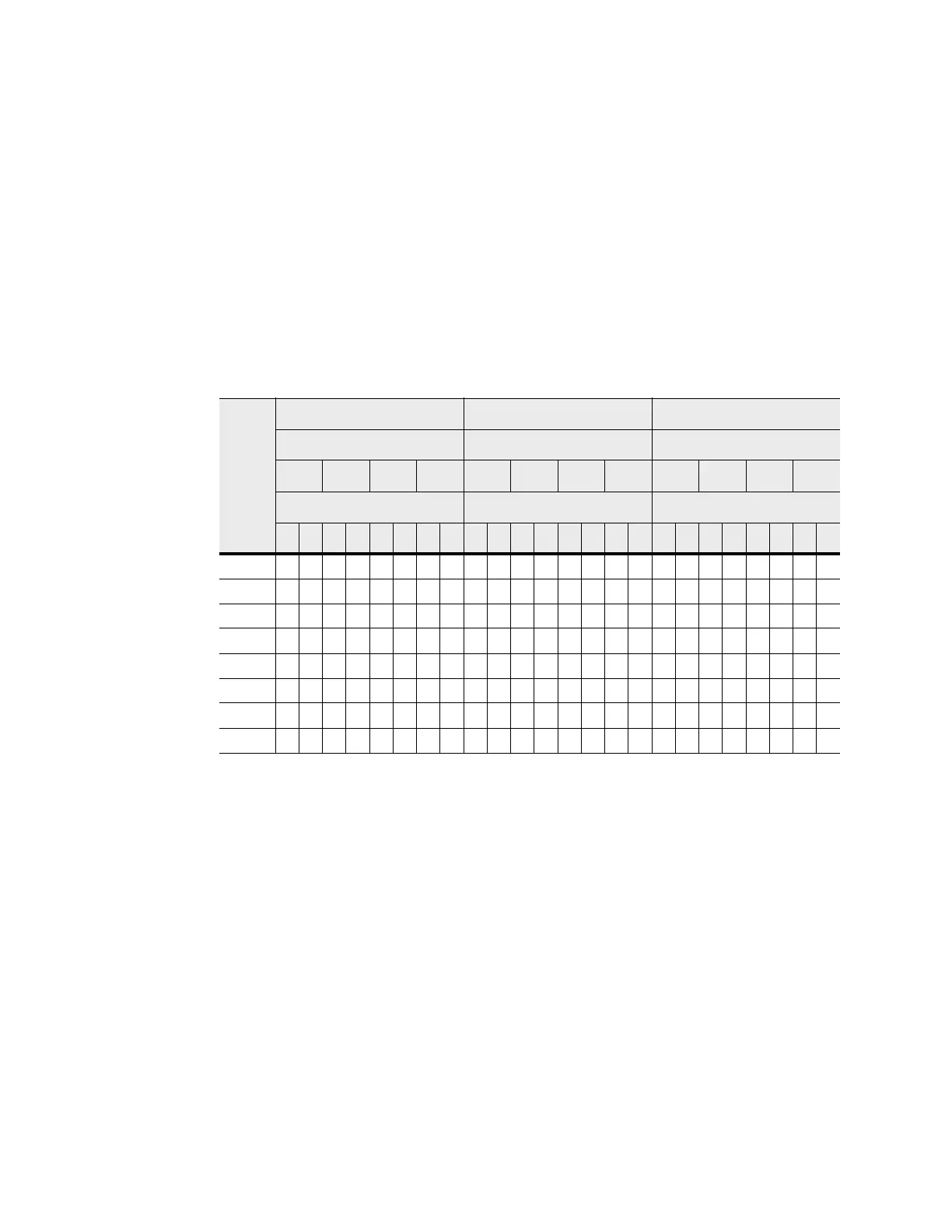
The following table specifies the cabling pattern for a controller tray that is attached
to five to eight drive trays. The “Cable” column indicates that two cables are used for
each drive tray. In the rows for cable 9 and cable 10, for example, the “Xs” indicate
that the cables are connected to controller A, channel 1, port 7 and controller B,
channel 5, port 2 respectively. The “Bs” in these rows indicate that the other ends of
cable 9 and cable 10 are connected to port 1B of the left ESM1 and port 1B of the
right ESM of drive tray 5 respectively. This pattern continues, using odd-numbered
ports on controller A and even-numbered ports on controller B for up to eight drive
trays.
Table 7 One CE7922 Controller Tray or CE7900 Controller Tray and Five to Eight
Drive Trays
Cable
Controller AController A Controller B
Channel Number Channel Number Drive Trays
Ch1 Ch2 Ch3 Ch4 Ch5 Ch6 Ch7 Ch8 5 6 7 8
Port Number Port Number ESMs (Left or Right)
8 7 6 5 4 3 2 1 1 2 3 4 5 6 7 8 L R L R L R L R
9X B
10 X B
11 X B
12 X B
13 X B
14 X B
15 X B
16 X B









 To Next Page