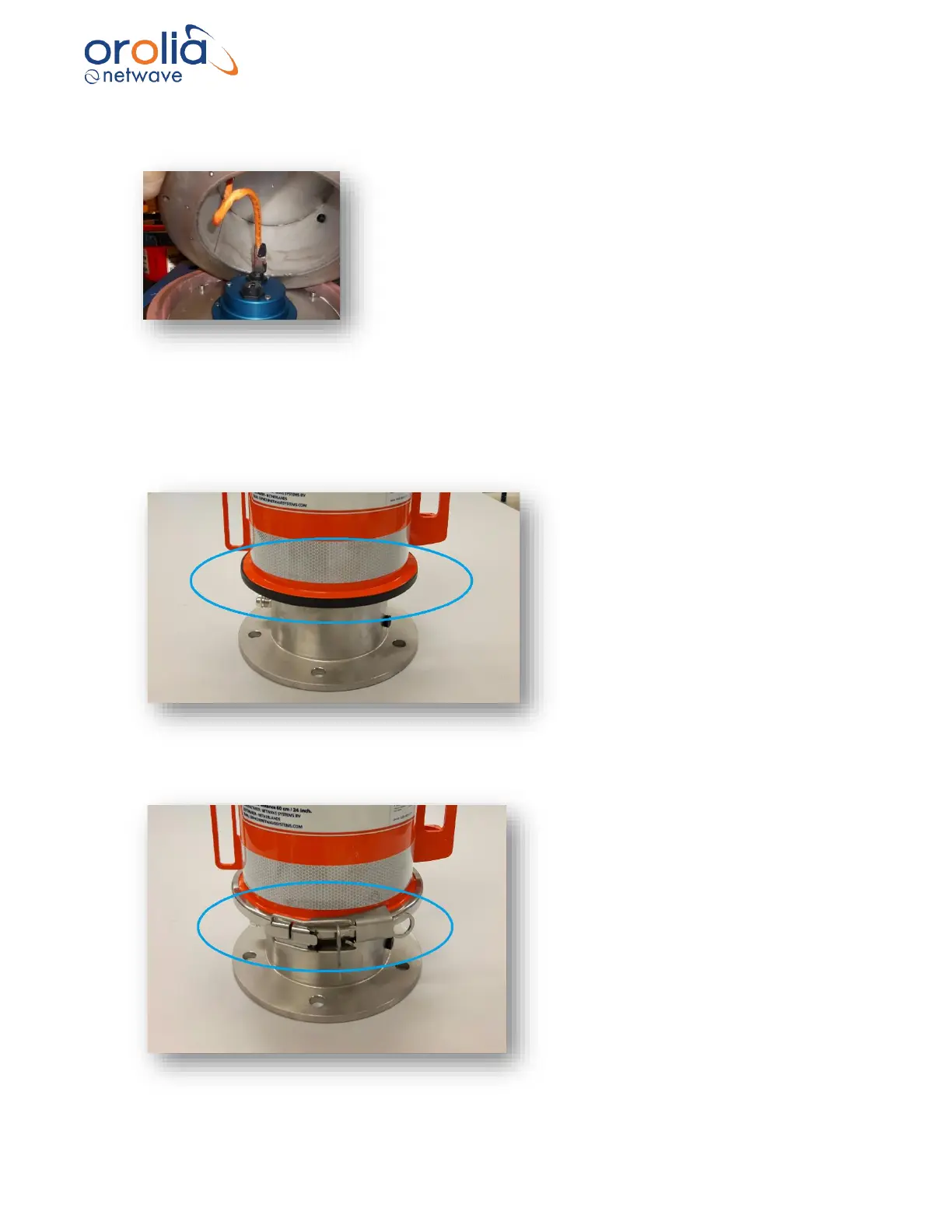
D) After attaching the RJ-45 connector to the network cable, plug the connector in the network
plug on the blue CPU housing as below.
E) Once the storage medium and the deckmount are placed upon each other, attach the
vulcanized tape around the flanges to ensure water tightness.
Stretch around 50cm of vulcanized tape and make sure to wrap it twice around the seam that is
between the capsule and the deckmount.
F) Place the locking mechanism.



 To Next Page