22.8 Rebooting the VDR
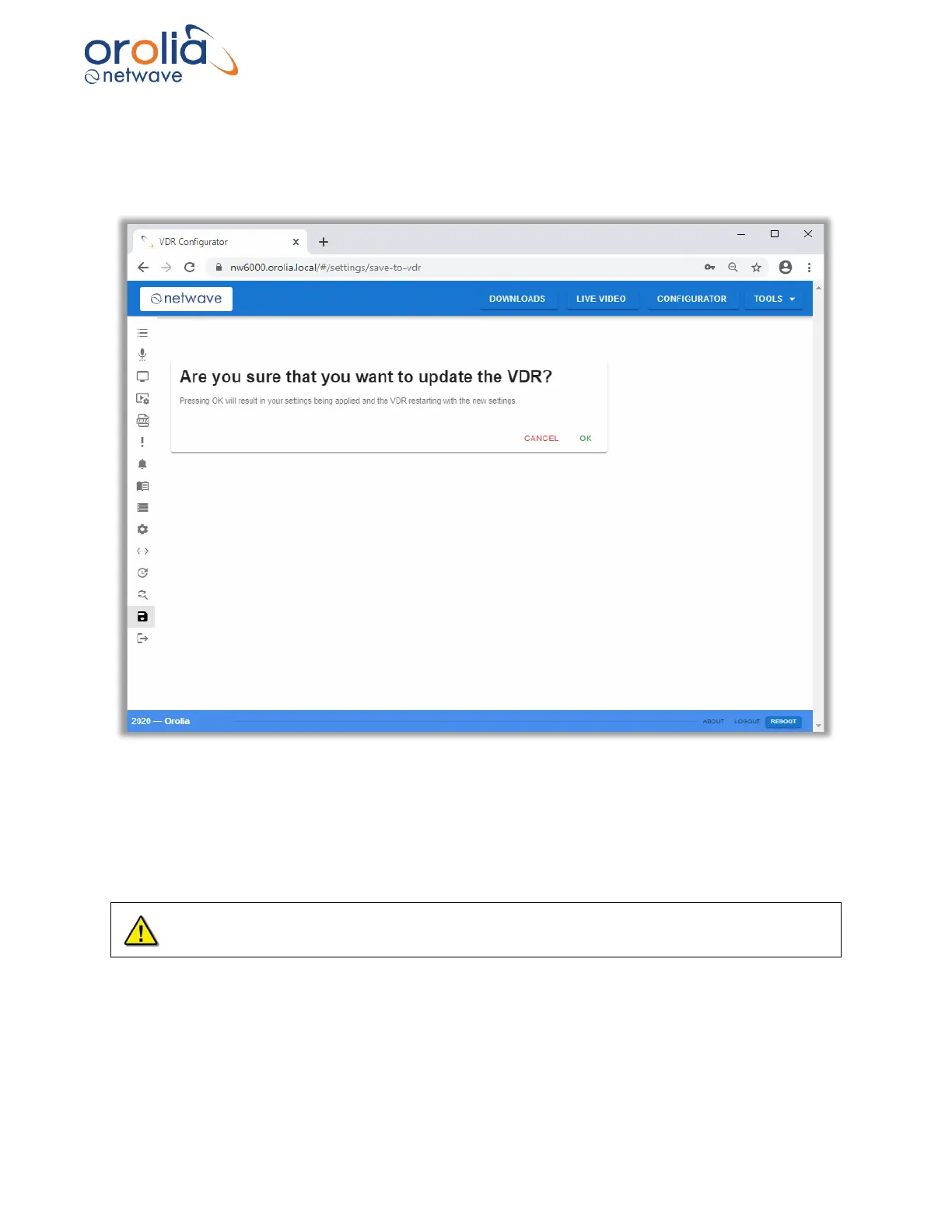
The VDR will reboot automatically if the Save to VDR is accessed and the OK button is pressed.
All configured settings will be stored to the VDR and will be used by the VDR after it reboots.
Figure 22.8.1 – Configurator page, Save to VDR tool
Once the installer has accessed the Configurator, using Authentication, the REBOOT button
becomes available in the footer of all pages.
Pressing the REBOOT button will reboot the VDR.
All configuration that has not been saved to the VDR will be lost if REBOOT is used.
After rebooting the VDR will use its previously stored settings.



 To Next Page