10.15 Sizing
To capture the entire image, the image size and offset values must be adjusted using the controls
under the Sizing tab. When adjusting the sizes, remember that a proper capture should fill the
Capture window and keep all 4 edges of the image within the Capture window.
• Important! It is NOT mandatory to adjust the captured image so that it completely fills
the entire capture window.
• The image should be adjusted so that it is as close as possible to the top and left edges
of the capture window to set the least amount of black space on the right and bottom of
the capture window.
10.16 Horizontal/Vertical Offset
First, adjust the Horizontal and Vertical offset:
1. Press the “Start” button in the Horizontal/Vertical Offset section on the Sizing tab page.
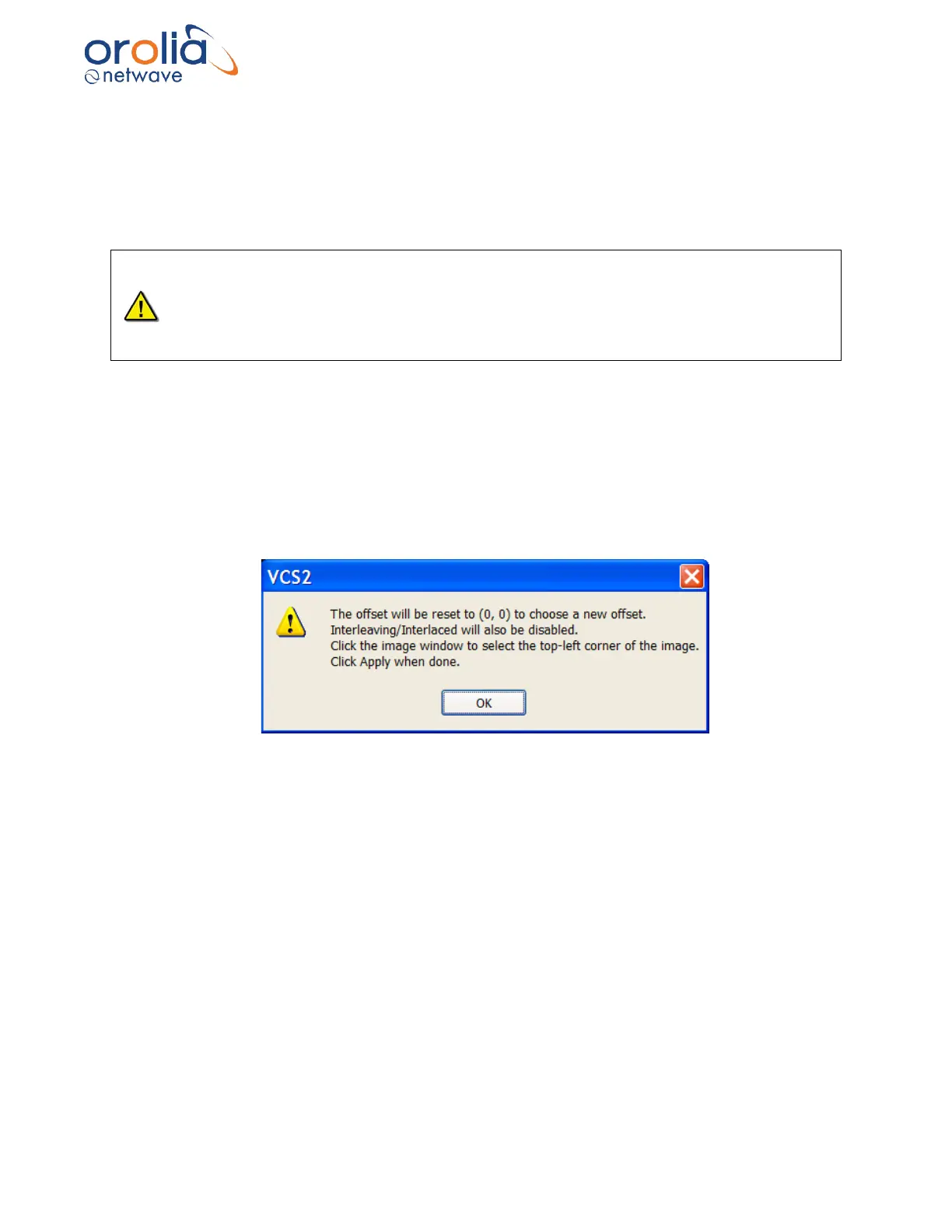
2. This will display the following warning:
Figure 10.16.1 - Offset Adjustment Warning



 To Next Page