22.3 Live Video
The Live Video webpage will display all configured video channels. This includes the video
channels from a Video module (NW6044) as well as connected LWE video channels. See chapter
7.7 how to configure video channels.
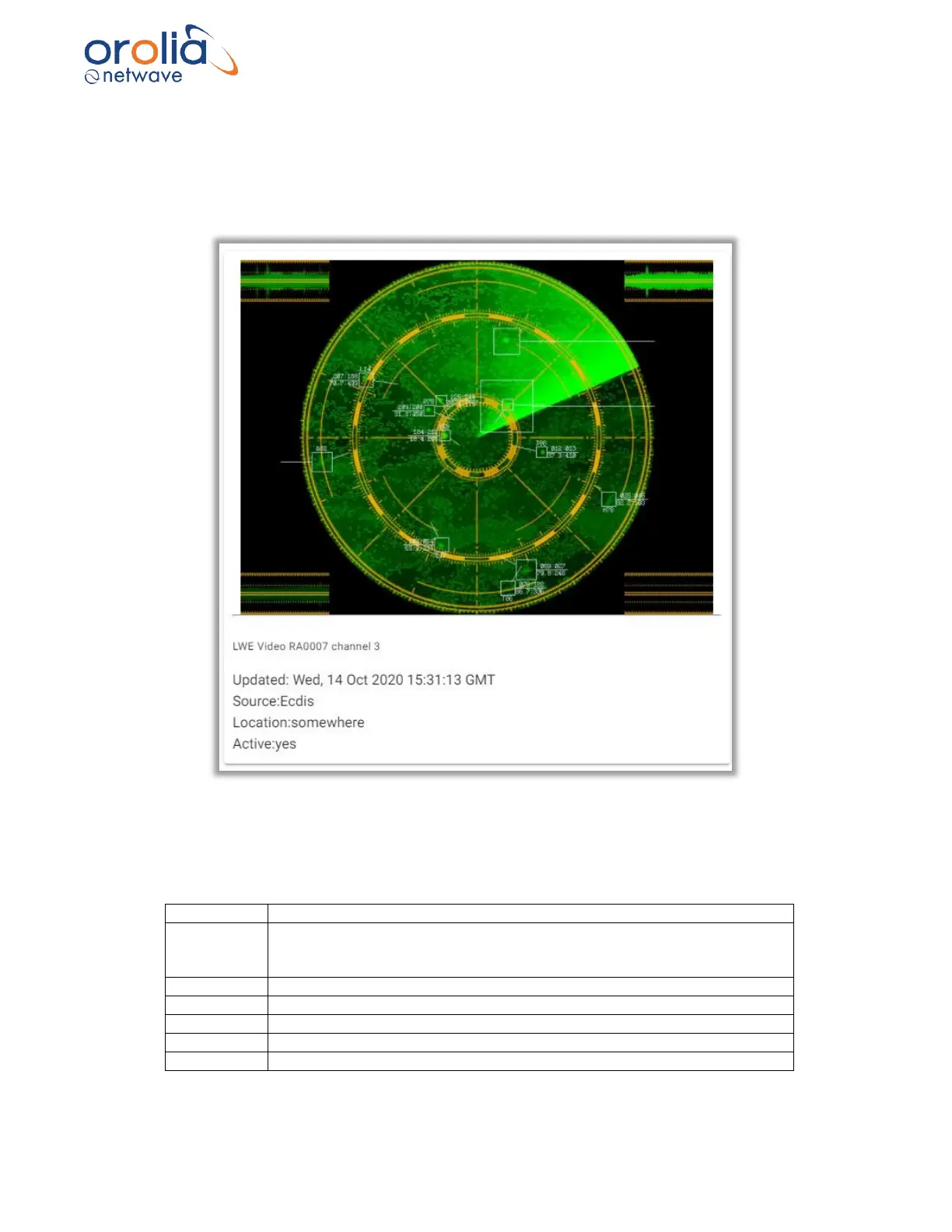
Figure 22.3.1 – Live video page, video channel
Each configured video channel will be displayed on the Live video page. On top of the video image
more information about the video source is available. Containing the following information.
Description of the video channel. Set in the video playback software
Name of the video source transmitted by the video source.
The source information will be red when no image is available for
recording.
Location of the video channel. Set in the video playback software
Indicates the status of the video channel. Transmitted by the video source
Video device number. A device can contain multiple channels.
The channel of the device.
UTC time of the recorded image.



 To Next Page